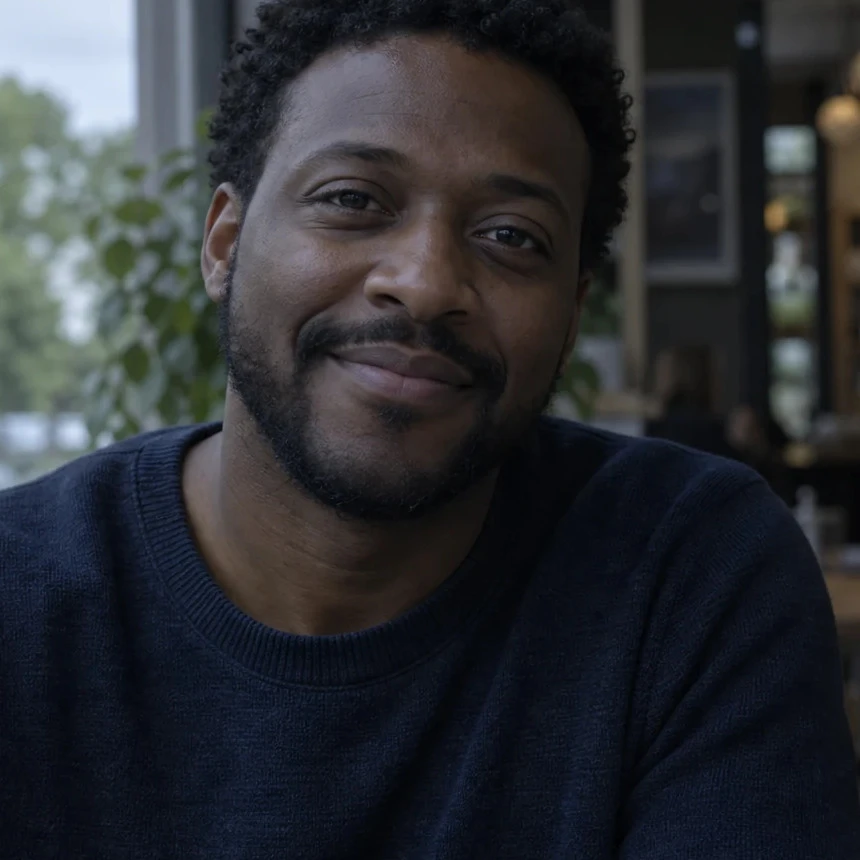
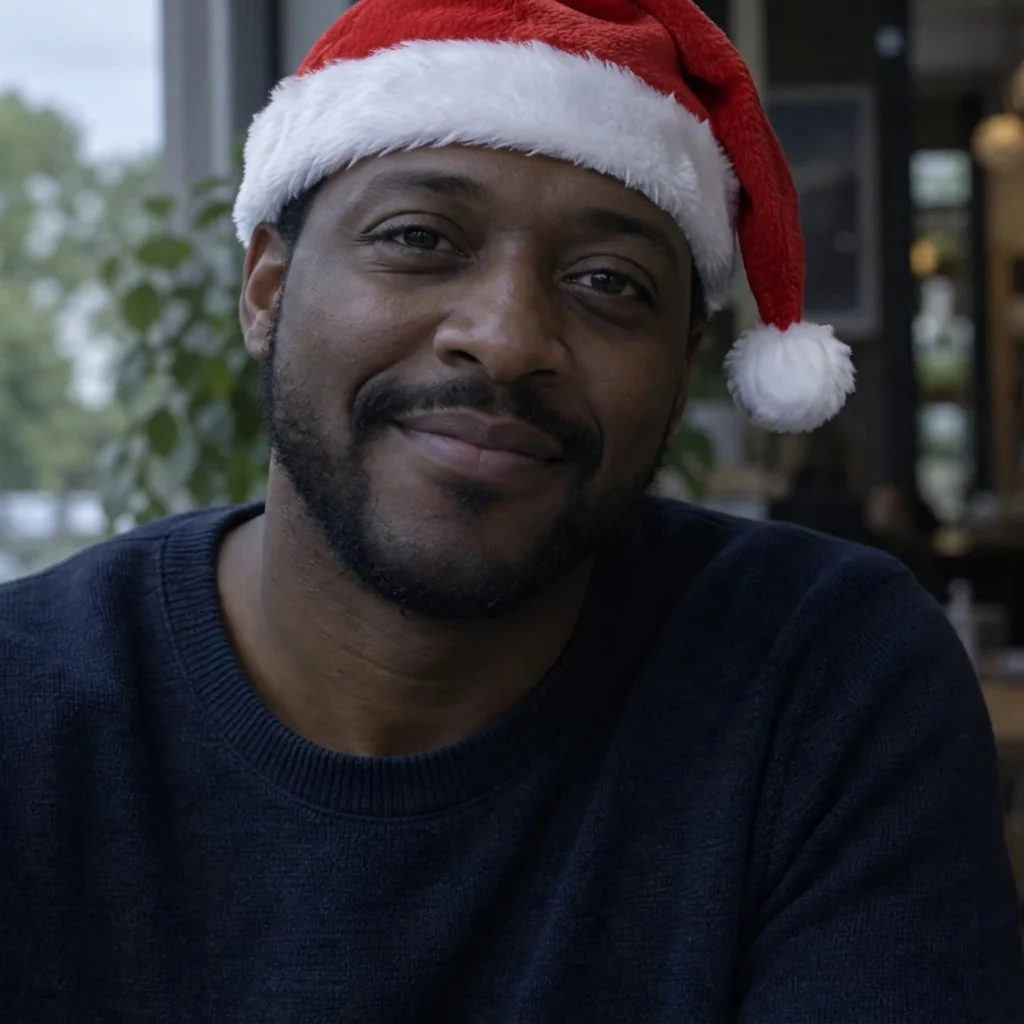
Square profile picture
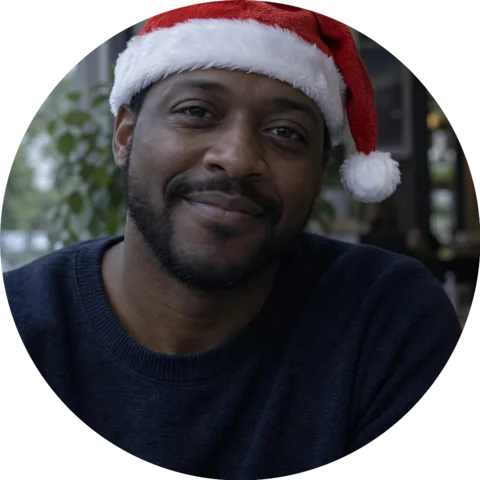
The hat follows the head, and its tip and pompom stay inside the square. Up close it is the same face and smile; the skin texture is slightly redrawn.
Santa hat, no extra note.
Upload a photo and every person and pet in it gets a red Santa hat that follows the head. The rest of the picture stays as it is, and one extra line such as "only the cat" changes who wears it. Free daily credits, no sign-up, no app.
A real edit of an AI-generated portrait.
Seven real results from this page's Santa hat look: profile pictures, a cat, a drawn avatar, a dog and a family. Load any of them and try it yourself.
The hat follows the head, and its tip and pompom stay inside the square. Up close it is the same face and smile; the skin texture is slightly redrawn.
Santa hat, no extra note.
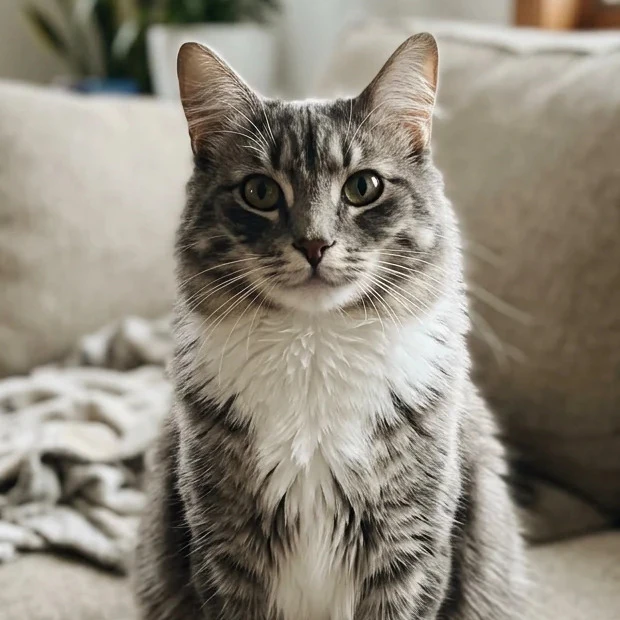
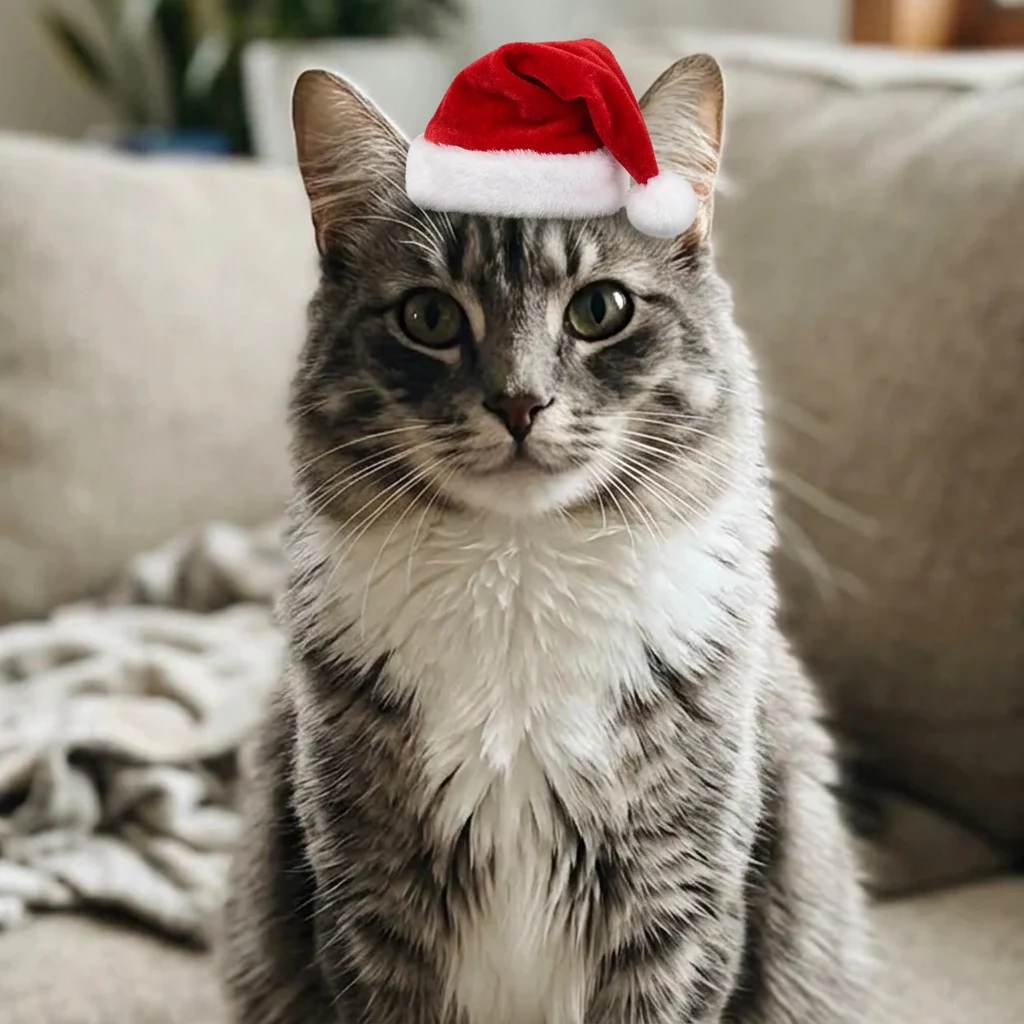
The cat is unchanged, but the small hat sits on top with sharp edges and no shadow, so it looks a little like a sticker.
Santa hat, no extra note.
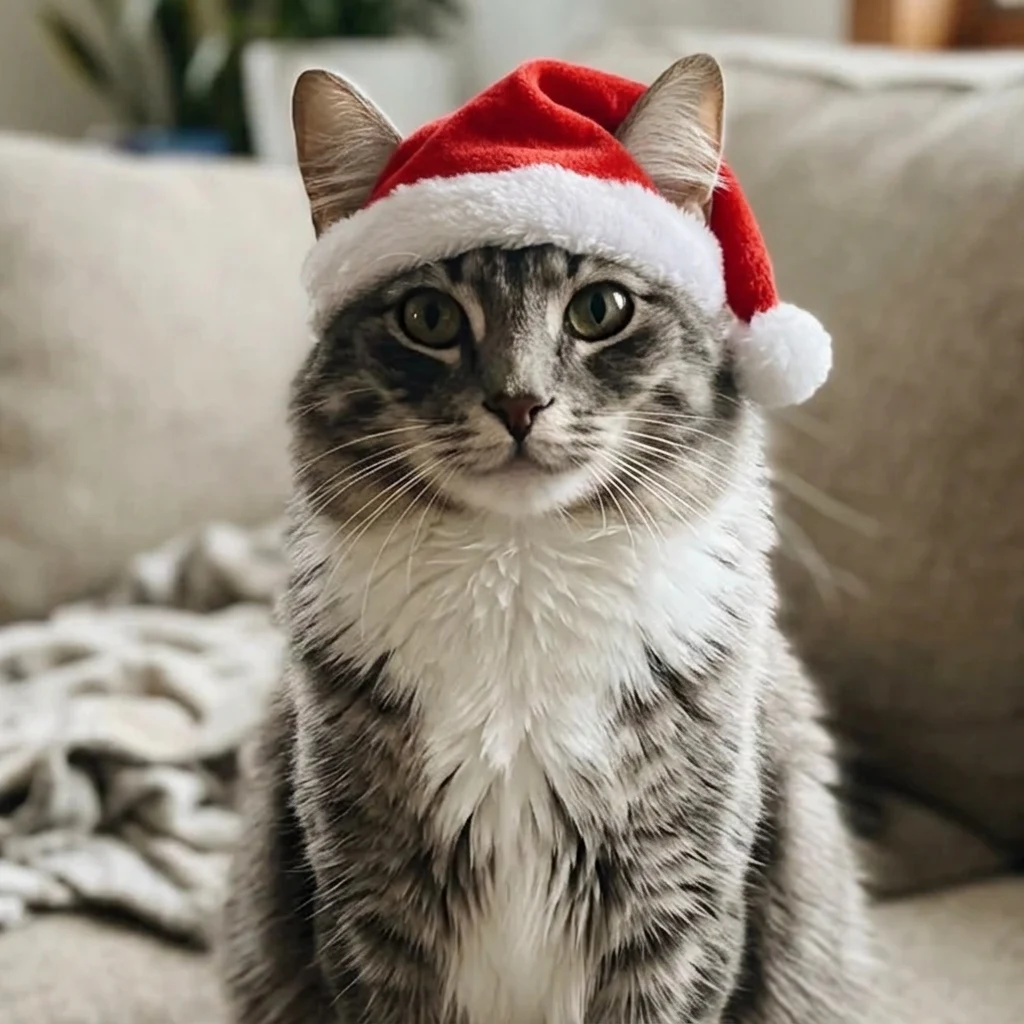
Now the hat sits down on the head with the ears through the sides, like a real pet hat. The brim covers a little of the forehead.
Santa hat, plus the note: Make the hat a little bigger and softer so it sits down on the top of the head between the ears, with a soft shadow on the fur, like a real pet hat.
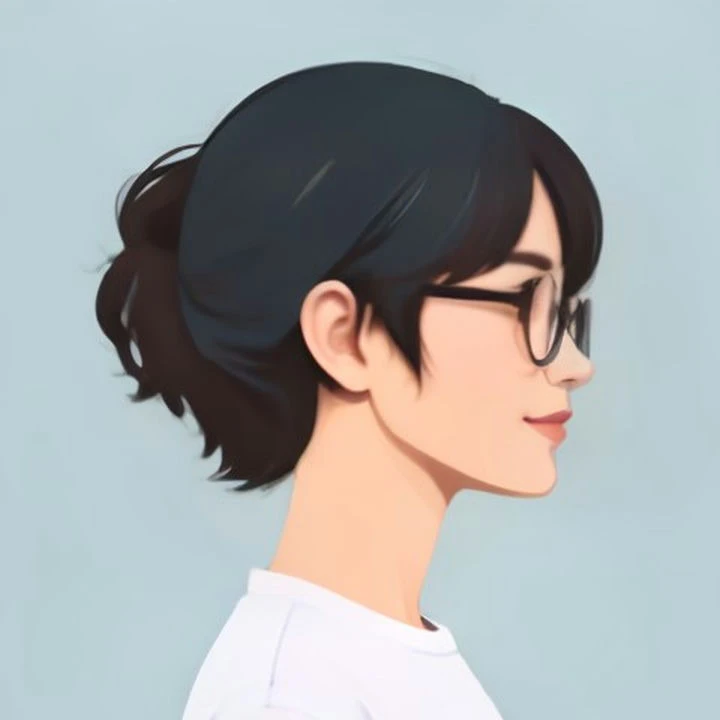
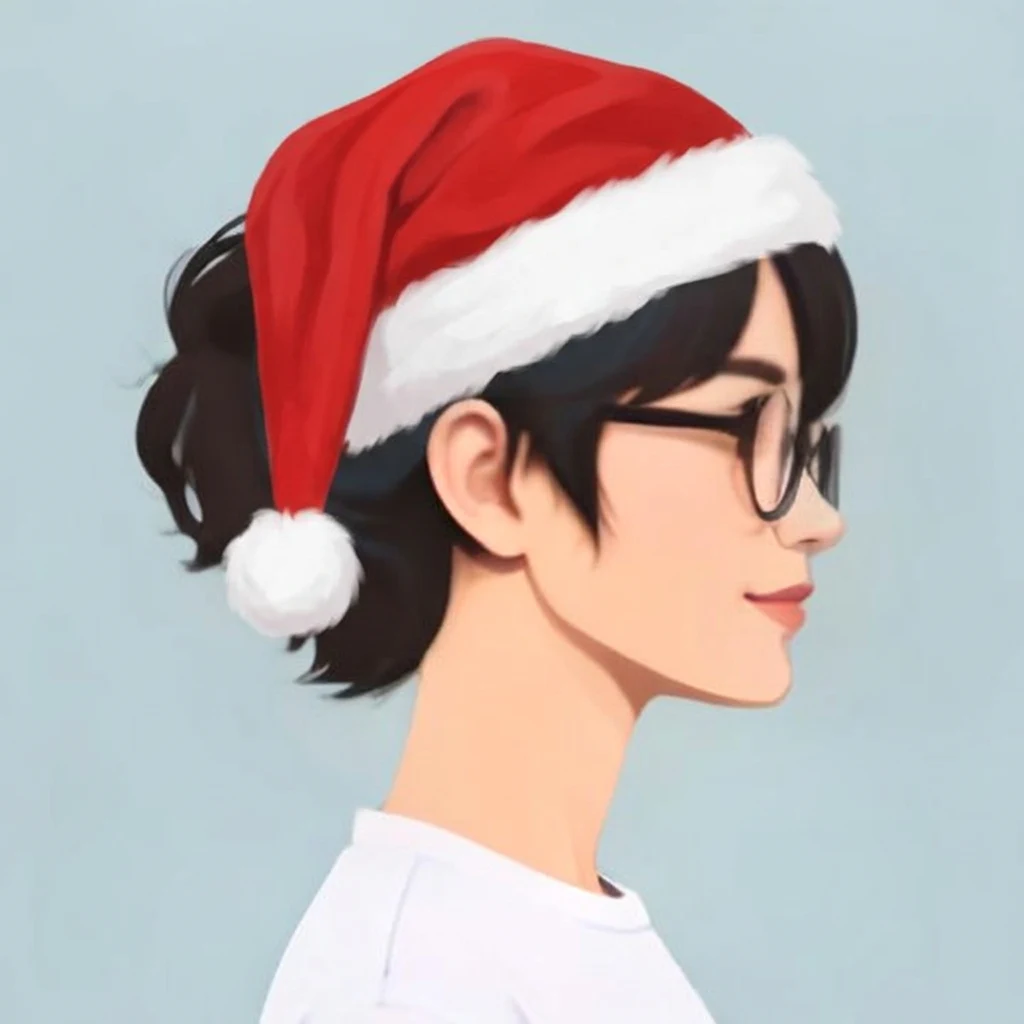
The hat follows the side angle and the pompom hangs behind. The flat drawn style, the face and the glasses stay the same.
Santa hat, no extra note.
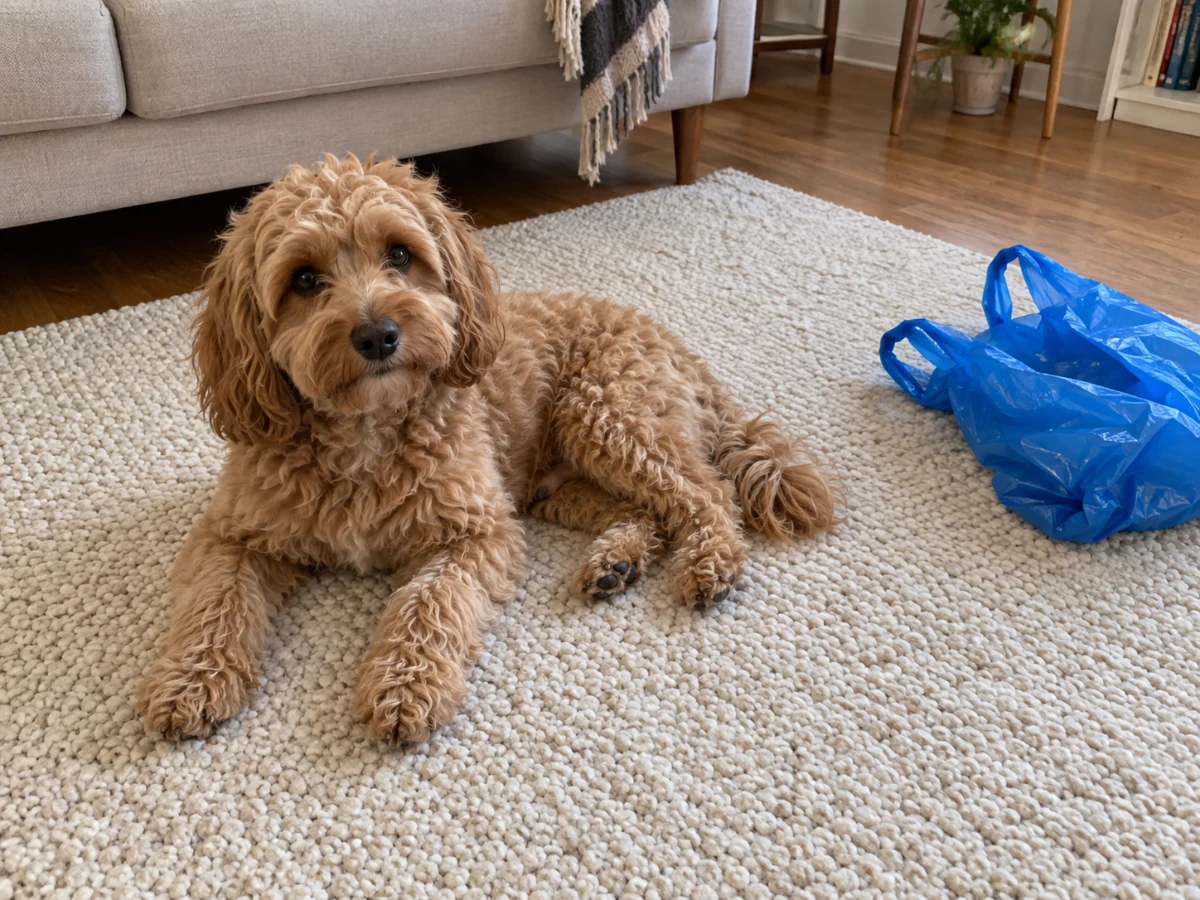
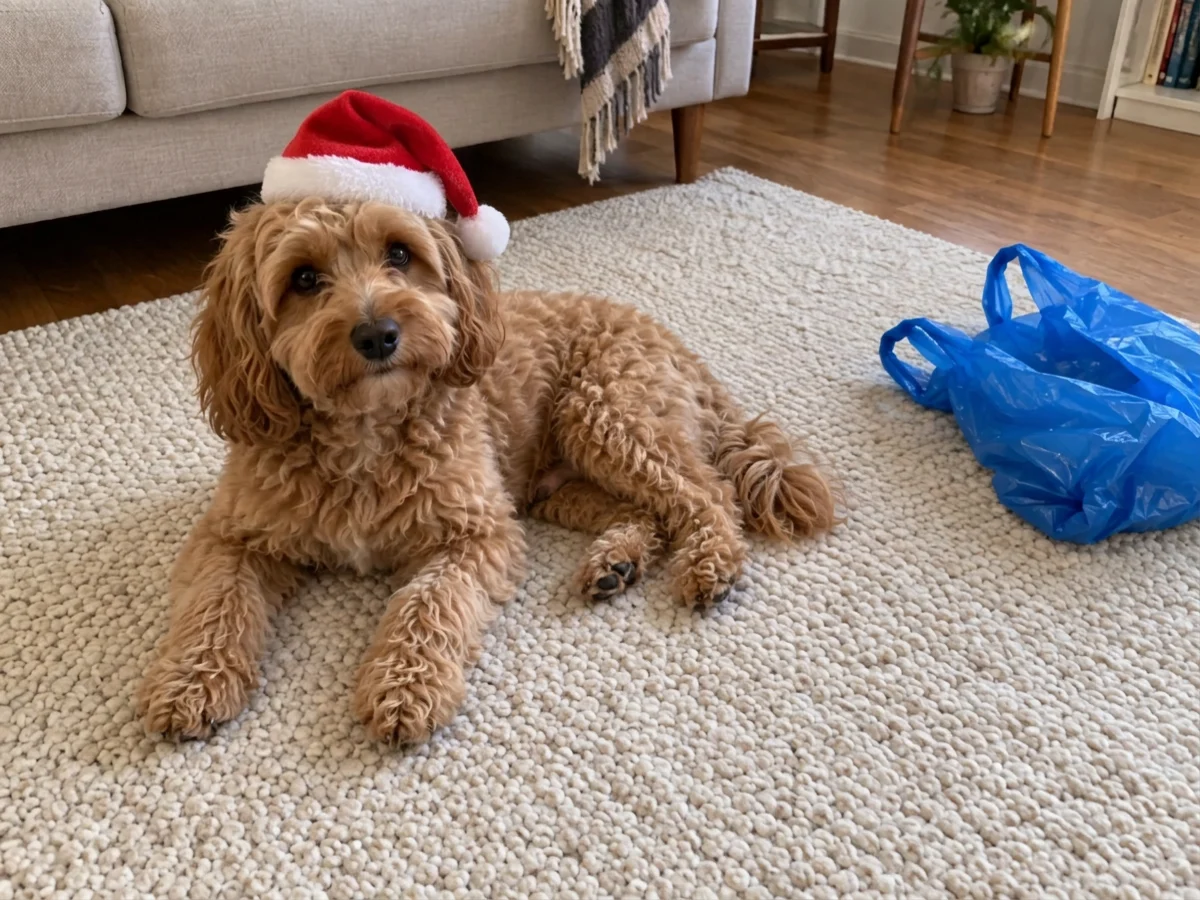
A small hat sits on the dog's head, and the rug, sofa and bag stay the same.
Santa hat, no extra note.
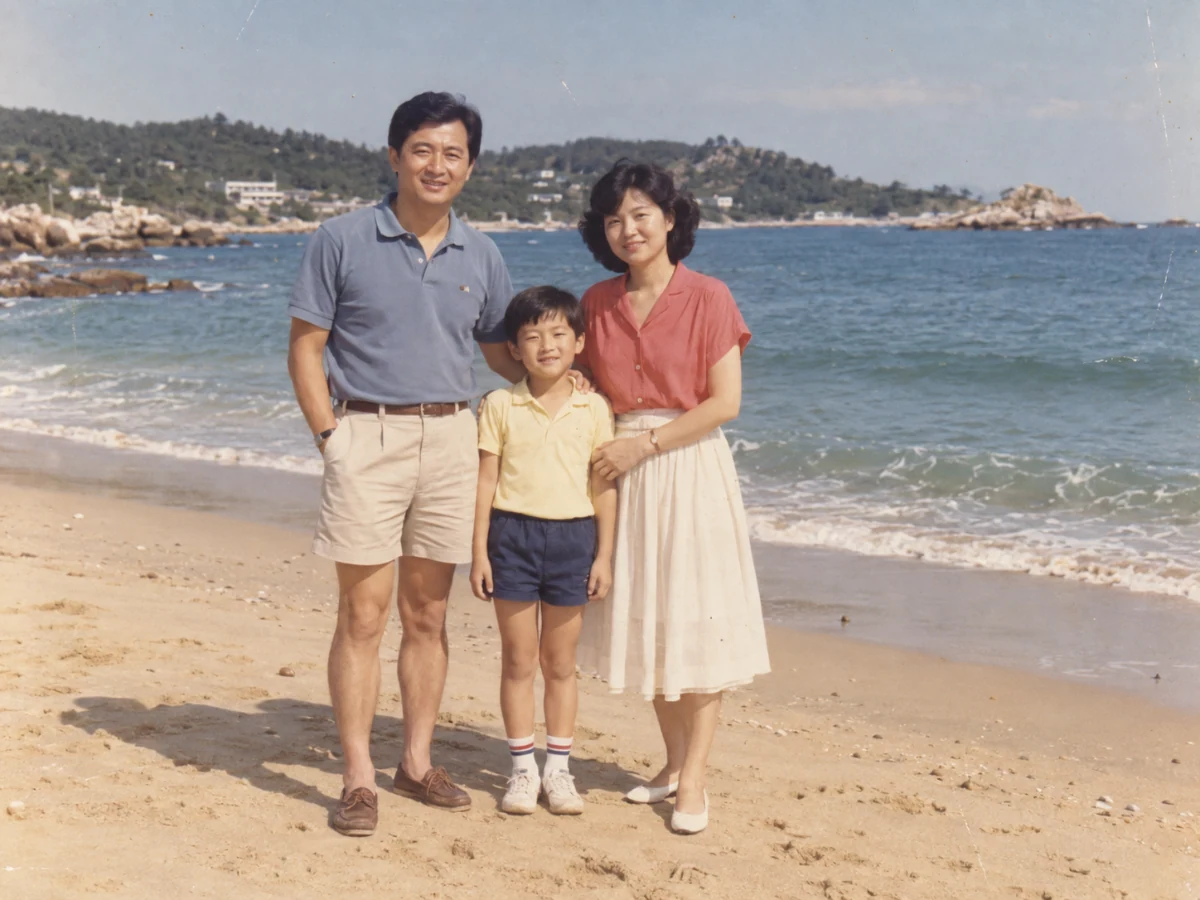
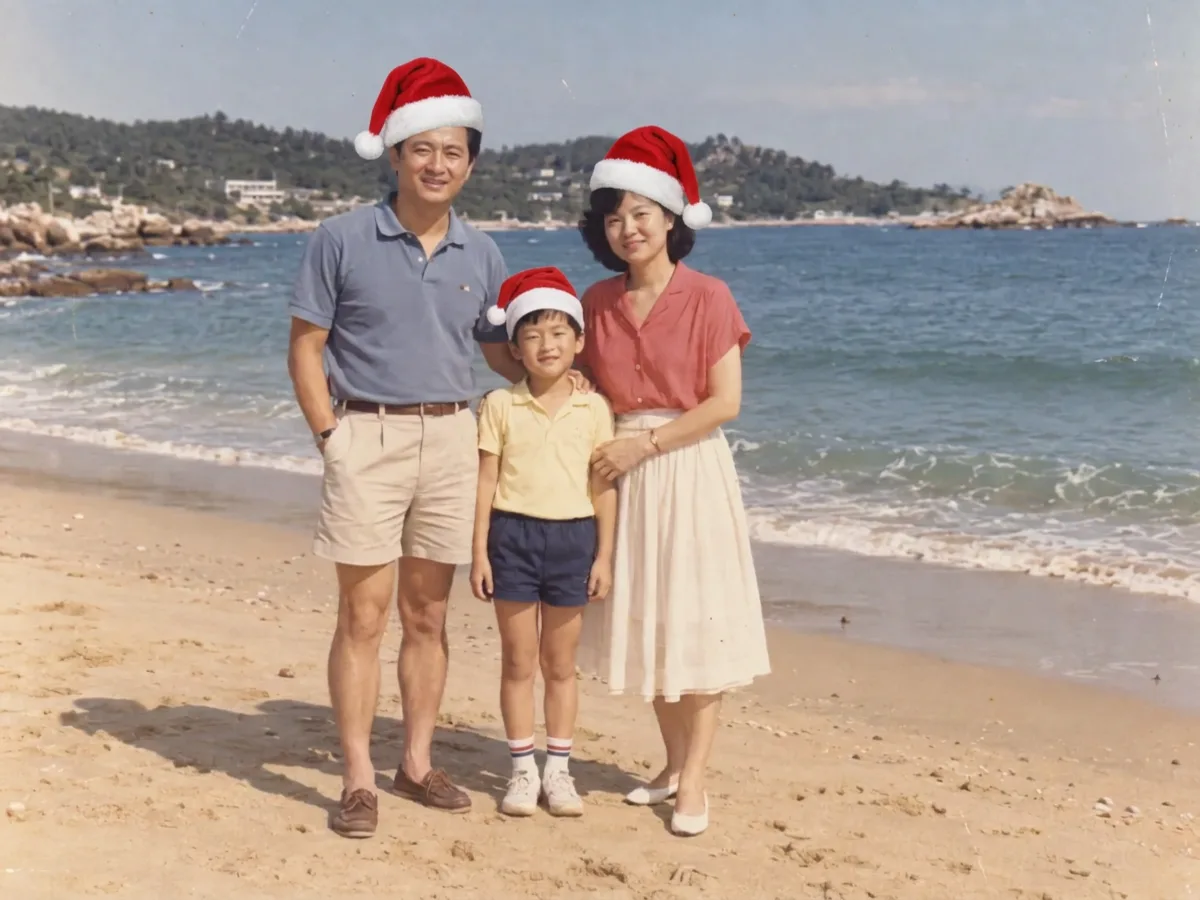
Each person gets a hat, and the beach, clothes and poses stay. Up close the father's smile is slightly different.
Santa hat, no extra note.
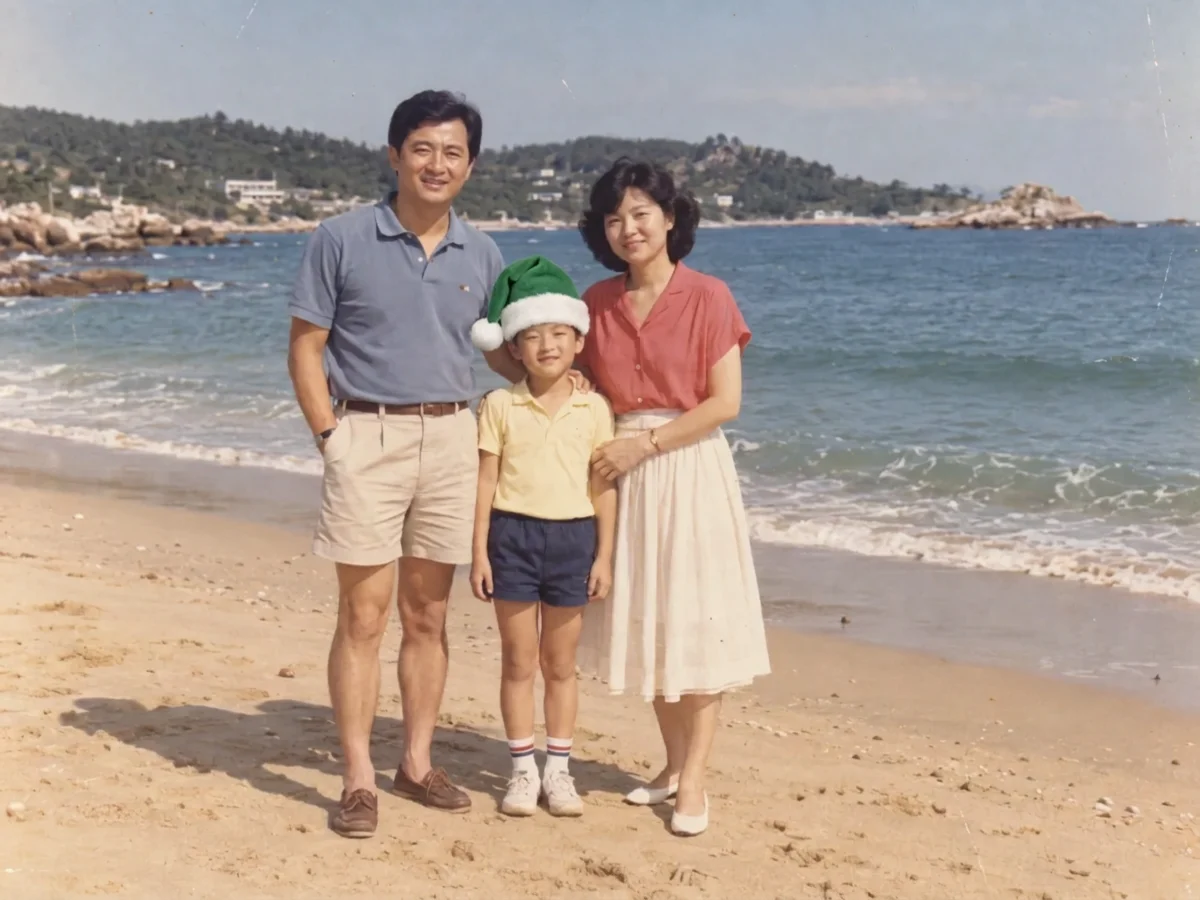
Only the boy gets a hat, and it is green; his parents stay as they were. A German note giving the hat only to the mother worked too.
Santa hat, plus the note: Only the boy, and make his hat green.
Each result is a single run of the Santa hat look on Nano Banana 2.1 at 1K, made on November 12, 2026. Every photo is AI-generated, not a real person or a customer upload. The green hat was made with the same note in Chinese.
Most people searching for "add Santa hat to photo" want it on their pfp, and a profile picture is usually a tight square with the head close to the top. That is the hardest case for a hat, so we tested it first: the hat followed the head and stayed inside the frame instead of being cut off, and the face stayed the same.
Round profile pictures cut off the corners. On X, Discord or WhatsApp, the top of a tall hat can disappear, as it does on the man below. If your head touches the top edge, crop your picture with some space above the head before you upload it.
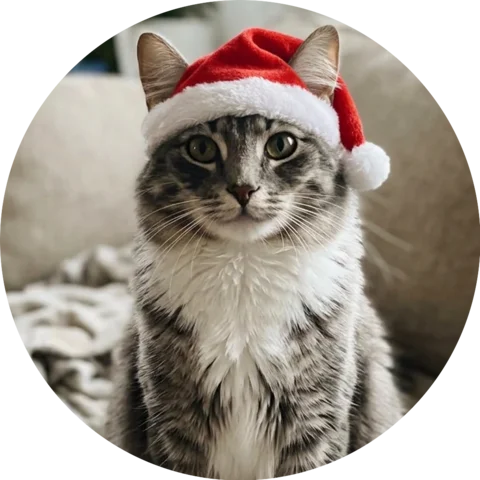
Dogs and cats work the same way: upload the photo and the hat goes on between the ears. On our cat the first hat came out small and sharp-edged and looked a little pasted on. One added line asking for a bigger, softer hat with a shadow on the fur made it look like a real pet hat.
If a person and a pet share the photo, say who should wear it, for example "only the dog". We tested a cat and a dog; other pets, such as hamsters, weren't tested.
By default every person and pet in the picture gets a hat. In our family photo all three hats fit and the beach, clothes and poses stayed. To give the hat to one person, name them: "only the boy, in green" and "only the mother" both worked, in Chinese and German.
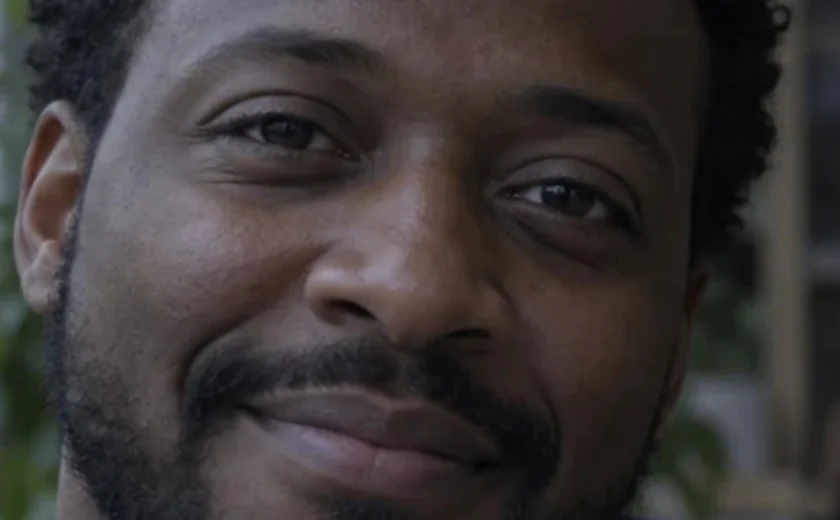
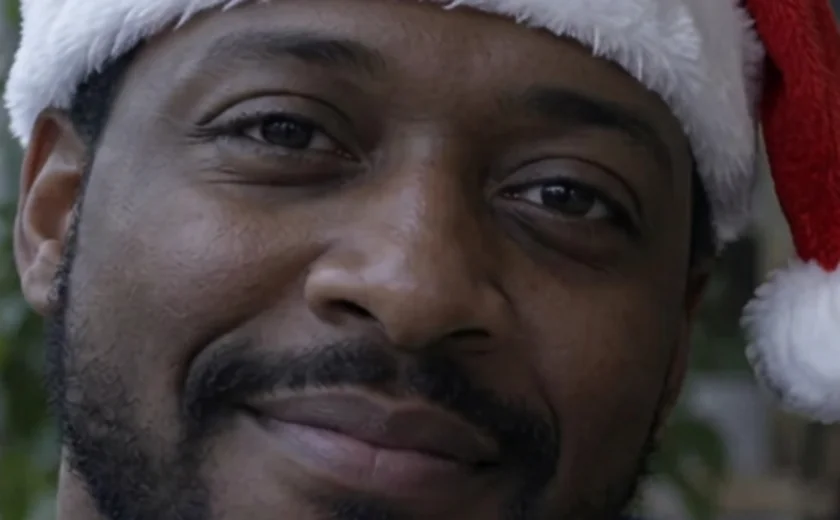
Not in a way you would notice at normal size. The model redraws the whole image, so skin texture and small details shift a little. We compared the man's face with an open-source face recognition model: 0.81 similarity to his original, about what a background change scores (0.83 to 0.88), while two different people score 0.13 to 0.27.
Looks that change clothes, such as Christmas pajamas, redraw more of the photo, so faces can differ slightly up close. See the face test on the AI Christmas photo page.
A Santa hat filter, a sticker app or an editor like Canva lays a ready-made hat over your photo, and you drag and resize it yourself. Your photo itself is untouched and some of these work on your device, but a flat sticker rarely matches the angle and light of your head.
ChatGPT and this tool redraw the photo with the hat in it, so it follows the head. When we asked ChatGPT without an account in November 2026, it said image editing needs a login; here you can add a Santa hat as a guest within the free daily allowance. Because the picture is redrawn and uploaded for processing, small details can shift.
Want a Christmas background, snow or a card border instead? Try the AI Christmas photo tool.
Tested and updated November 12, 2026
Credits and free daily edits are explained on the pricing page.
Yes. Every visitor gets free daily credits without an account, and the button shows the cost before each edit. Sign in only if you want to buy credits or keep your works.
Yes. Open the page in your phone's browser, upload from your camera roll and save the result back to your photos. There is no app to download.
No. You upload only your own photo and the hat is drawn into it. The tool doesn't export the hat as a separate PNG.
It can. In our square portrait the top of the hat reached the edge, and a round crop cut a little of it off. Leave some space above the head before you upload.
Yes. Write it in the optional note, for example "only the dog" or "make the hat green". Both kinds of note worked in our tests.
PicOnTap adds no watermark. Nano Banana 2.1 results carry Google's invisible SynthID watermark, which you can't see in the picture.
It is uploaded so the model can edit it, and the original and the result are stored so you can keep working; signed-in users can delete a work from My works. Whether a model provider may use images for training depends on that provider, and we don't make a blanket no-training promise.