Remove an object
Try it now2 credits per editA free object remover for travel, pet and product photos. Brush over distractions and compare before you download.
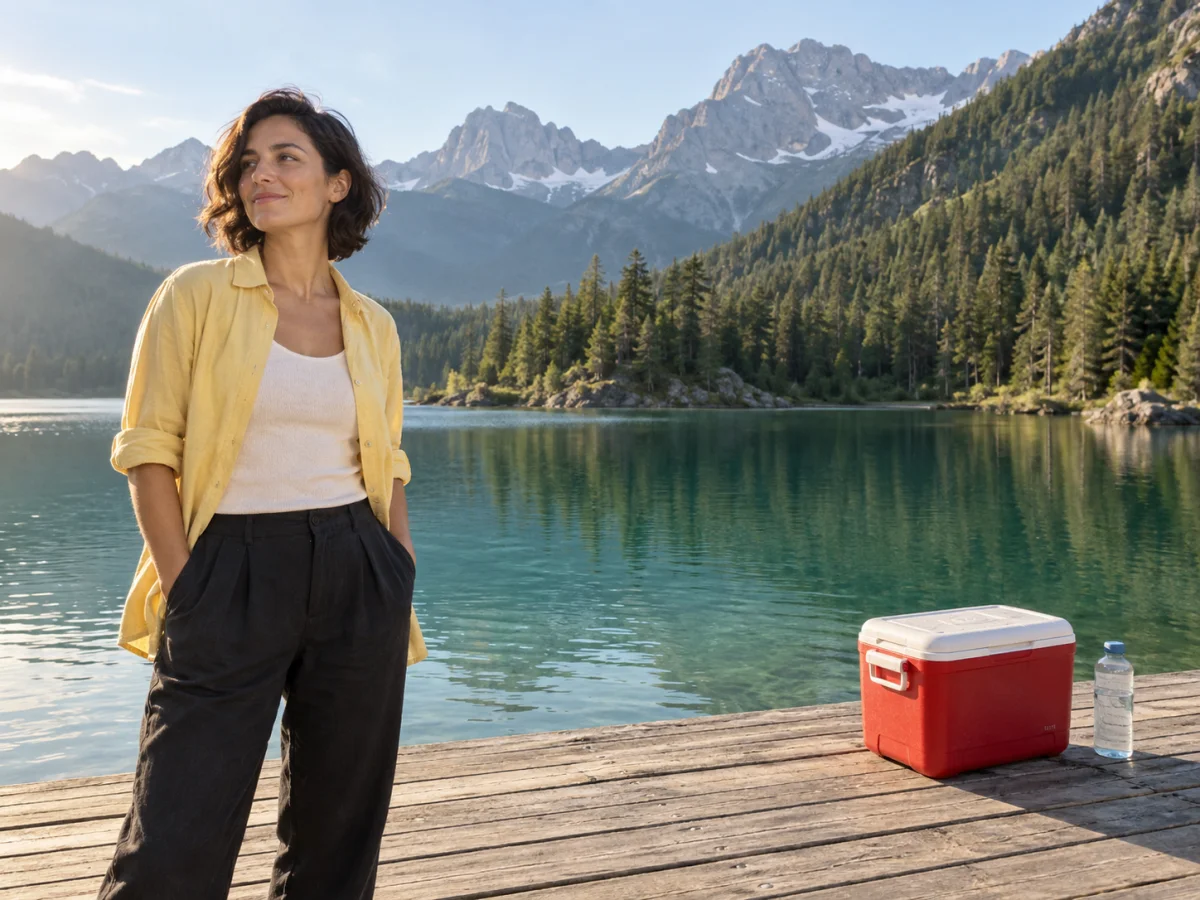
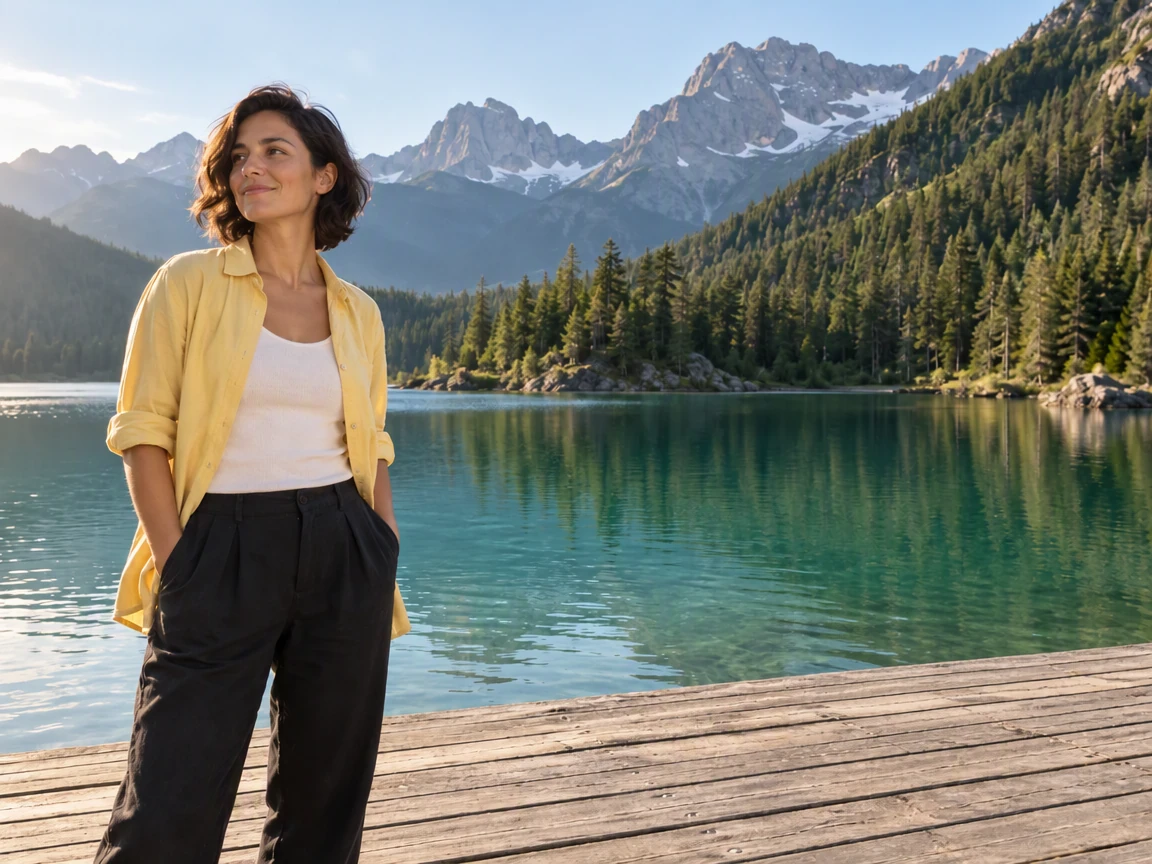 OriginalResult
↔
Drag to reveal the difference
A free object remover for travel, pet and product photos. Brush over distractions and compare before you download.
OriginalResultChange photo backgrounds for product shots and portraits. Choose a color or describe a scene, then compare the details.
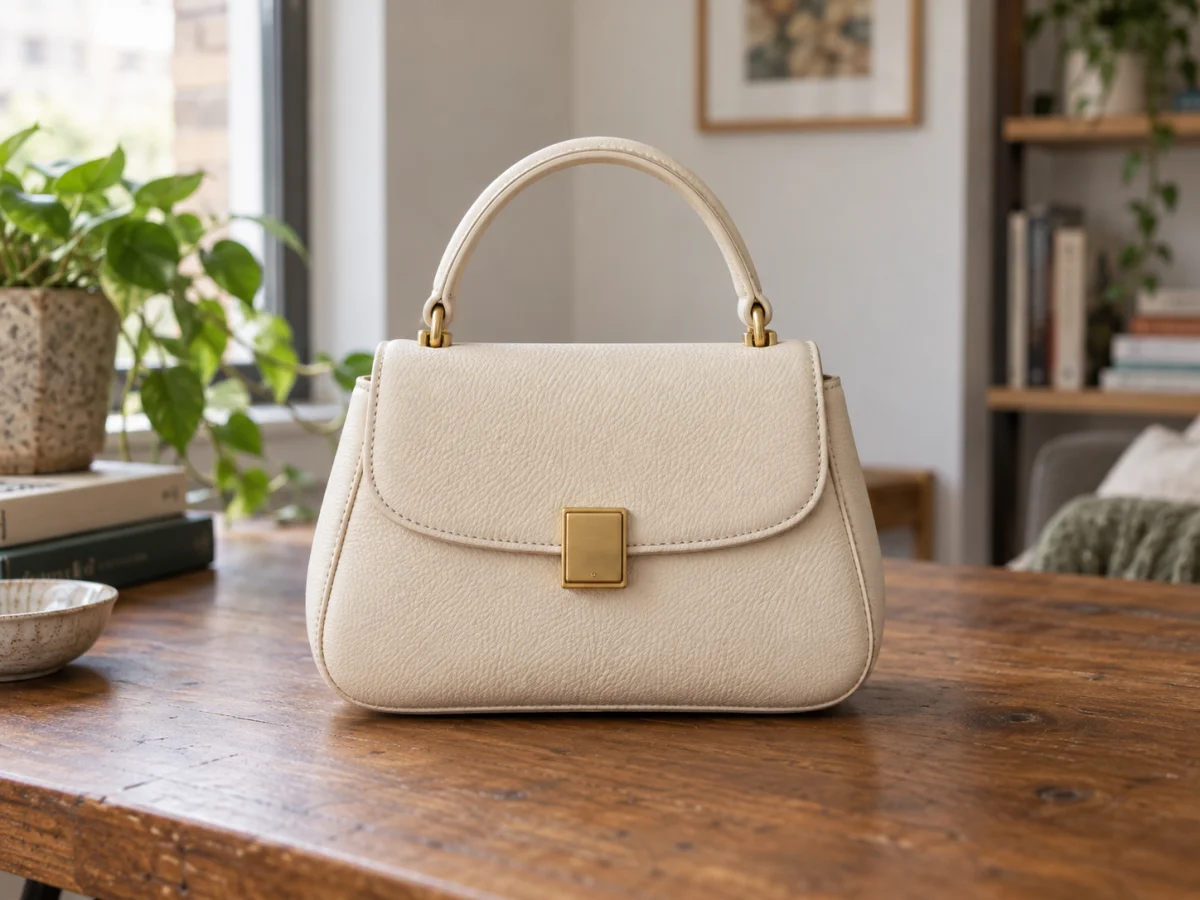
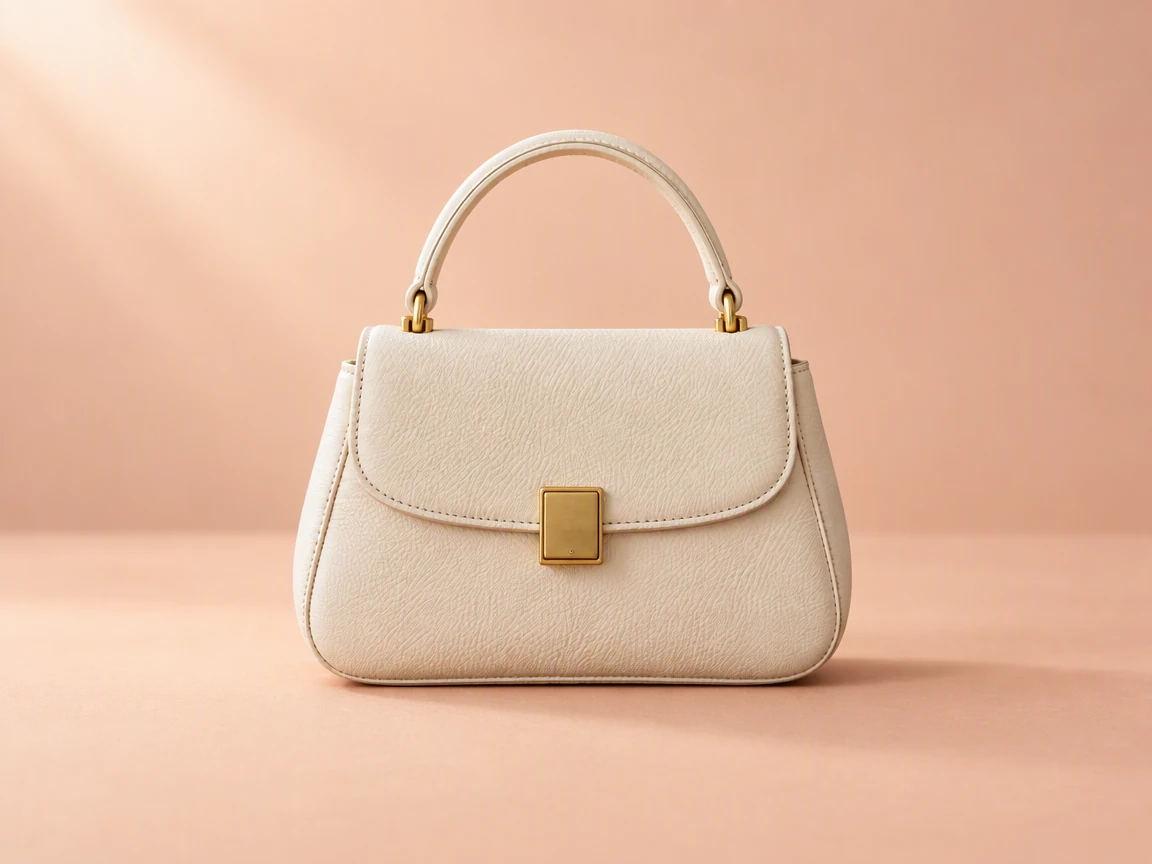
A free image color changer for furniture, fabric and bags. Brush the area, choose a shade and compare its texture.
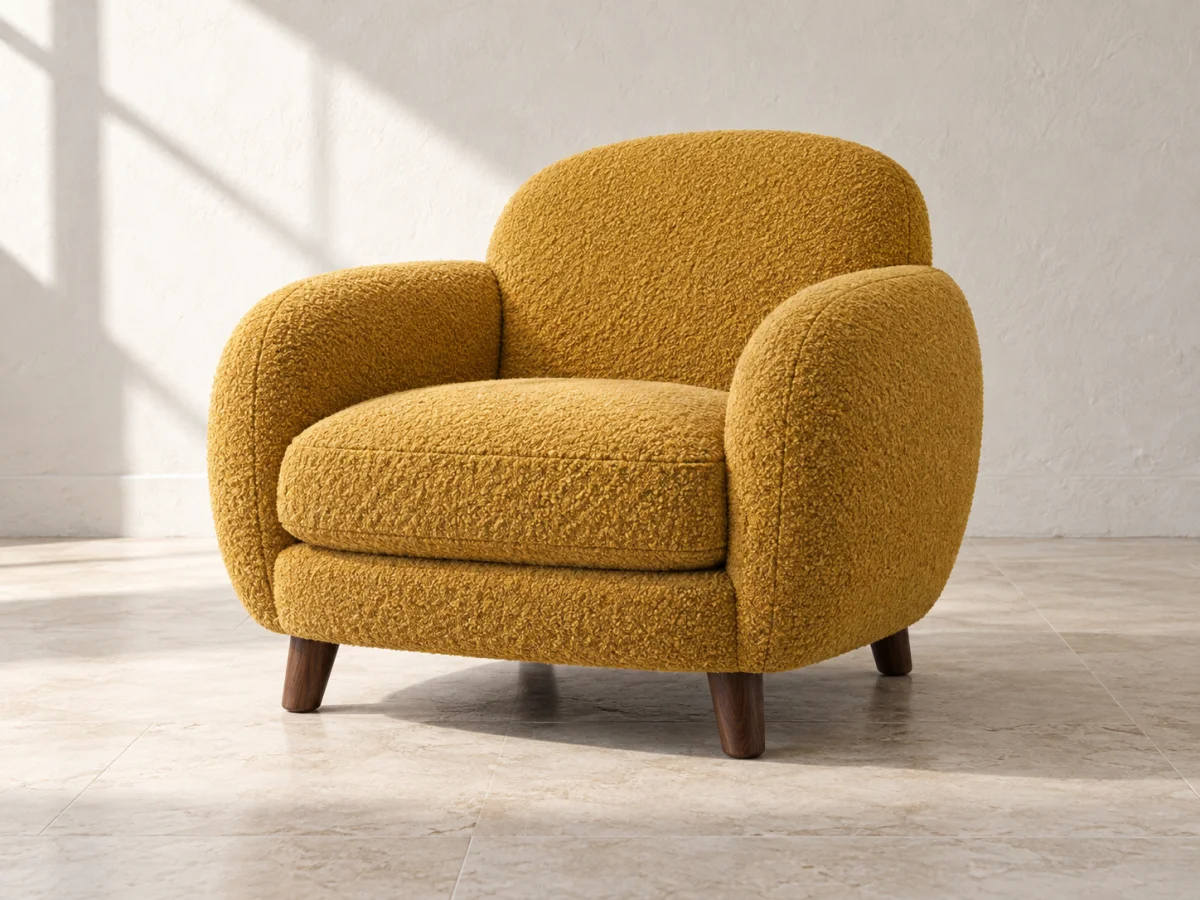
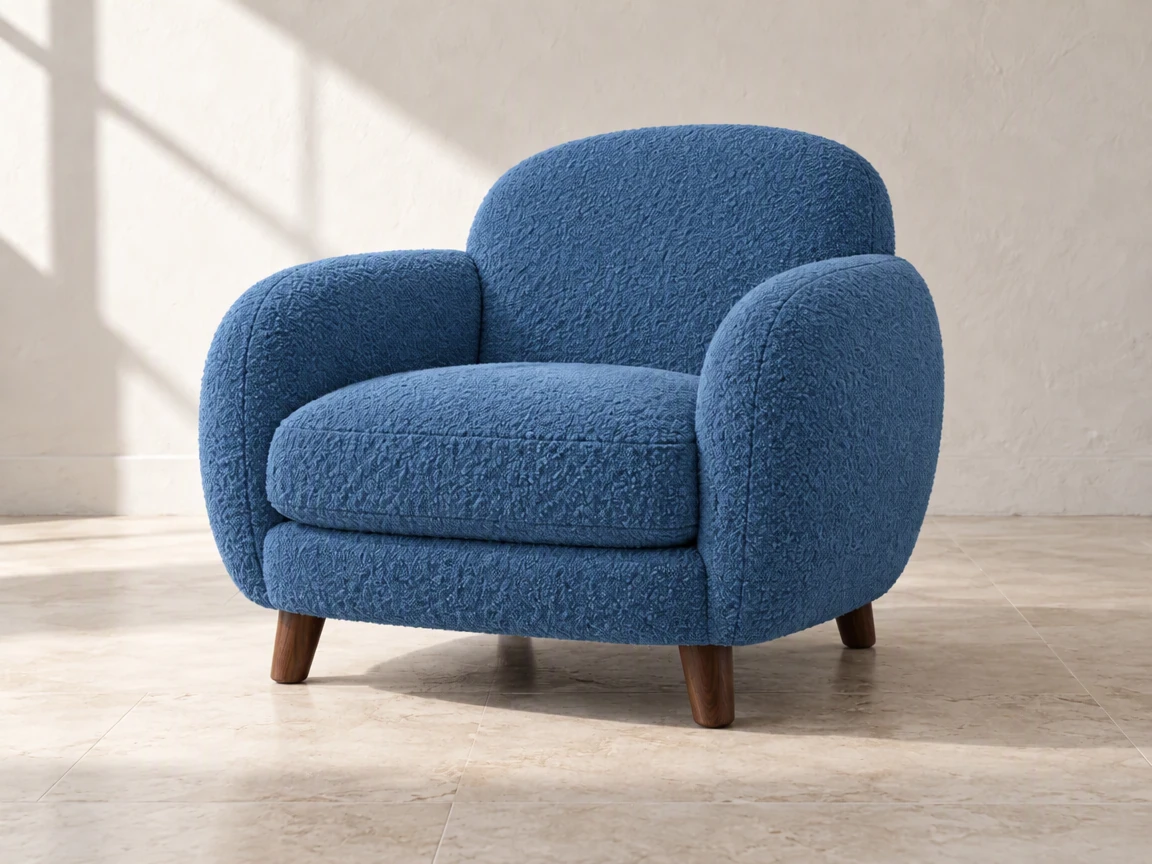
Free old photo restoration for scans and phone captures. Soften scratches, fading and mild blur, then compare familiar faces.
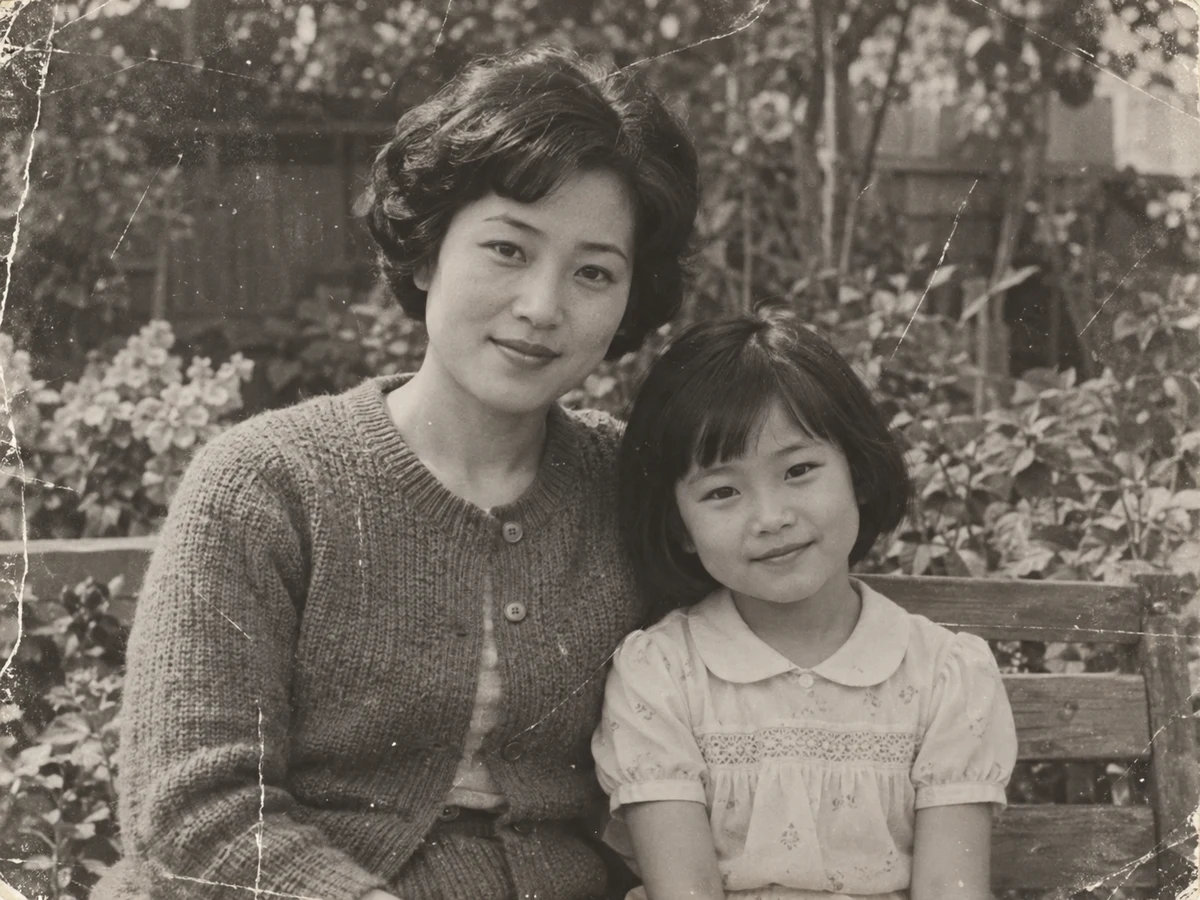
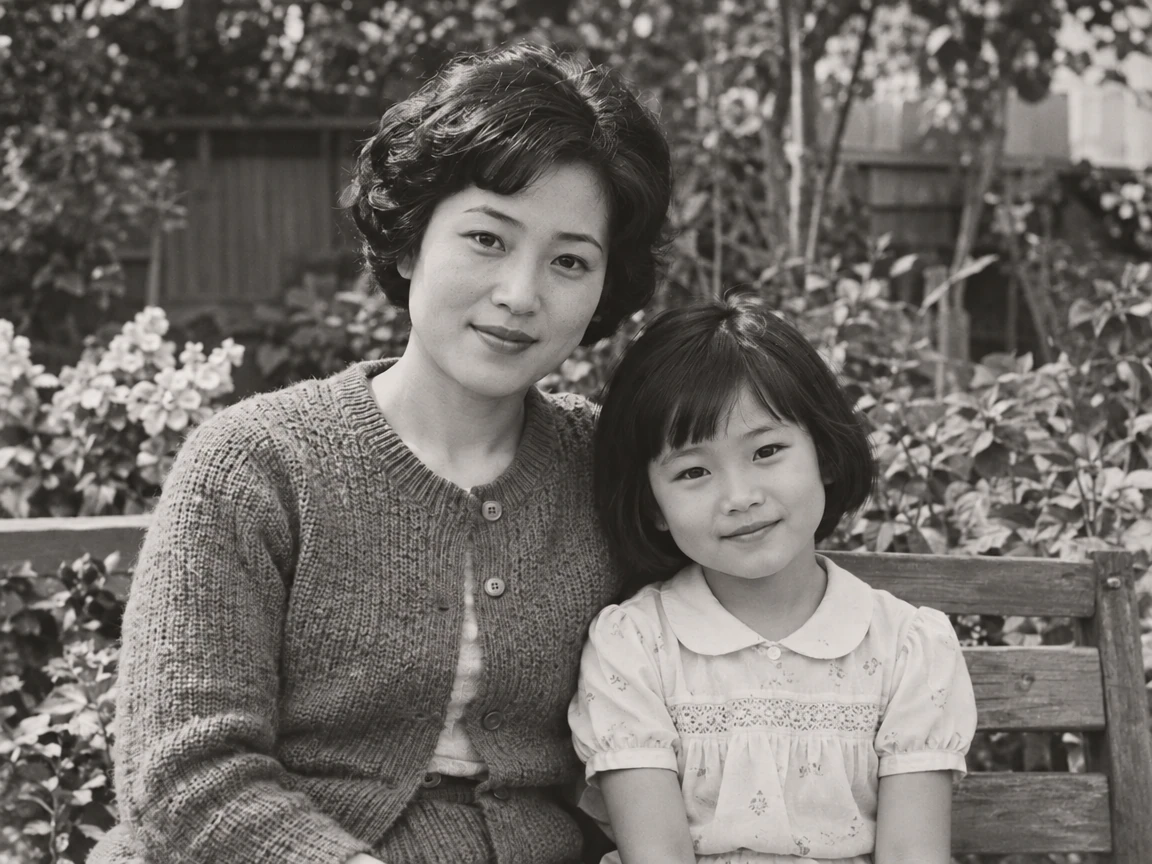 OriginalRestored
Use this free AI shadow remover to soften the shadow that distracts from your photo. Preview a focused edit, compare it with the original, and keep the version that looks natural.
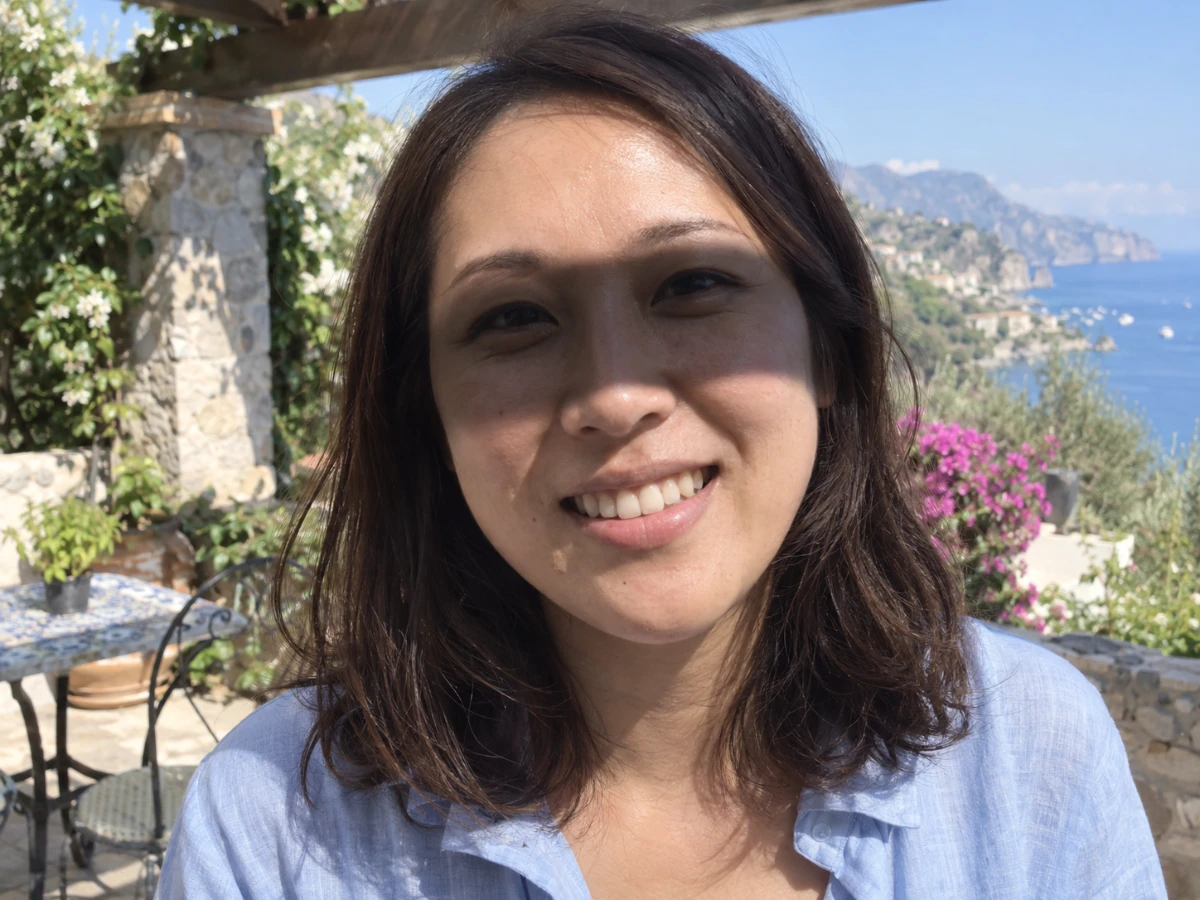
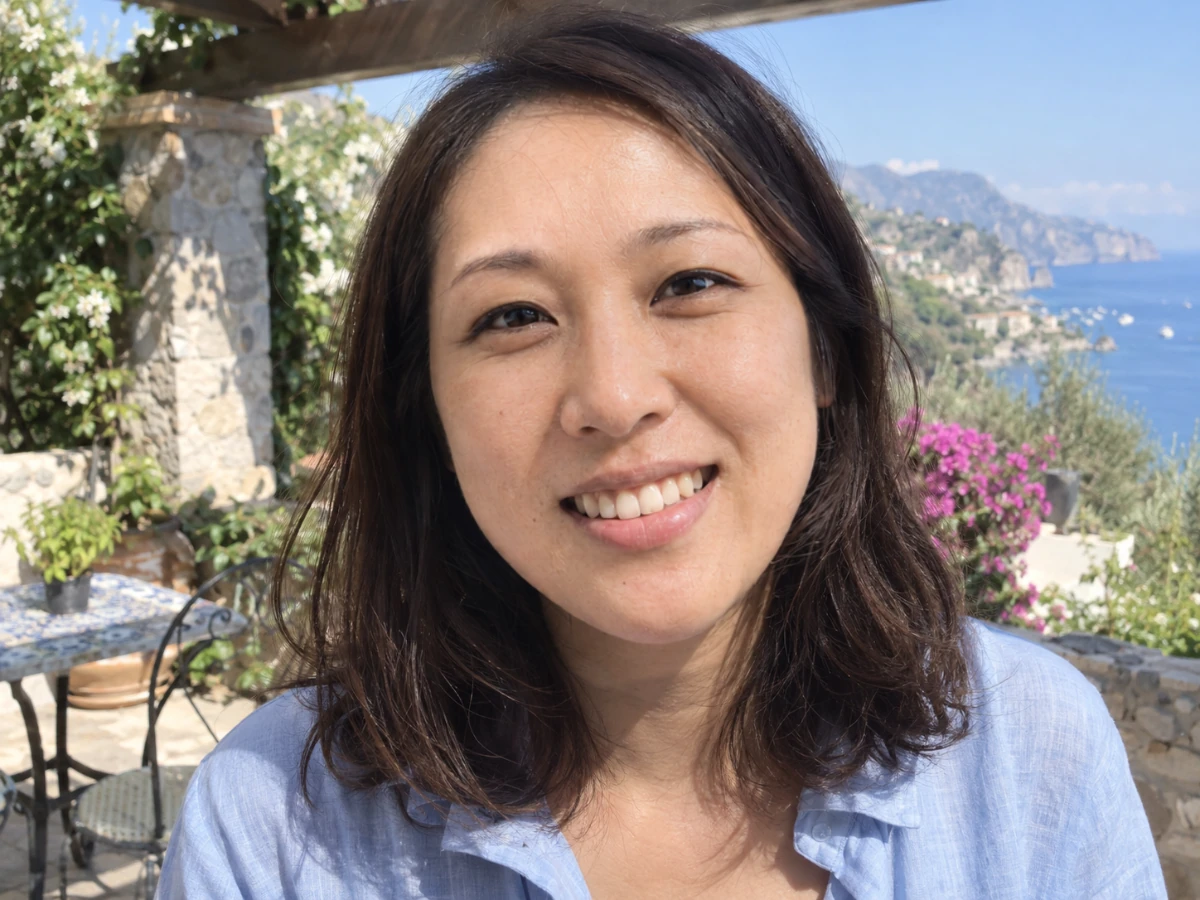 Original shadowShadow reduced
This free glare remover takes glare and reflections out of photos in one click. Brush an area only when you want a local edit.
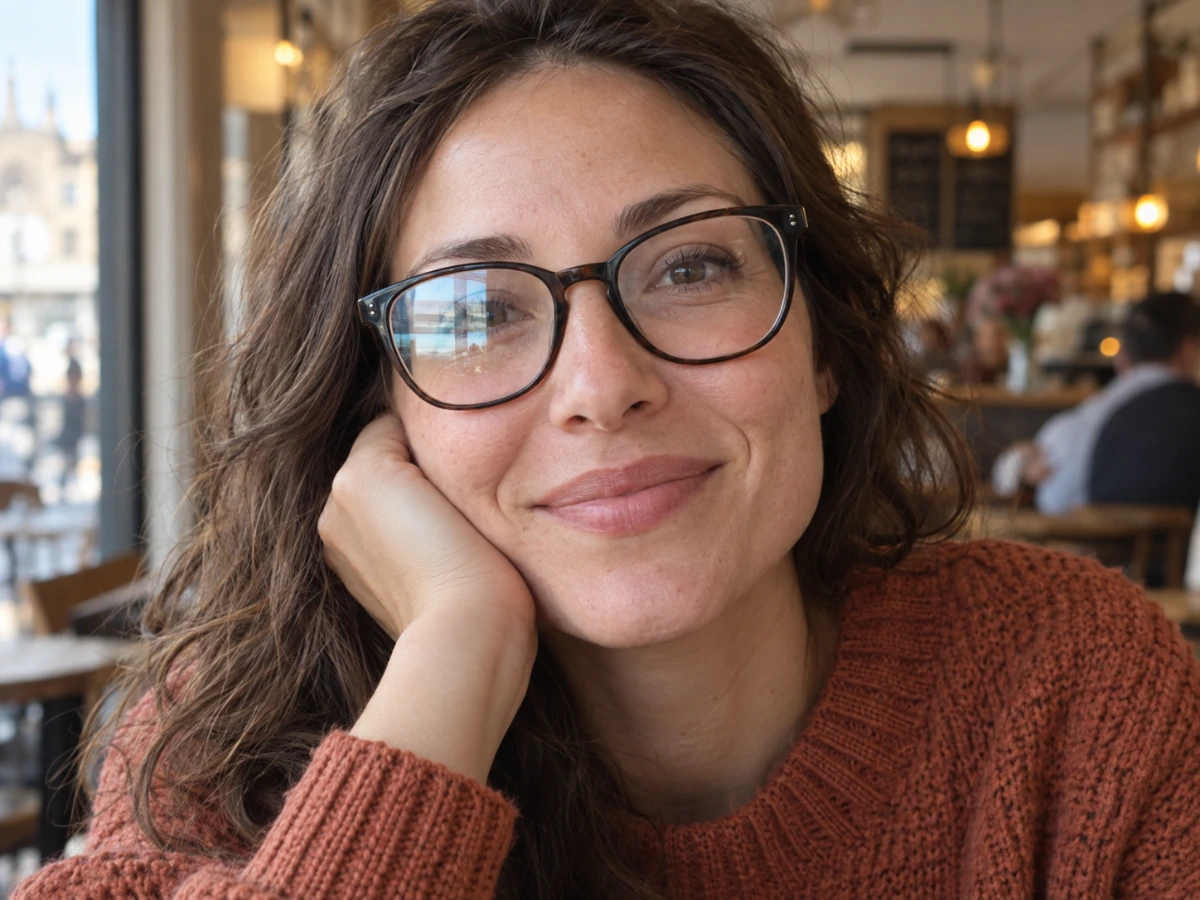
Explore, upload, and choose your settings without spending credits. Review the cost before you generate.
Examples made with GPT Image. Your results depend on the image and settings.