Free AI Image Editor No Sign Up

Edit photos with text: describe a change and this AI image editor makes it online, right in your browser. Free daily credits, no account needed.

PNG / JPG / WebP · up to 10 MB
Image settings
Aspect ratio

Ask the model to preserve the input aspect ratio. Output pixel dimensions may differ.

Loading…

Photos that meet the model's requirements are sent as they are; others are converted once into a format it accepts. The result comes back in the model's own format and size, and transparency may not be kept. You can close this page after submitting; the edit keeps running.

See PicOnTap in 30 seconds

Watch a photo get edited from one sentence, then see how marking an area, comparing versions and free daily credits work.

Video transcript

One sentence… tap. Gone!

Hi, I'm PicOnTap! A free AI image editor, right in your browser.

Remove objects, replace backgrounds, recolor, restore, clear shadows and glare. Plus add, relight, illustrate.

Upload, describe it, paint just the spot, slide to compare. Then download, or keep editing.

Only what you mark changes. You see the cost first. Free daily credits, no sign up.

Editing a lot? Plans from five dollars a month, billed yearly.

If one sentence can fix it… which photo would you fix first?

PicOnTap dot com.

How to edit a photo with PicOnTap

  1. Upload your photo

    Add one JPG, PNG or WebP picture, or start with an example above. Nothing to install.

  2. Describe your change

    Tell the editor what to change in plain words. Paint over an area when the edit should stay local.

  3. Compare and download

    Compare the result with your original, then download it or keep editing from that version.

First time here?Read the editing guide

AI photo editor free, no sign up

PicOnTap works online in your browser and edits pictures from a single sentence, without layers, masks or a learning curve. Open the page, add a photo and describe what should change.

  • Free daily credits

    Every visitor gets a free daily allowance. It resets at 00:00 UTC, and the pricing page lists the current amounts.

    See current credits
  • No sign up, no download

    Open the page and start. PicOnTap runs online on desktop or mobile, with no account to create, no app to install and no credit card.

  • Edit images with text

    Say what you want: remove a person, change the background, warm up the light. One sentence becomes the edit.

  • Point to the area to change

    Paint over an area to show where the edit belongs. Marks guide the model rather than cut out the image, so compare the whole result before you download.

  • Compare before you download

    Check each result against your original with a slider, keep earlier versions and continue editing from any of them.

  • Private by default

    Uploads are private by default. If an edit fails for technical reasons, the credits for that attempt are returned.

What you can do with PicOnTap

Use the main editor for any change you can describe, or open a dedicated tool when you already know the job. Each tool runs on the same editor with steps tuned for the task.

  • Remove objects from photos

    Erase people, cables, signs and clutter, and the gap is filled to match the surrounding scene.

  • Change photo backgrounds

    Place a product or portrait in a new setting while the subject stays where it is.

  • Recolor objects

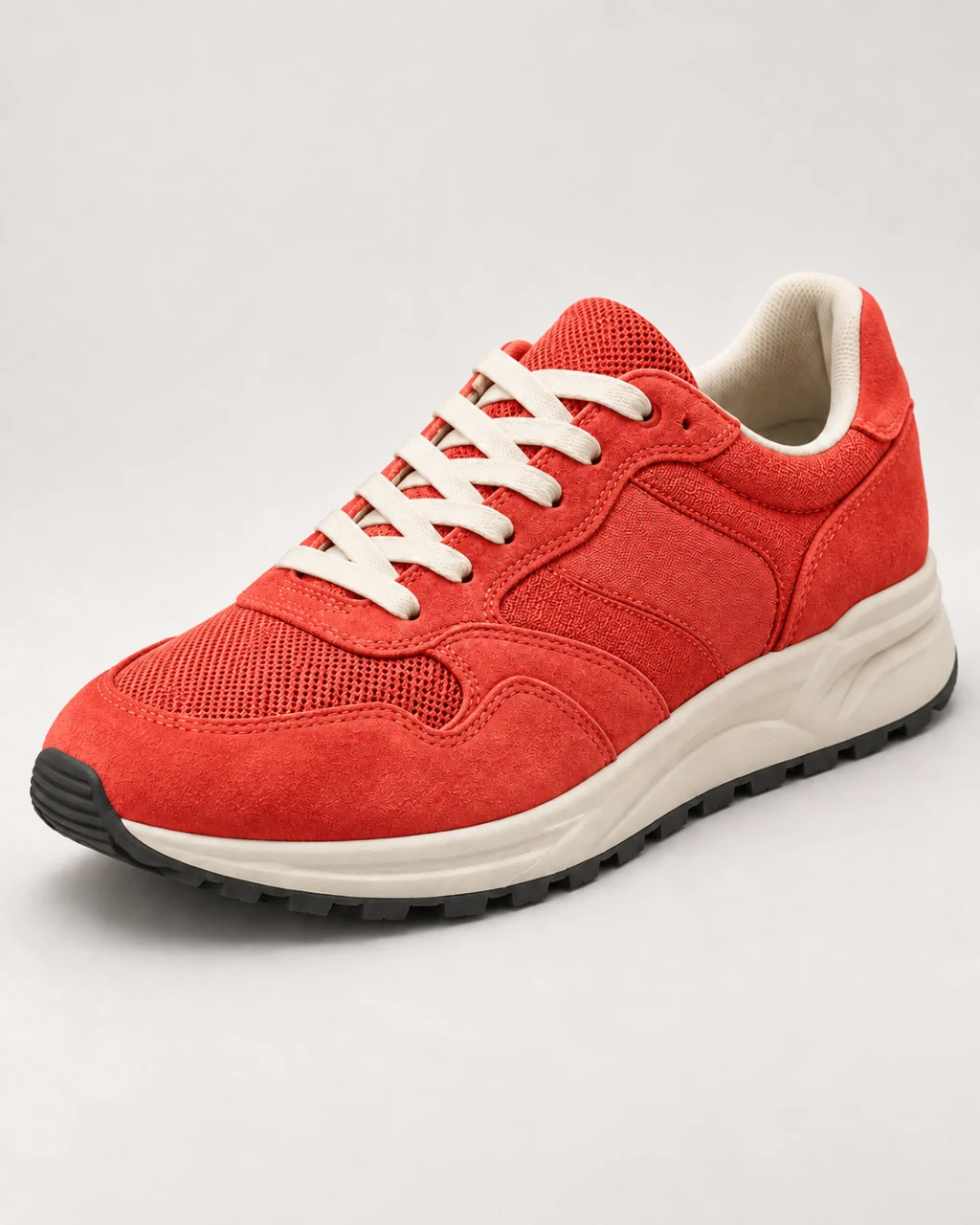
    Try a new color on clothing, products or furniture while keeping the fabric, texture and shading.

  • Restore old pictures

    Reduce scratches, stains and fading in old family photos. Restored details are reconstructed, so compare them with the original.

  • Remove shadows from photos

    Soften hard shadows on faces, documents and products without changing their shape.

  • Remove glare from photos

    Reduce reflections and hot spots from glasses, screens and glossy surfaces, then compare the result.

All image tools

Frequently asked questions

Can I use the AI image editor free without signing up?

Yes. Guests can edit and download results within the free daily allowance, with no sign up. Browsing and loading examples costs no editing credits. The daily allowance resets at 00:00 UTC; see the allowance page for current amounts and model requirements.

Will signing in change my work?

Signing in keeps your image, prompt and saved selection. Daily usage carries over. Model availability is shown in the editor.

Will anything outside my selection change?

Your marks are location hints for the model, not clipping boundaries. The result may change nearby or unrelated details, so review the whole image. An empty selection means a whole-image edit.

What happens if an edit fails?

Technical failures return the credits charged for that attempt. Pending or interrupted returns are shown explicitly. A new edit after success costs credits again.

Are these live AI results?

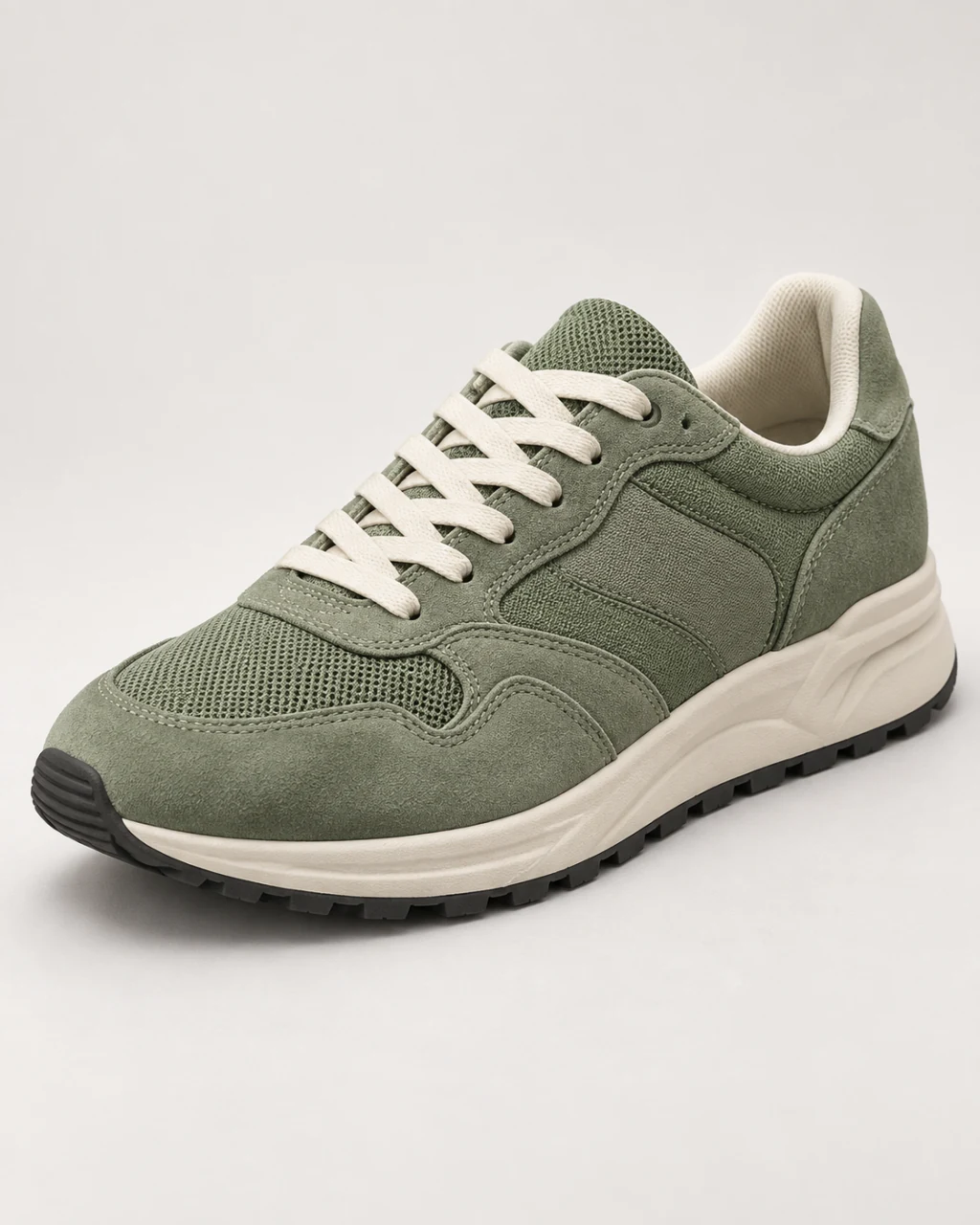
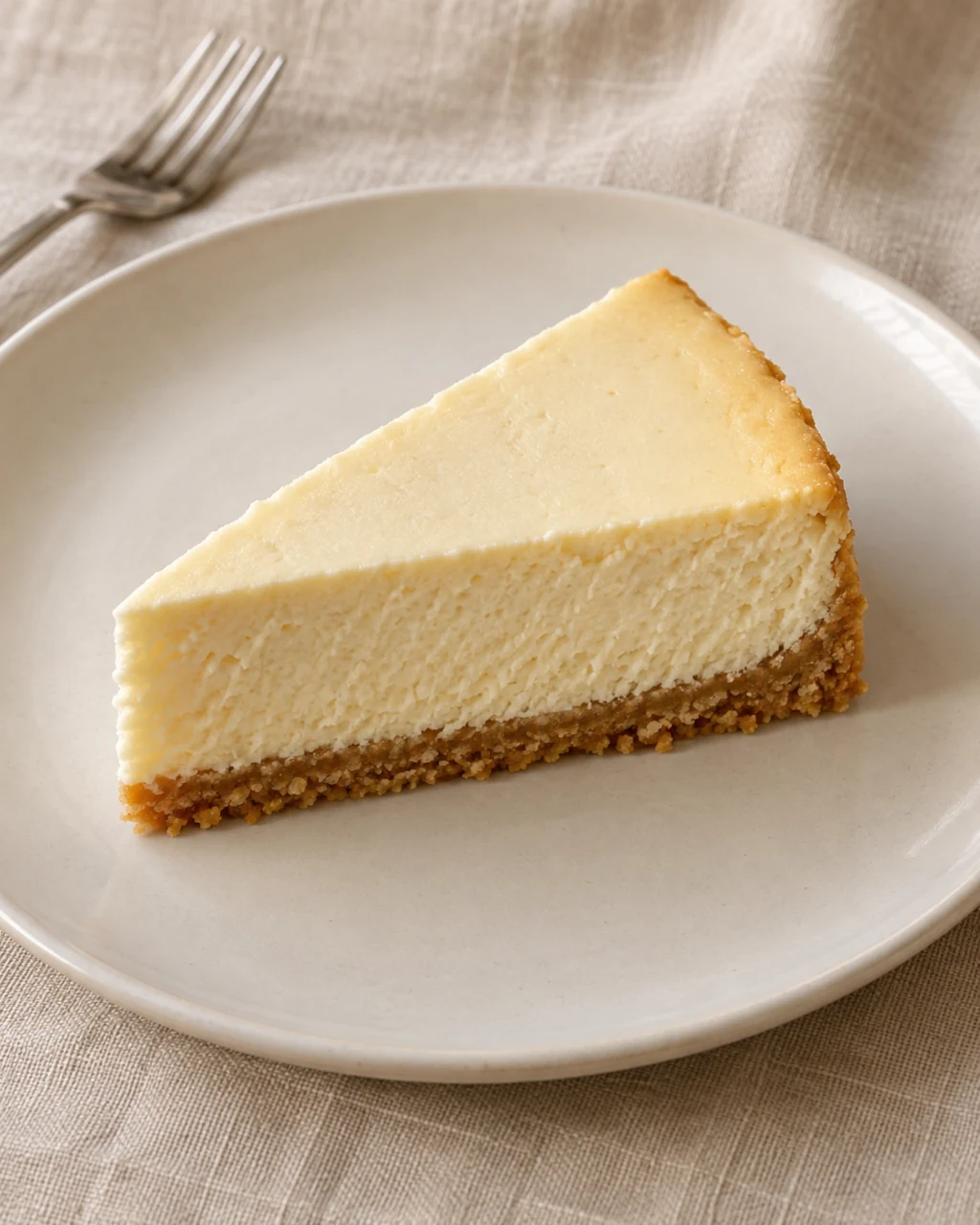
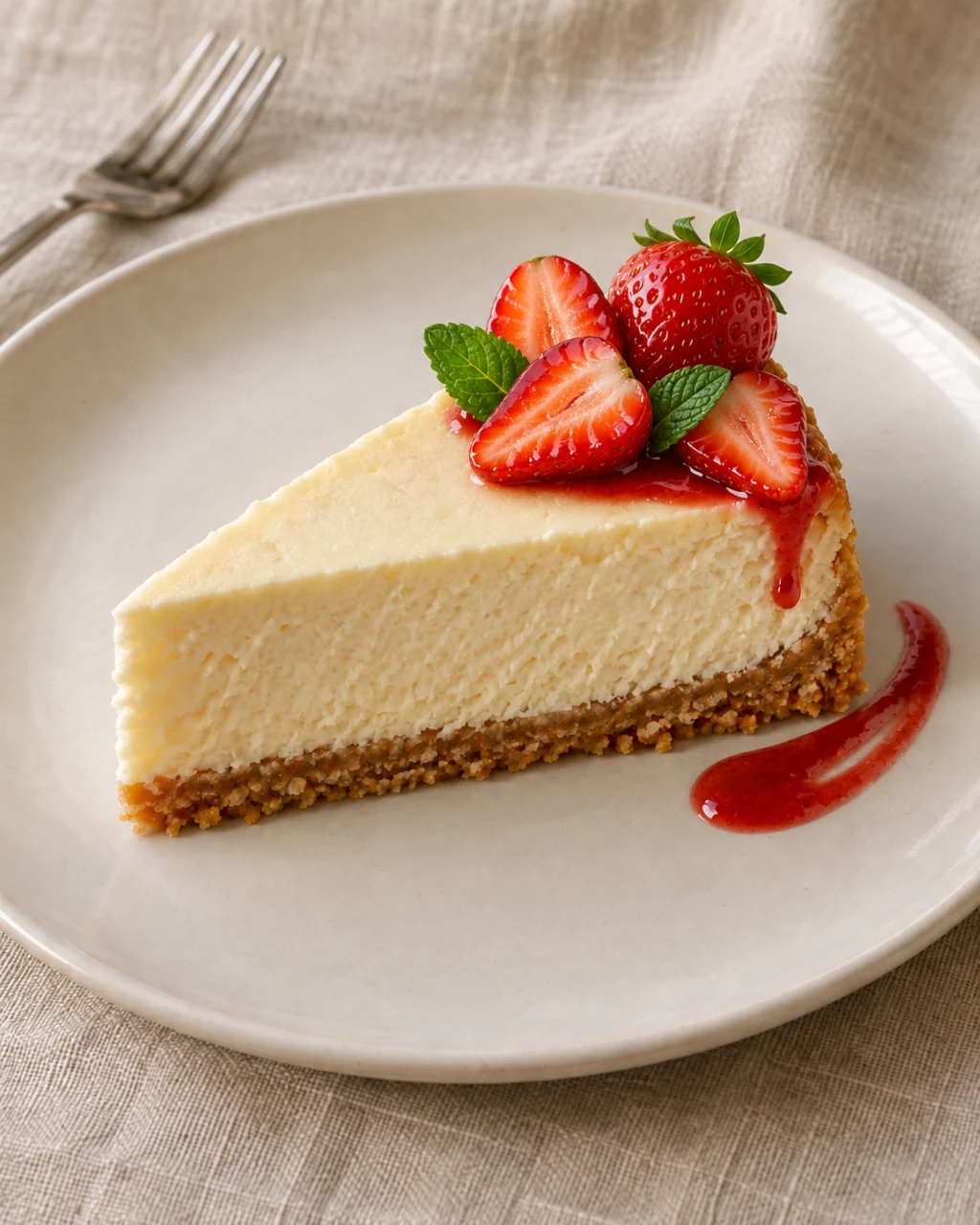
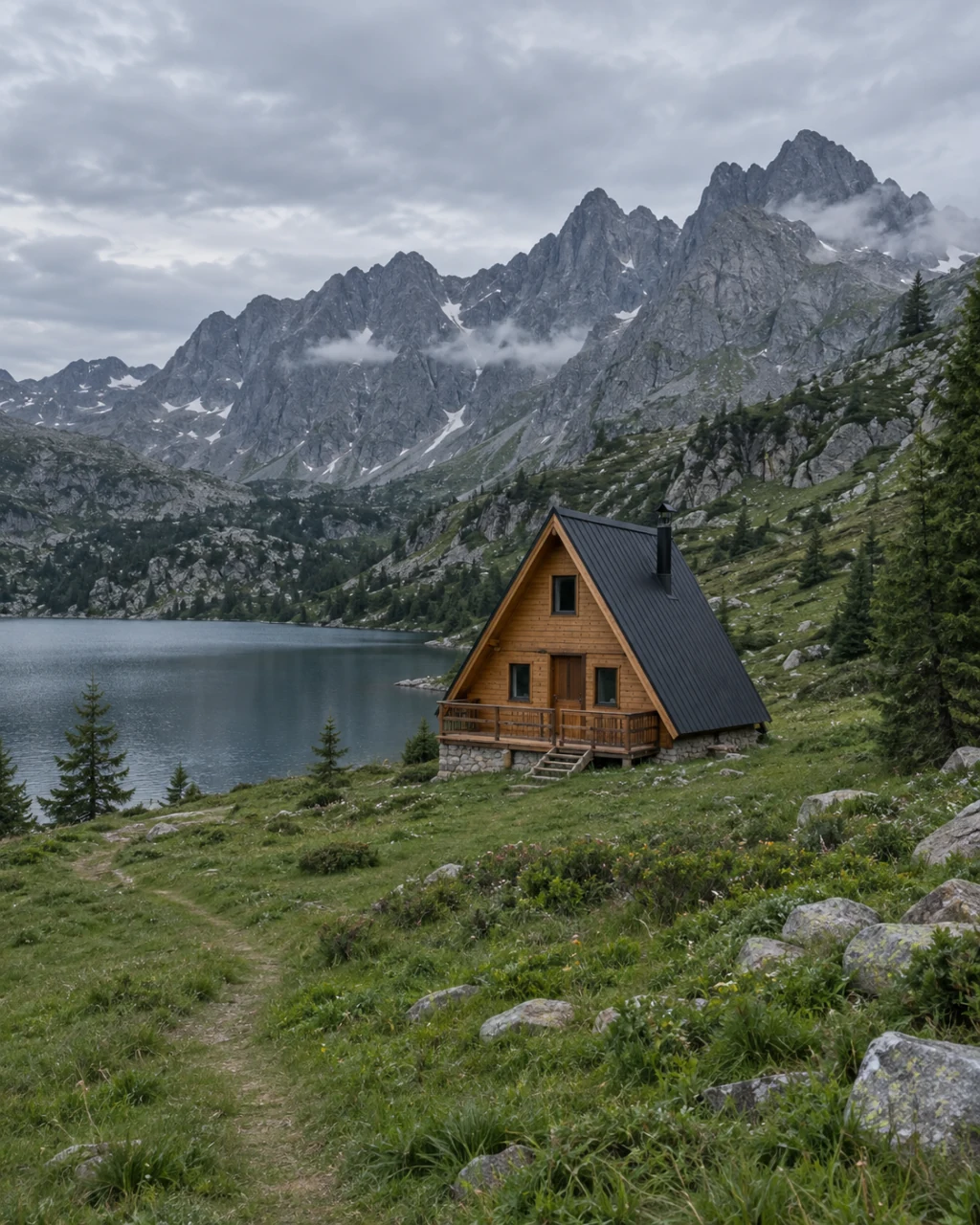
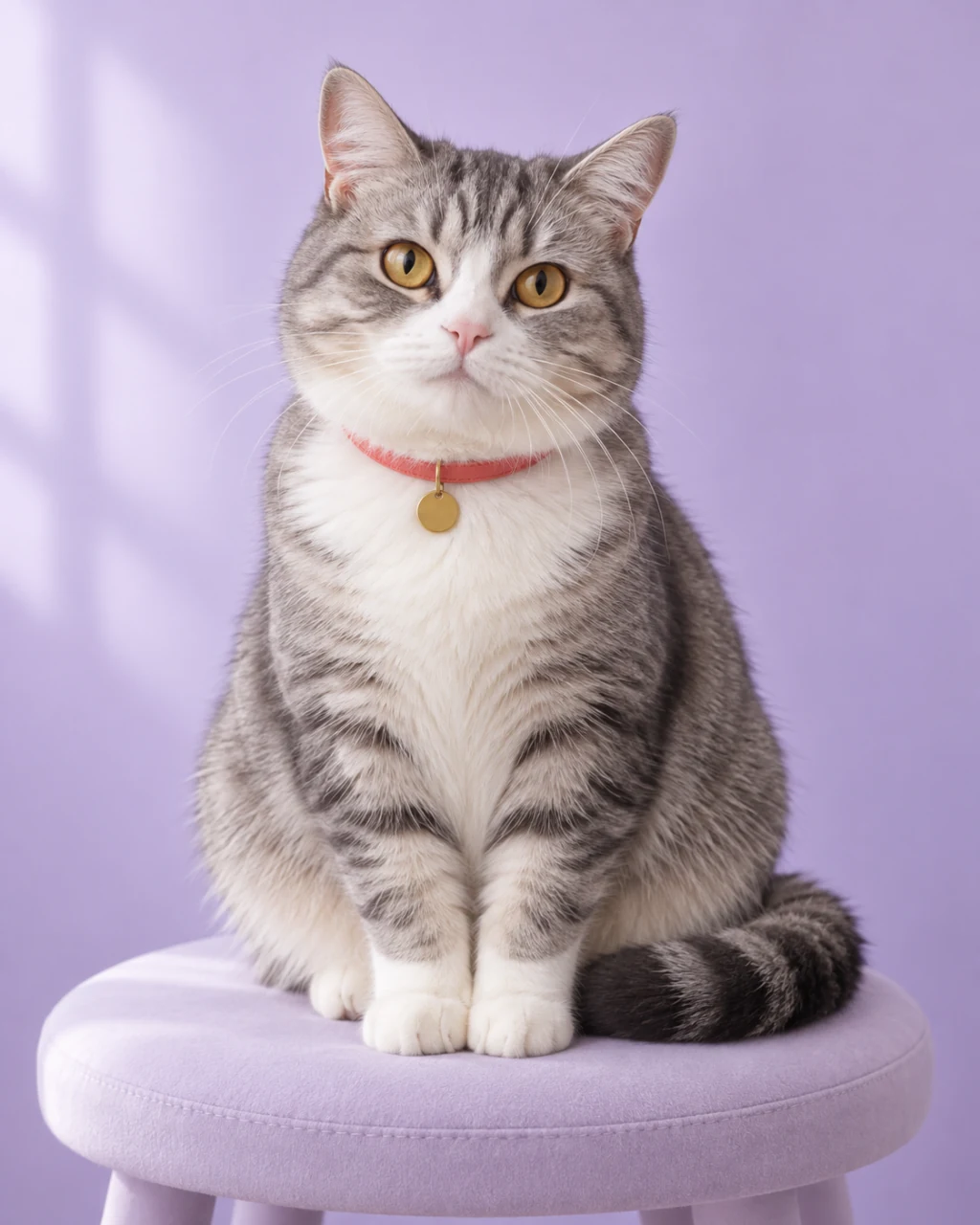
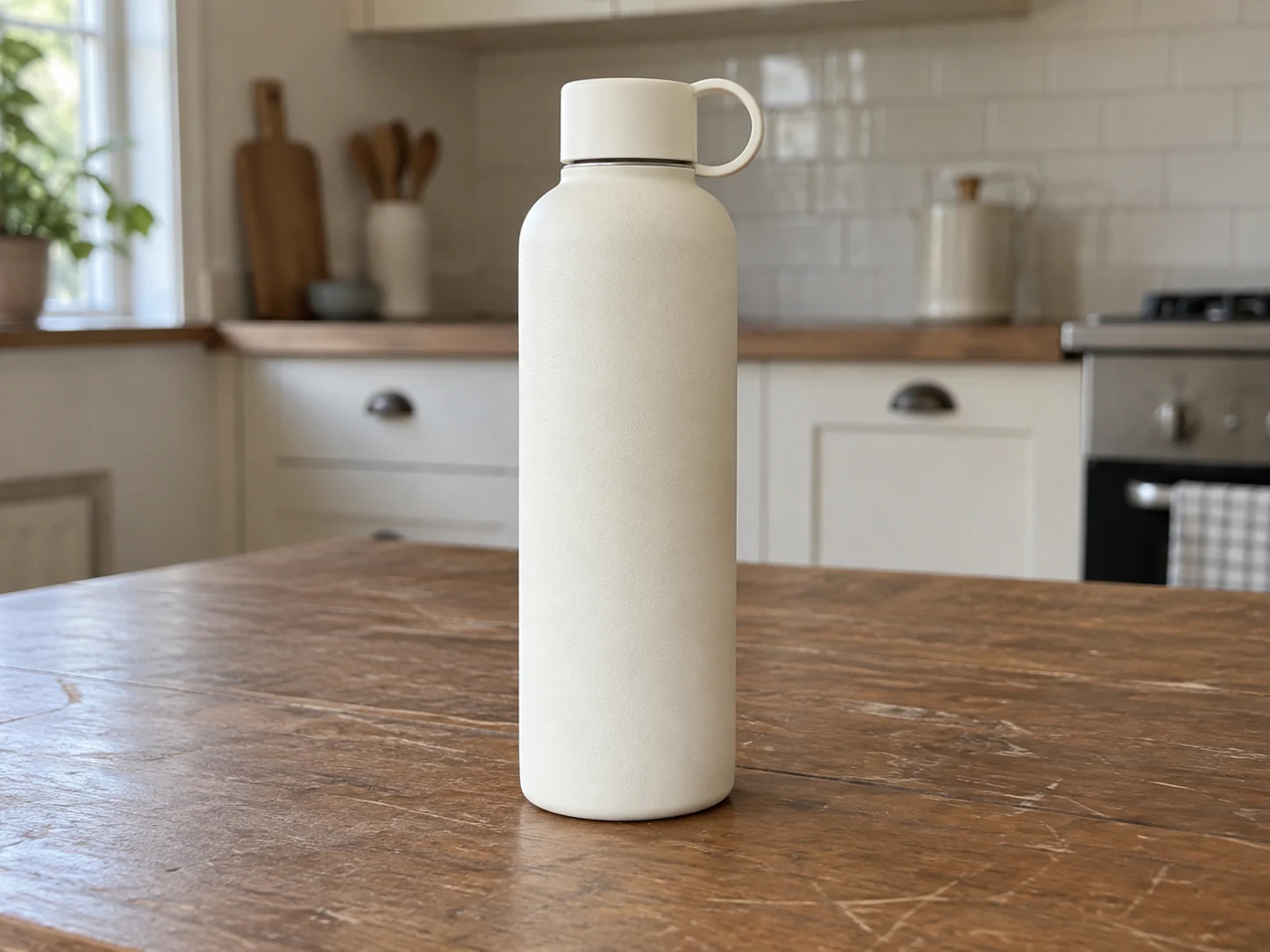
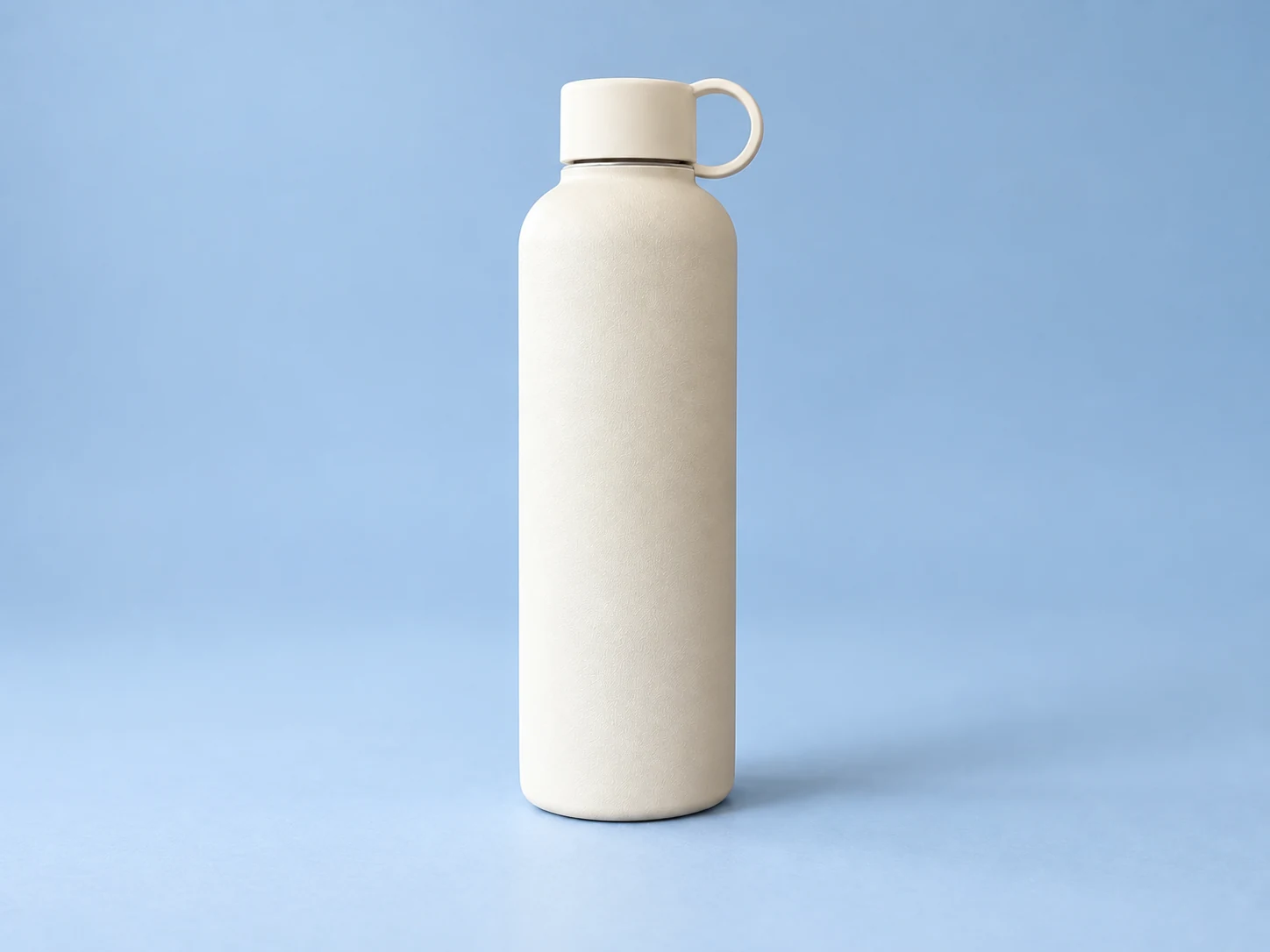
These are prepared illustrative examples, not results from a live task in this session. Your edits use the selected model, image, instructions and optional selection. Check model access and cost before submitting; results may differ.

What is an AI image editor?

An AI image editor changes a photo from a written instruction. Instead of working with layers, brushes and sliders, you describe the result and the AI edits the picture for you. In PicOnTap you can still paint an area when only one part should change.

Is PicOnTap really free?

Yes. Every visitor gets free daily credits, and downloading results costs nothing extra. If you need more edits, the pricing page lists the current allowance and paid plans.

Is this photo editor online free to use on my phone?

Yes. PicOnTap is a web app, so it works online in the browser on your computer, tablet or phone. There is nothing to download or install.

What kinds of edits can PicOnTap make?

It can remove objects, replace backgrounds, recolor details, add elements, adjust light, change the style of a photo and reframe it to a new aspect ratio. For specific jobs, try the dedicated tools listed above.