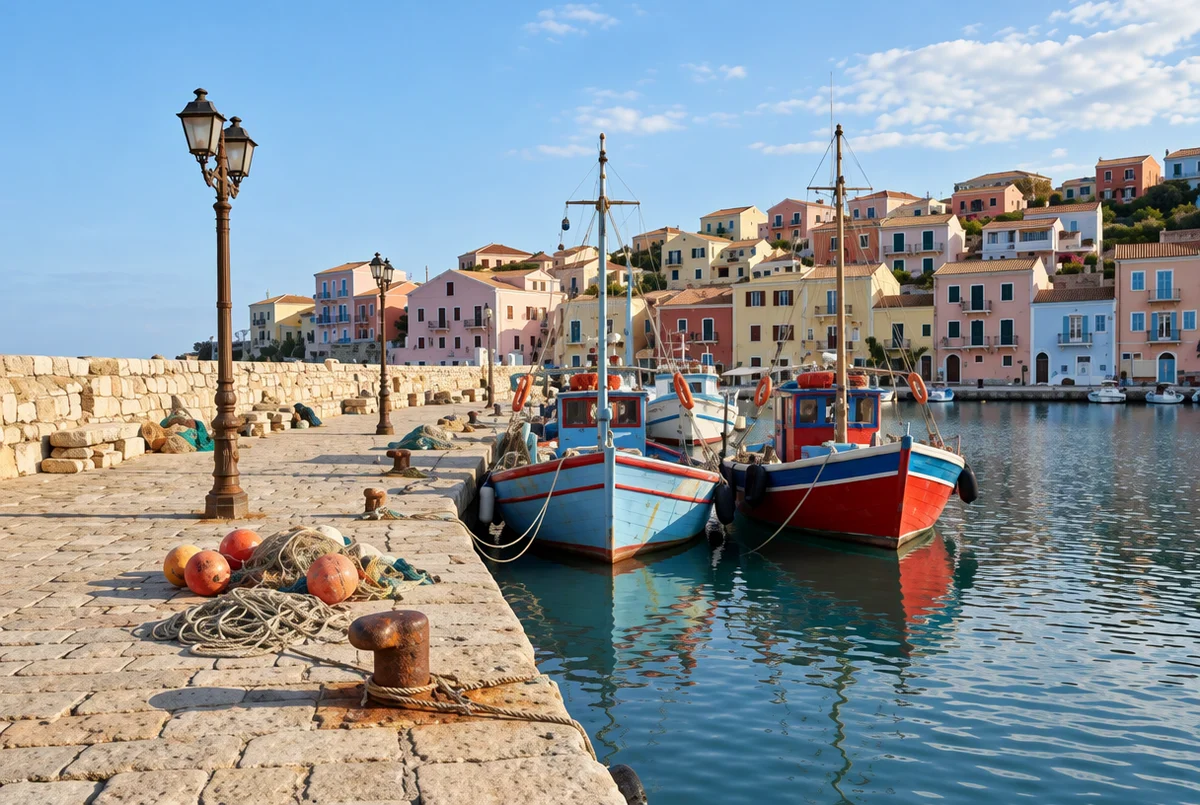
Soft blur
Unblur this photo. Make the details sharper and reduce the soft blur. Keep faces, colors and composition natural and unchanged.
Make a blurry photo sharper with AI, then compare the result with your original.
OriginalResultFour real edits, one for each type of blur. Load one into the editor, or upload your own photo above.
Unblur this photo. Make the details sharper and reduce the soft blur. Keep faces, colors and composition natural and unchanged.
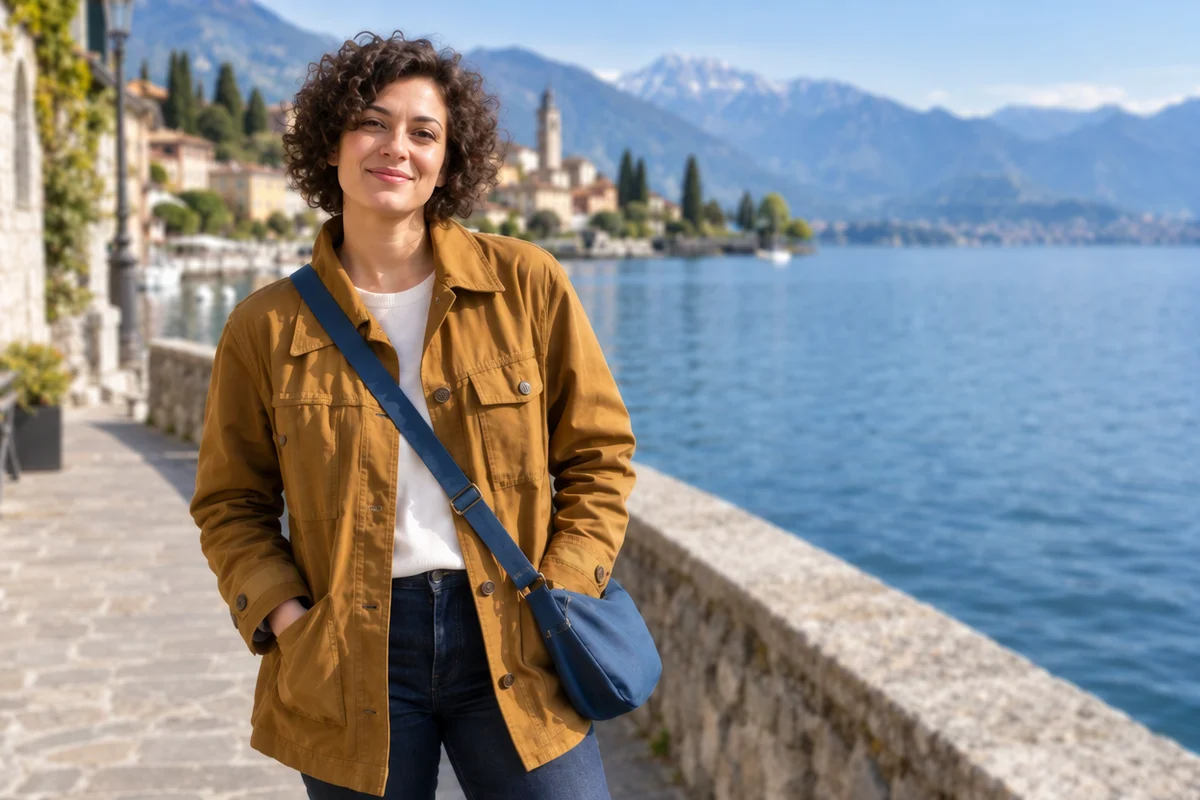
This photo is out of focus. Bring the main subject into sharp focus without changing its shape, face or colors.
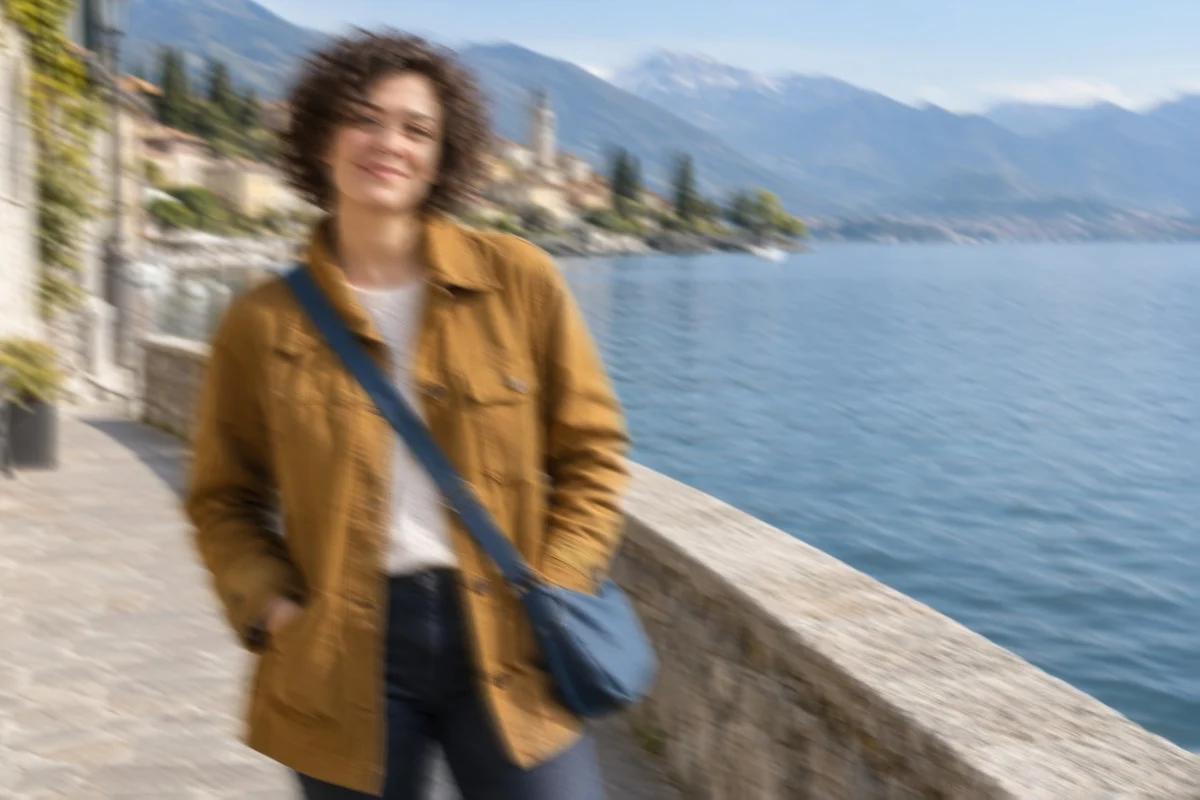
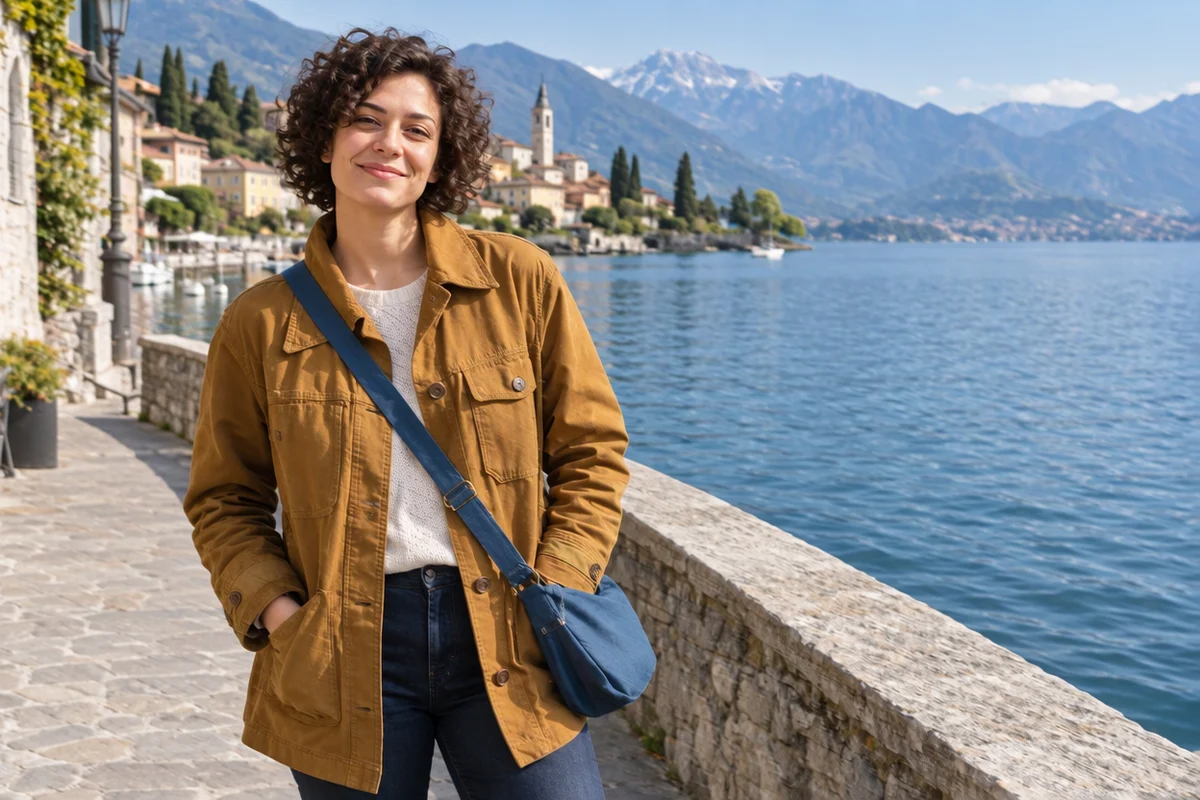
Remove the motion blur from camera shake. Restore clean edges on the subject and keep everything else the same.
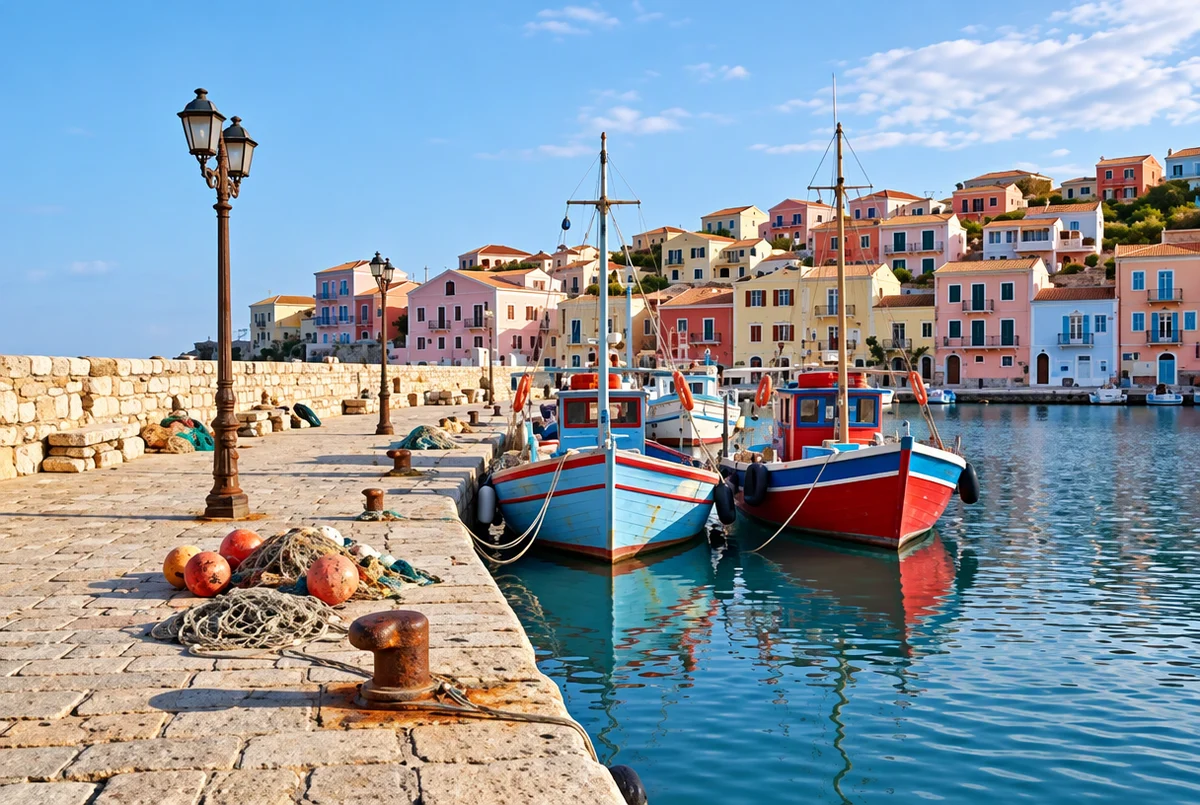
This photo is low resolution and slightly pixelated. Clean up the pixels and make it look clearer. Do not add objects or change faces.
The original photos are AI-generated, with the blur added by us. The results are real GPT Image 2.5 edits in PicOnTap, one run each, made on November 3, 2026.
You can make a blurry picture clear in three steps, on a computer or a phone. There is nothing to install.
In our test, each 1K edit with GPT Image 2.5 cost 2 credits and took 56 to 91 seconds. The editor shows the cost before you submit.
A blurred photo has lost information, so AI draws a sharp image that fits the blurry one. We blurred sharp images on purpose and compared 8 results with the originals.
The best case. Layout, objects and colors stayed close to the original, with fine details redrawn.
The layout holds, but colors can drift, so ask the model to keep them.
Usable for camera shake, though people change more than objects do.
Short words and numbers came back right when they were still faintly readable. Check names, dates and numbers by hand.
A believable person comes back with the same pose and hair, but redrawn eyes, brows and jaw. Compare portraits closely.
The result looks sharp but is partly invented. In our test, palm trees and benches appeared that were not in the photo.
All 8 results looked sharper, but only 3 measured closer to the original. Read the full test: can you unblur a photo?
The instruction changes the result. We ran the same blurred harbor twice. The one word "unblur" pushed the sky and water toward a stronger blue, while a longer prompt that asked to keep the colors stayed much closer to the original. That is why each type of blur here has its own prompt.
Need to name what must stay, such as one person's face? Write your own sentence in the AI image editor.
An old photo with scratches, fading or creases as well as blur needs more than sharpening. Use Photo Restoration
To add color to a black and white picture, use Colorize photos
Credits and free daily edits are explained on the pricing page.
Guests can try the editor within the free daily allowance, no sign up needed. The editor shows the credit cost before every edit.
Upload it, choose the type of blur that matches and compare the result with your original. If an important detail changed, try another type, or write your own sentence in the AI image editor.
Not reliably. Our portraits came back similar, not identical. For a memorial photo or a family print, compare it closely. Very blurry faces change most, because the model has little to work from.
Yes, when the letters are still roughly readable. If they are not, the model guesses, so a result can look crisp and still be wrong.
Yes. The editor runs in your mobile browser, so you can upload directly from your camera roll without installing an app.
Yes, within limits. Sharpening in a regular photo editor raises contrast along edges and invents nothing, but it cannot rebuild detail that is gone. For evidence, records or archives, that is the safer choice.
No. If a face, plate or document was blurred out, the detail is gone. Anything the model draws there is an invention, not what was really under the blur.