Can You Unblur a Photo? We Tested 8 Against the Originals
Yes, partly. We blurred 8 sharp photos, ran real AI edits and compared each result with the original to show what comes back and what gets invented.
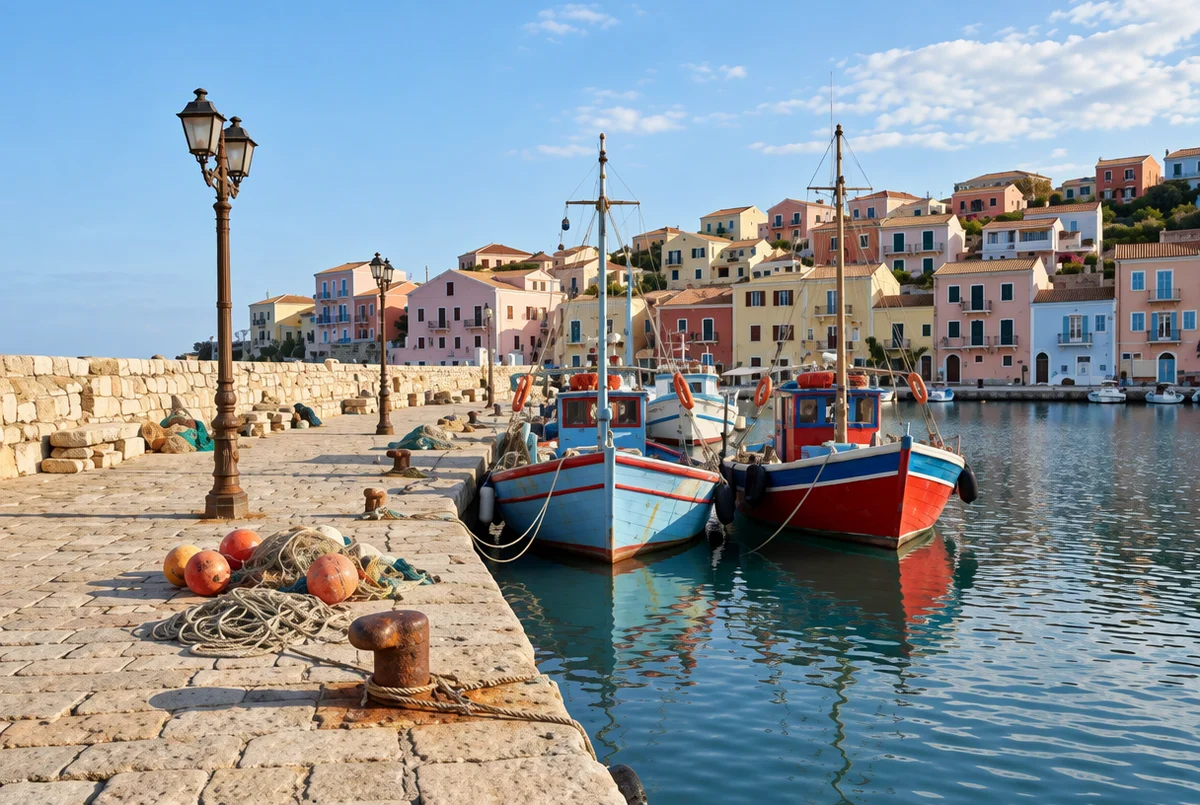
Yes, you can unblur a photo, but only partly. AI rebuilds detail rather than recovering it, so mild blur usually comes back well, while heavy blur gets partly invented. Short text survived our test; faces came back similar, not identical.
Jump to the editor in this article to try it on your own photo, or use our unblur image tool. PicOnTap is a browser-based AI image editor: upload a photo and describe the change in a sentence to remove objects, replace backgrounds, recolor details or restore old photos. Sharpening is one of those sentences.
How we tested: on November 3, 2026 we took AI-generated sharp images, added known blur ourselves, and ran 8 real edits in PicOnTap with GPT Image 2.5 at 1K. Each edit ran once and cost 2 credits. Because we kept the sharp originals, we could check every result against the truth. A small sample, so results can vary between runs. Facts last verified November 3, 2026.
TL;DR
- Mild blur and pixelation: the layout, objects and colors stayed close to the original.
- Heavy blur: the photo looked sharp, but buildings, boats and furniture were invented.
- Text: all the words and numbers on our label and poster came back correct, and they were faintly readable in the blurred copies.
- Faces: the same kind of person came back, with redrawn features. Check any portrait before you keep it.
- Your prompt matters: the word "unblur" alone shifted colors more than three times as much as a prompt that told the model to keep them.
Can you actually unblur a photo?
Partly. A blurred photo has lost information, and photographers on r/photography say so bluntly when people ask: the detail was never captured, so it cannot simply be switched back on. In a r/ChatGPT thread, the poster makes the same point: a true unblur needs to know exactly how the blur happened.
What an AI model does instead is draw a sharp image that fits the blurry one. Tools built on generative AI are best understood as a skilled guess. That guess is often very good, and it can be wrong without looking wrong. That is why we tested against sharp originals rather than only showing a nice-looking result.
Try it on your own photo
- Upload your photo in the editor just below these steps. PNG, JPG and WebP files up to 10 MB work.
- Describe the blur and what must stay. Pick a blur type from the cards or write your own sentence.
- Compare and download. Check faces, text and small objects against your original, then save the result.
Each 1K edit with GPT Image 2.5 cost 2 credits in our test and took between 56 and 91 seconds. You see the cost before you submit, and you can try it with free credits, no sign-up needed.
The prompts we tested
The sentence you write changes the result. These are the prompts we tested, and you can copy them as they are.
- Soft blur: "Unblur this photo. Make the details sharper and reduce the soft blur. Keep faces, colors and composition natural and unchanged."
- Out of focus: "This photo is out of focus. Bring the main subject into sharp focus without changing its shape, face or colors."
- Motion blur or camera shake: "Remove the motion blur from camera shake. Restore clean edges on the subject and keep everything else the same."
- Low resolution or pixelated: "This photo is low resolution and slightly pixelated. Clean up the pixels and make it look clearer. Do not add objects or change faces."
Does a one-word prompt work?
It works, with a cost. We ran the same blurred harbor twice. Both results looked sharp, but "unblur" pushed the sky and water toward a stronger blue. Against the original's average blue value of 149.7 (on a 0–255 scale), the one-word result reached 161.5 and the longer prompt reached 153.1. Name what must stay the same.
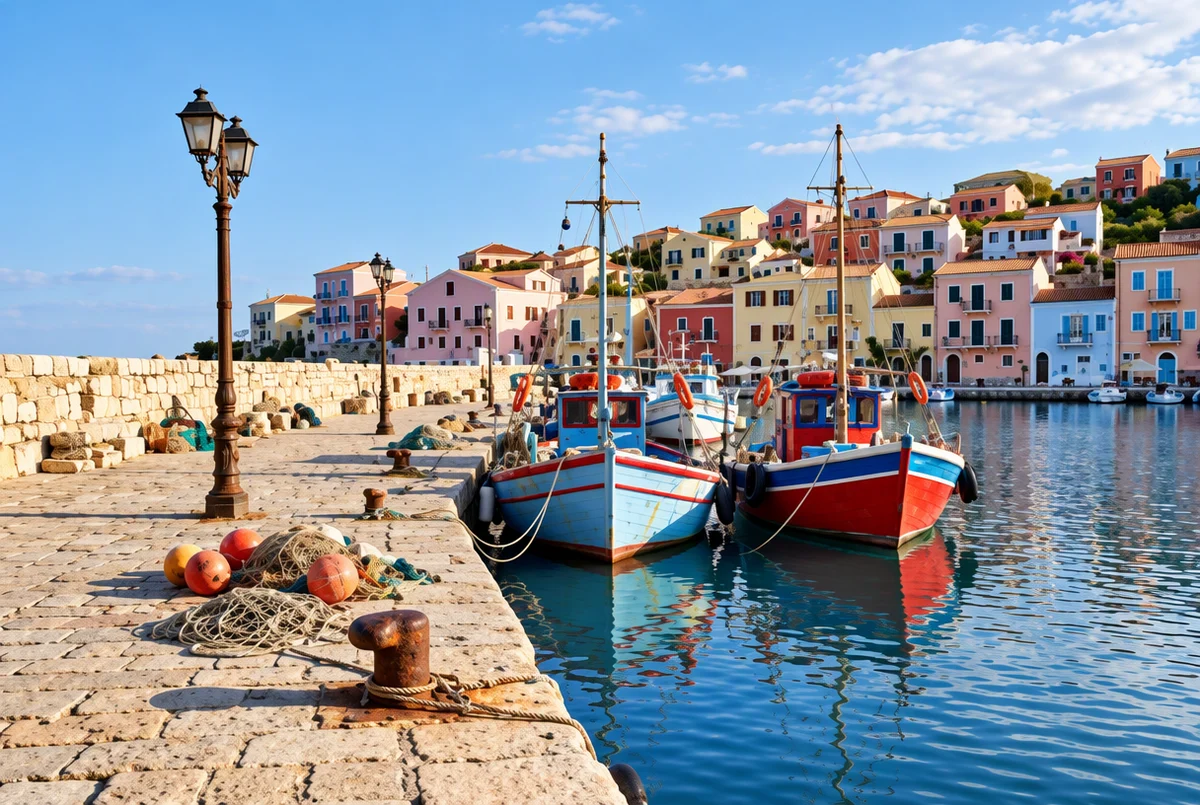 Prompt: 'unblur'. Sharp, but the colors moved. Original: AI-generated, with blur added by us. Result: a real GPT Image 2.5 edit in PicOnTap, November 2026.
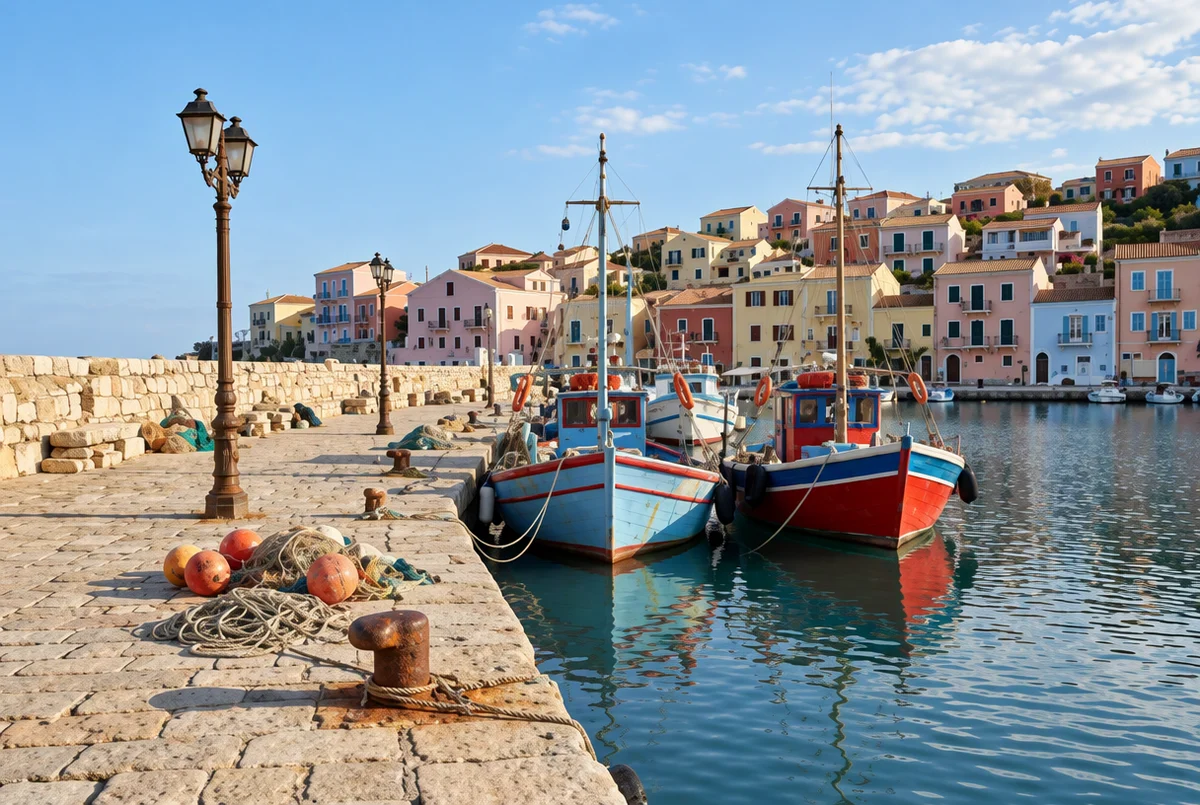 Prompt: the soft blur sentence above. Colors stayed closer. Original: AI-generated, with blur added by us. Result: a real GPT Image 2.5 edit in PicOnTap, November 2026.
What we found: 8 blurry photos against the originals
We judged each result two ways: by eye against the original, and with PSNR, a standard measure of how close two images are pixel by pixel, where a higher number is closer. The "before" figure compares the blurred copy with the original, and the "after" figure compares the AI result with the original.
- Harbor, mild blur, detailed prompt: layout right, windows redrawn. PSNR 20.5 before, 20.0 after.
- Harbor, mild blur, "unblur": layout right, stronger color shift. PSNR 20.5 before, 18.0 after.
- Harbor, heavy blur: looks sharp, but the scene is partly invented. PSNR 18.2 before, 15.7 after.
- Harbor, pixelated: layout right, colors more saturated. PSNR 20.8 before, 17.5 after.
- Portrait, out of focus: same pose and jacket, redrawn face, and a knit top became a plain one. PSNR 24.4 before, 25.2 after.
- Portrait, motion blur: same pose, face similar but changed. PSNR 20.1 before, 17.6 after.
- Coffee bag label, out of focus: "DAILY COFFEE" and "250 g" both correct. PSNR 30.6 before, 30.8 after.
- Poster, strong blur: "READING WEEKEND", "SAT–SUN" and "10:00–18:00" all correct. PSNR 18.6 before, 21.5 after.
Only 3 of the 8 results were closer to the original than the blurry copy we started from, even though all 8 looked sharper. A photo that looks sharper is not always closer to what was really there. PSNR punishes small shifts in position, so treat these numbers as a rough guide, not a score of how good a photo looks.
Heavy blur: where the invention starts
With strong blur, the model has too little to work from. In our heavy harbor test the boats, the lamp post and the general layout survived, but the hillside houses changed color and arrangement, palm trees appeared, and benches turned up on the quay. Nothing in the result looks wrong unless you hold it next to the original.
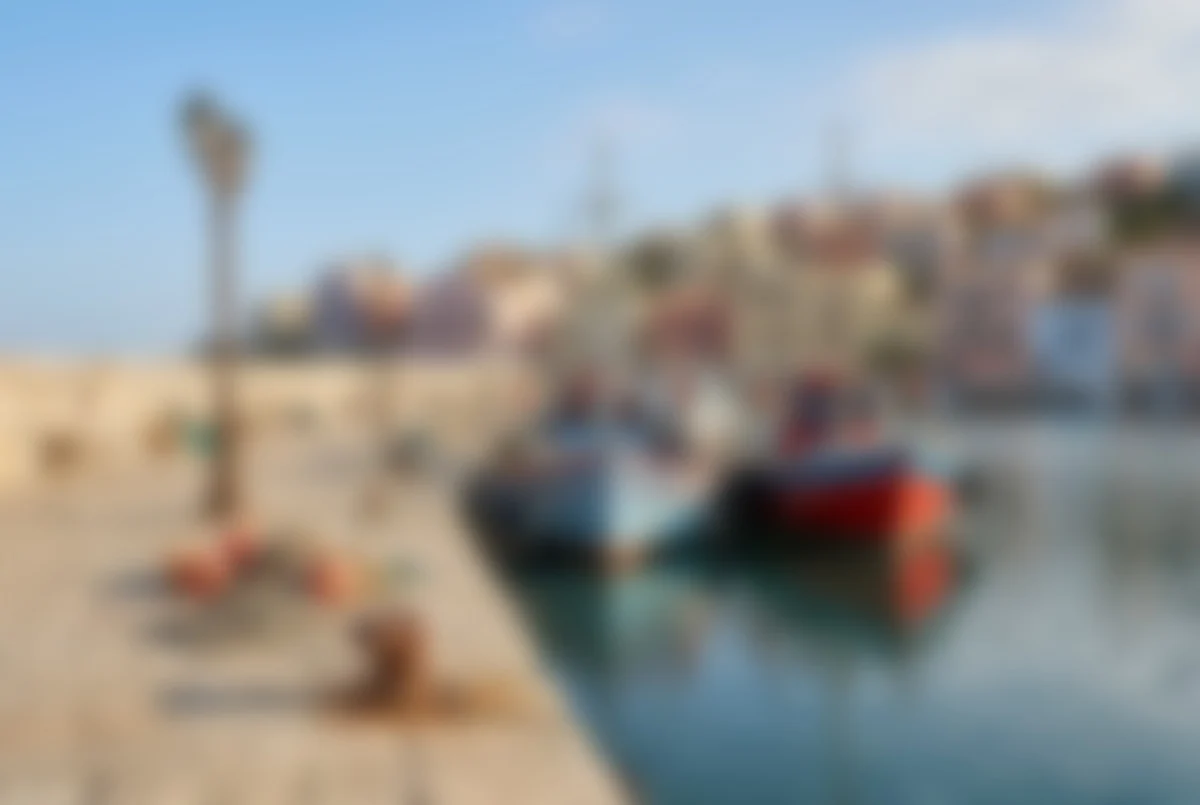 The heavily blurred input. We added this blur ourselves to an AI-generated original.
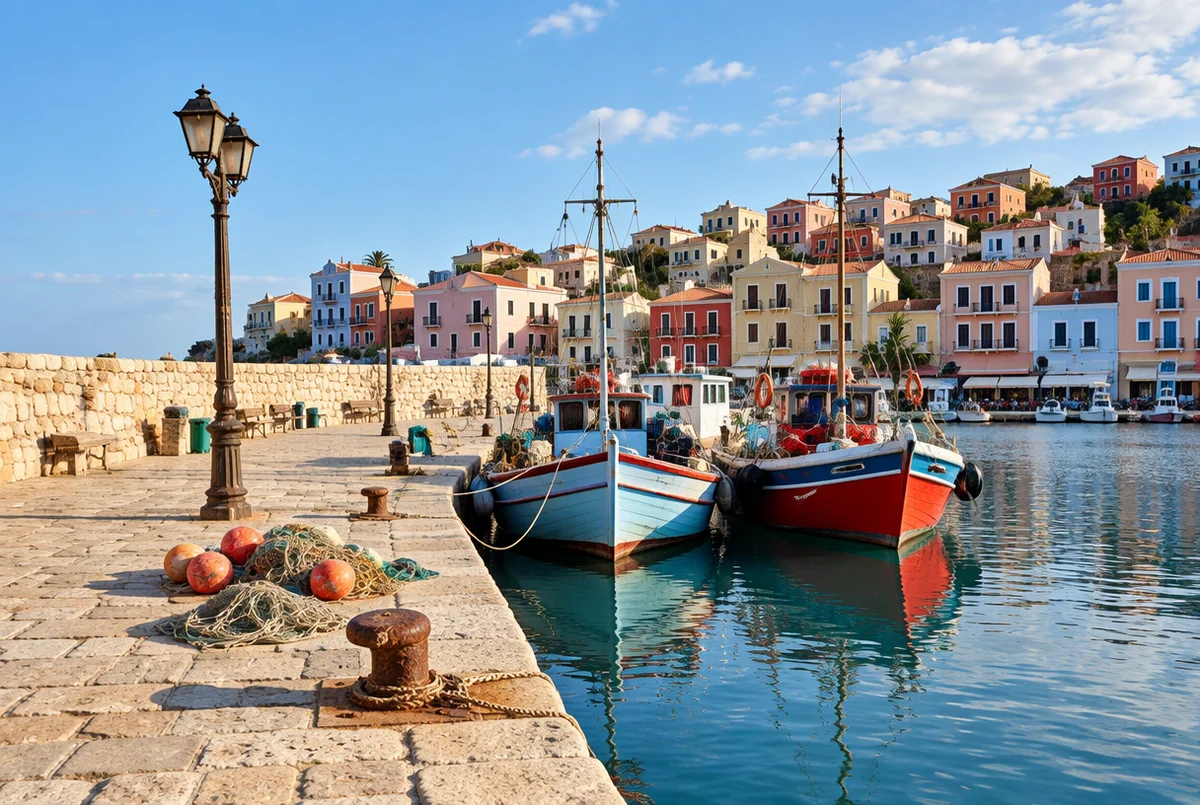 Result: sharp, but partly invented. A real GPT Image 2.5 edit in PicOnTap, November 2026.
Can AI unblur a face without changing it?
Not reliably. Our portrait came back as a believable person with the same hair, pose and expression, but the eyes, brows and jaw were redrawn. For a social post that may be fine. For a memorial photo or a family print, compare it closely, because someone who knows the person will notice. Mild blur kept the likeness better than motion blur did.
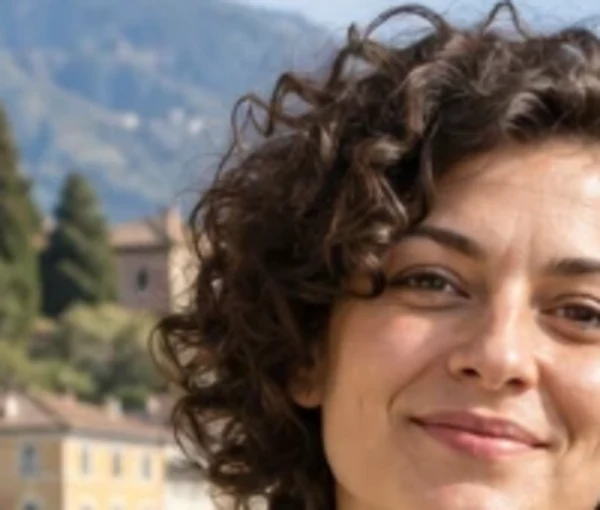 Crop of the sharp original (AI-generated, not a real person).
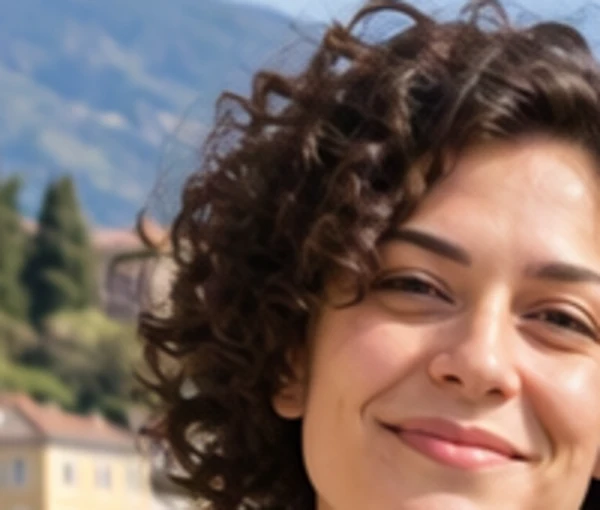 Crop of the motion blur result. The likeness is close, not identical. A real GPT Image 2.5 edit in PicOnTap, November 2026.
Can you unblur text in an image?
Yes, when the letters are still roughly readable. Our coffee label and poster both came back with every word and number correct, including a small "250 g" that was hard to read in the blurred copy. The letter weight changed slightly on the label.
Treat this as a limit, not a promise. If text is too blurred to read at all, the model has to guess, so a result can look crisp and still be wrong. Check every name, date and number by hand. The same applies to anything deliberately blurred out: a result would be an invention, not the hidden information.
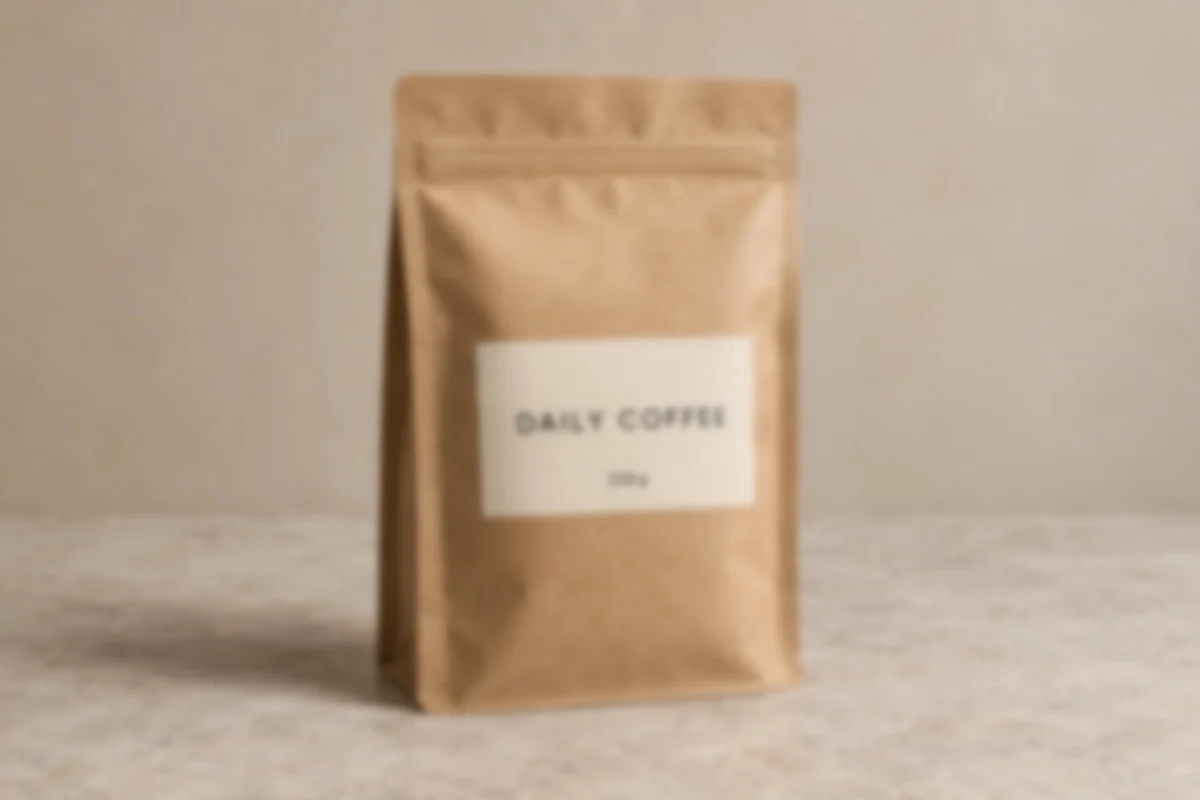 The blurred label. We added this blur ourselves to an AI-generated original.
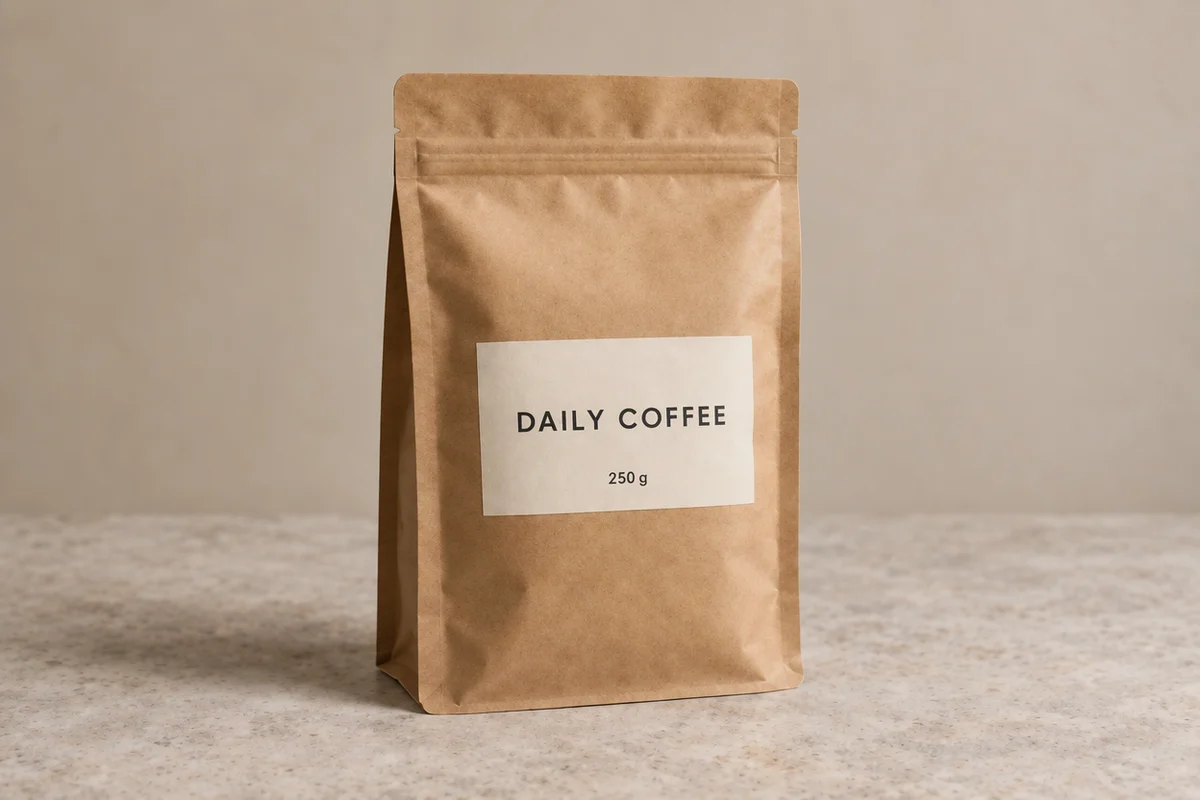 Result: both lines match the original. A real GPT Image 2.5 edit in PicOnTap, November 2026.
Which type of blur can AI fix best?
From this small test, in order of how well the result matched the original:
- Slightly soft or out-of-focus photos: the best case. Most of the structure is still there.
- Low-resolution or pixelated images: the layout holds, but colors can drift, so ask the model to keep them.
- Motion blur from camera shake: usable, though people change more than objects do.
- Heavy blur: treat the result as a new picture inspired by your photo, not as your photo.
Can you unblur a photo without AI?
Yes, within limits. Sharpening in a regular photo editor raises contrast along edges, so a slightly soft photo looks crisper, and it invents nothing. It also cannot rebuild detail that is gone. If faithfulness matters more than looks, as with evidence, records or archives, that is the safer choice. If the photo is too soft for that to help, the editor in this article can go further, as long as you check the result.
FAQ
Is it free to try?
You can try the editor with free credits and no sign-up. The cost of each edit appears before you submit. Paid plans are listed on the pricing page.
Can I unblur an old family photo?
Yes. For scratches, fading and creases as well as blur, the photo restoration tool is built for that job. To add color to a black and white picture, use the colorizer.
Why did my photo get more colorful?
The model tends to make images more vivid when it is told only to sharpen them. Add "keep the colors unchanged" to your prompt, as our longer prompts do.
What should I do if the result changed a face?
Write what must stay: "Keep her face, eyes and expression exactly the same." Then compare again. Very blurry faces may still change, because the model has little to work from.
Does this work on phone photos?
Yes. The editor runs in your mobile browser, so you can upload directly from your camera roll.
Bottom line
So can you unblur a photo? Yes, when it is mildly soft and looking good is the goal. Give the model a prompt that names what must stay, then compare the result with your original. Try it on your own photo, and judge the result with your own eyes.