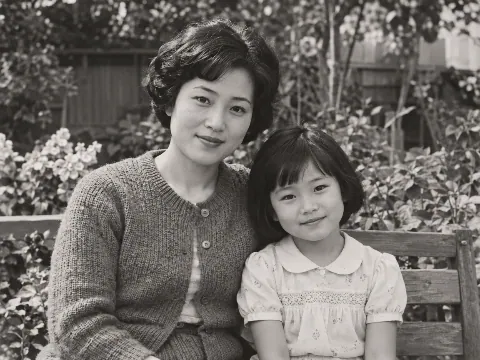
The same faces
Compare eyes, smile and skin tone. Colorizing should add color without changing who the person is.
Add natural, era-appropriate color to an old photo. Colors are AI estimates.
OriginalColorizedUse a scan, or a phone photo taken square to the print in soft, even light. PNG, JPEG and WebP are supported.
Check the cost and generate. There is nothing to brush and no instructions to write.
Compare faces and details with the original, then download. The colors are AI estimates, so keep your original as well.
Compare the same areas before and after. Look at the edit, then check the details you want to keep.
Scenes are AI-generated; results are real Nano Banana 2.1 edits made with the same prompt as this tool, without manual retouching. Colors are AI estimates and AI may change nearby details, so compare the original before using a result.
Compare eyes, smile and skin tone. Colorizing should add color without changing who the person is.
Check patterns, signs and small objects. Nothing should be added or removed, and the colors are only an estimate.
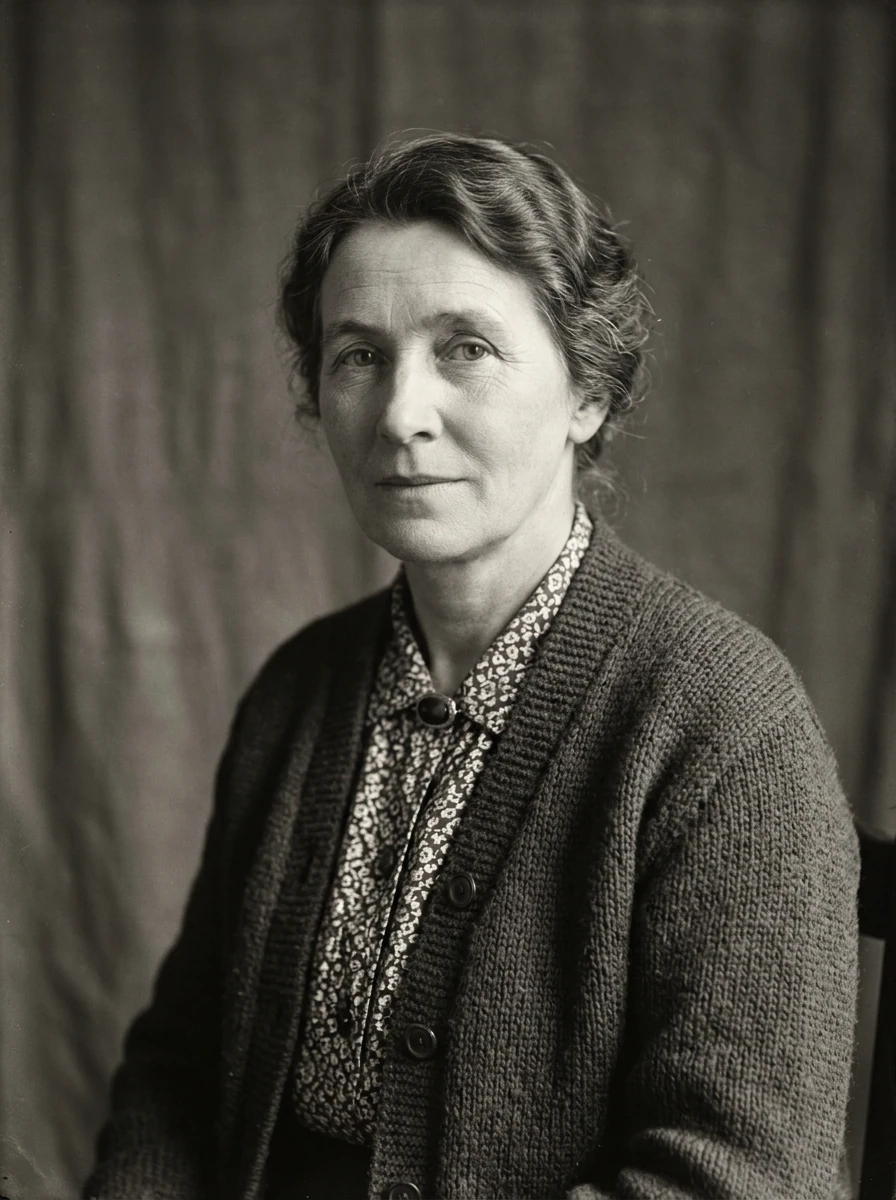
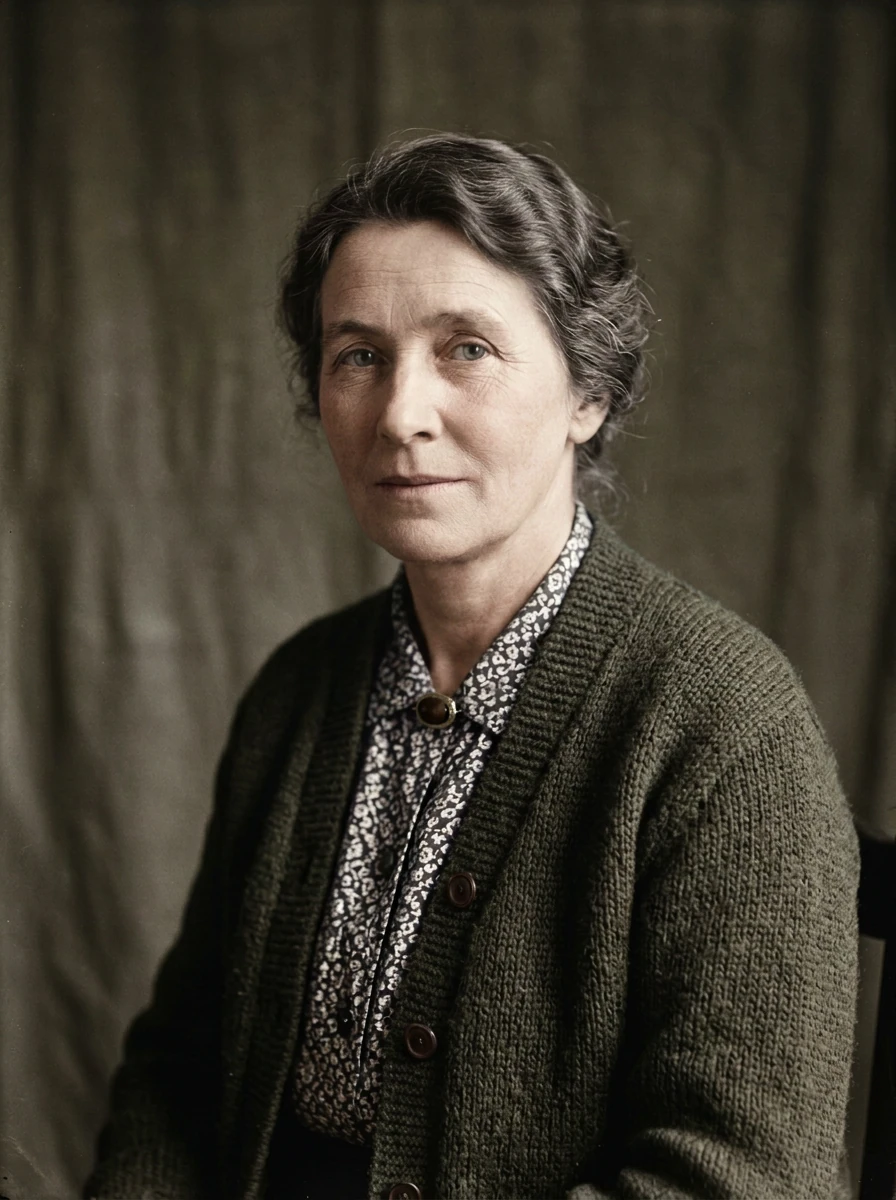 OriginalColorized
See a cardigan, patterned blouse and backdrop as they might have looked. A black-and-white photo records no color, so treat this as one possibility.
Loads the original and suggested settings. Review the cost before generating your own result.
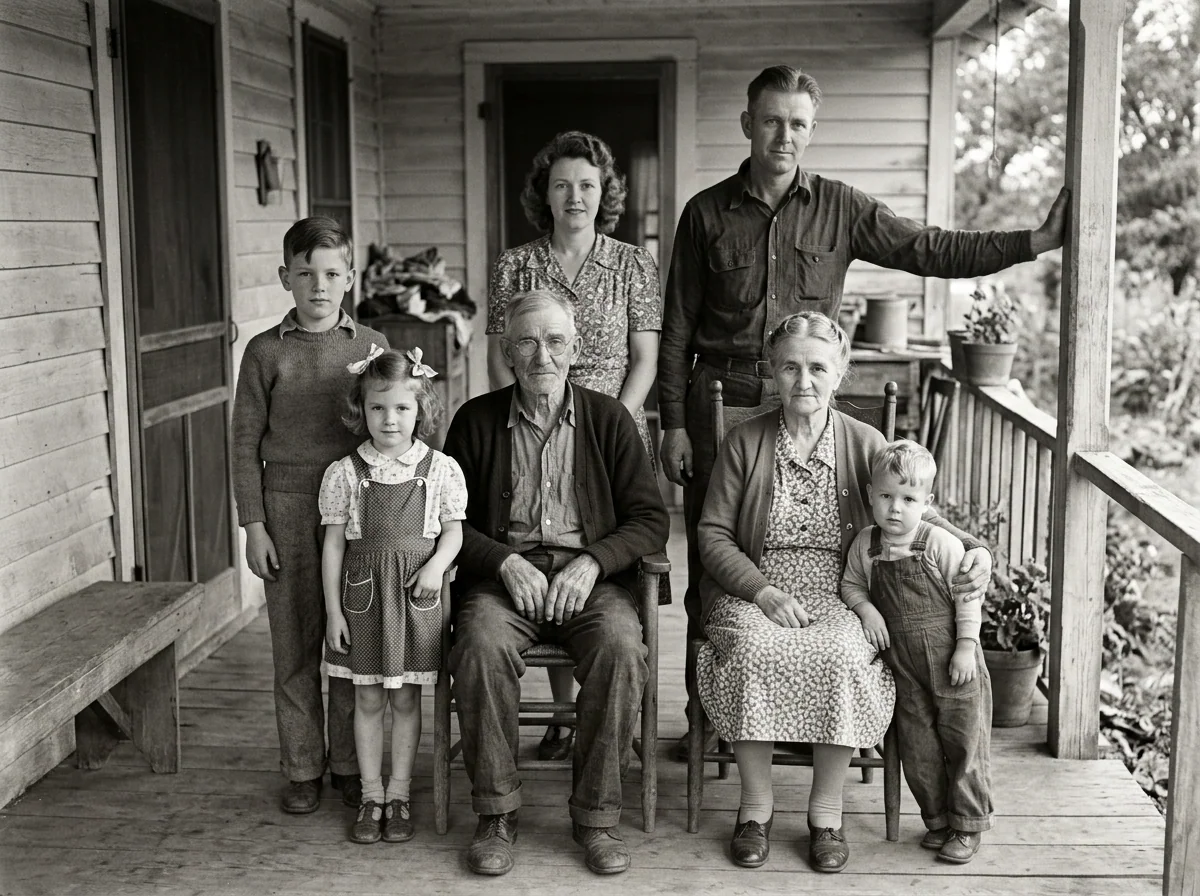
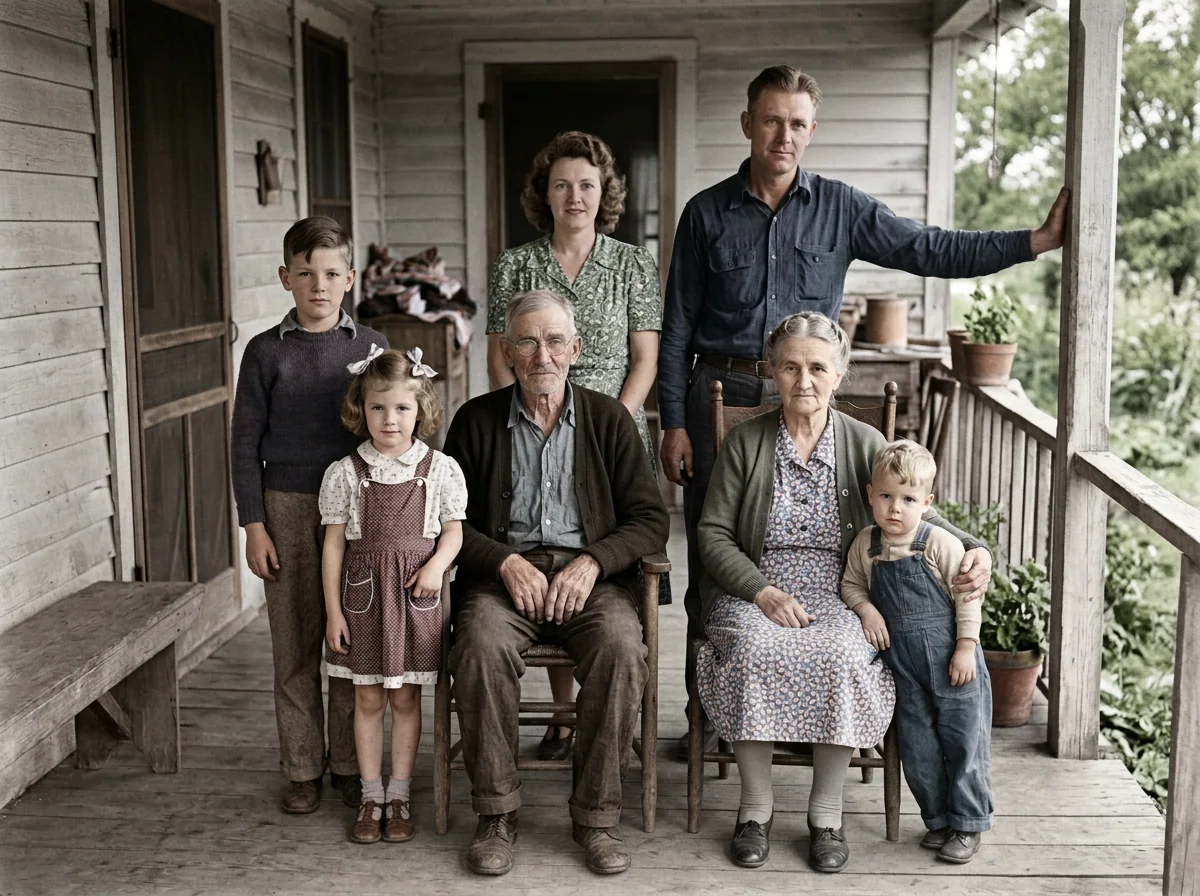
OriginalColorizedGroup photos have many faces, clothes and small details. Check each person, because small faces give the model less to work with.
Loads the original and suggested settings. Review the cost before generating your own result.
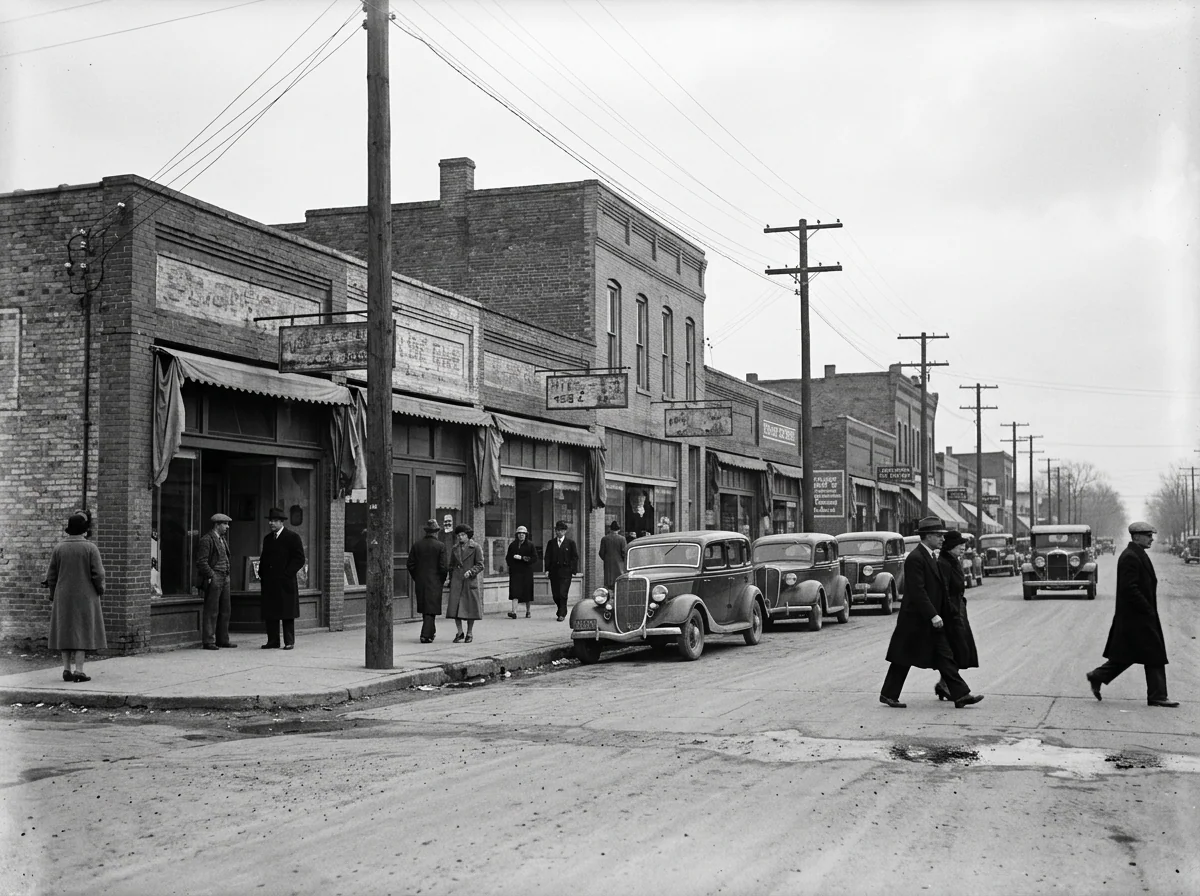
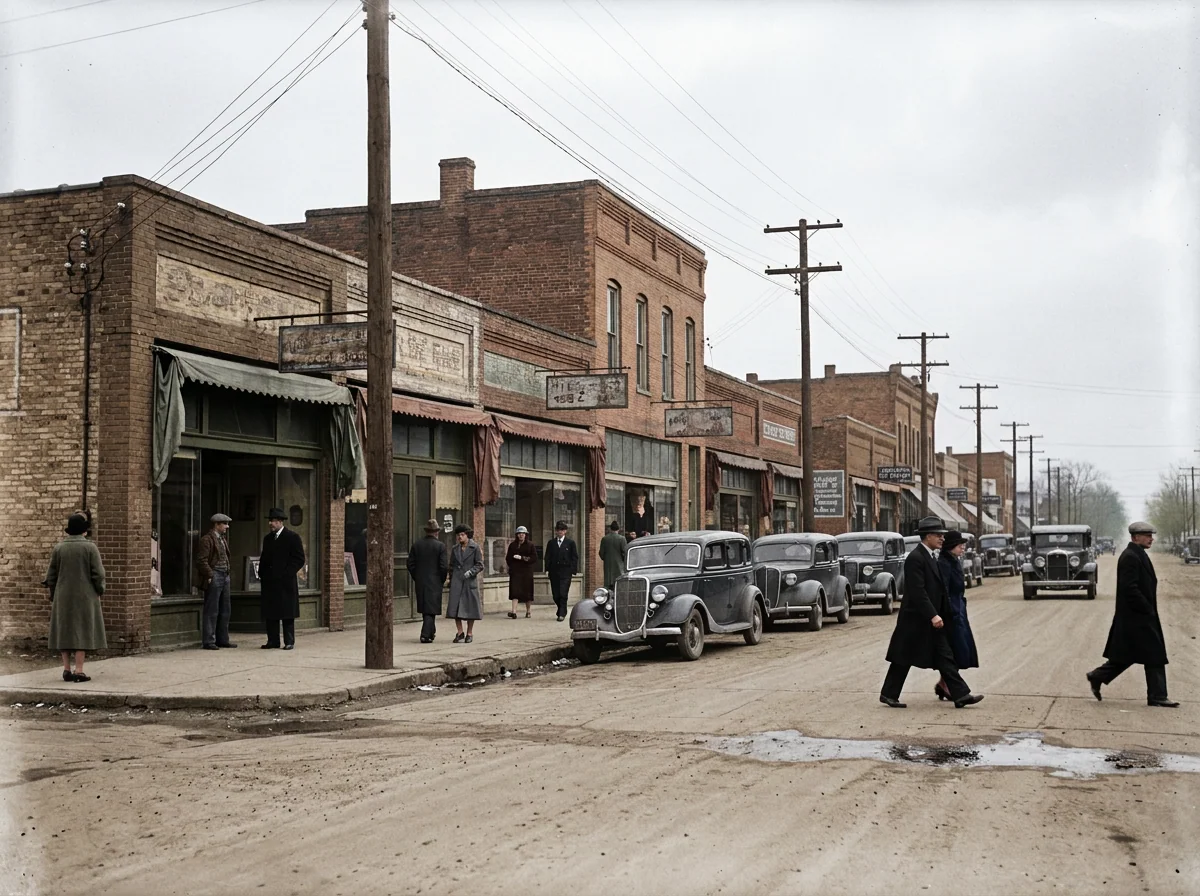 OriginalColorized
Brick, awnings, cars and signs all need a plausible color. Signs should stay as they are, even where they are hard to read.
Loads the original and suggested settings. Review the cost before generating your own result.
A scan works best. For phone captures, face the print squarely and use even light without reflections.
Keep the unedited scan. The colorized version is one interpretation of the photo, not a replacement for your source.
A relative may remember a dress, a car or a house. Treat the colors as an estimate unless someone can confirm them.
File size, pixel count, edge length and aspect ratio are separate limits. Use a static PNG, JPEG or WebP; GIF and animated images are not supported by the editor.
Photos that already meet the model's requirements are sent as they are; others may be converted once to a format the model accepts. The result comes back in the model's own format and size, which may differ from your original. Background replacement does not create a transparent cutout. Photo restoration may reconstruct details.
Browsing and loading examples do not spend editing credits. A technical failure returns the credits charged for that attempt; a delivered result you dislike is not a technical failure. Check pending returns in the editor.
Current allowances · Getting started · Writing editing instructions
Yes, within the daily free allowance and without signing up. The editor shows your remaining credits and the cost before you generate. A technical failure returns the credits for that attempt.
They are AI estimates, not a record of the original. A black-and-white photo holds no color information, so clothing, eyes, cars and signs may have been different in real life. Do not treat the result as historical evidence, and check it with someone who knows the photo.
Not in one step. This tool adds color and is not built to repair damage. For scratches and creases, restore the photo first, then colorize the restored version: Restore an old photo
Yes, but the sepia or faded tone is usually removed along with the signs of age, because the whole photo gets new color. Keep your original if that aged look matters to you.
Yes. The tool processes the whole image and has no per-person settings. Small or blurred faces carry less information, so check each person before saving.
The default is about 1K and usually takes under a minute, sometimes longer. 2K and 4K cost more credits. Uploads can be up to 10 MiB.
Yes. It works in a mobile browser, and guests can colorize and download within the daily free allowance where it is available. You may need to pass a quick verification before using free credits.
Guests can use this tool when they have enough credits. Your allowance and the cost of this edit appear in the editor. Browsing examples, loading an original and adjusting settings do not submit a generation.
Use a static PNG, JPEG or WebP up to 10 MiB. The file, geometry, aspect-ratio and color requirements are checked before submission. Results retain the provider's supported native format and dimensions.
A technical failure returns the credits charged for that edit; follow the status in the editor. A delivered result you dislike is not a technical failure. Compare the result with the original before downloading. Each new generation is a separate edit with its own cost.
Start with your own photo, or load an example above. Your current draft stays in place.
Back to the editor