Change a jacket
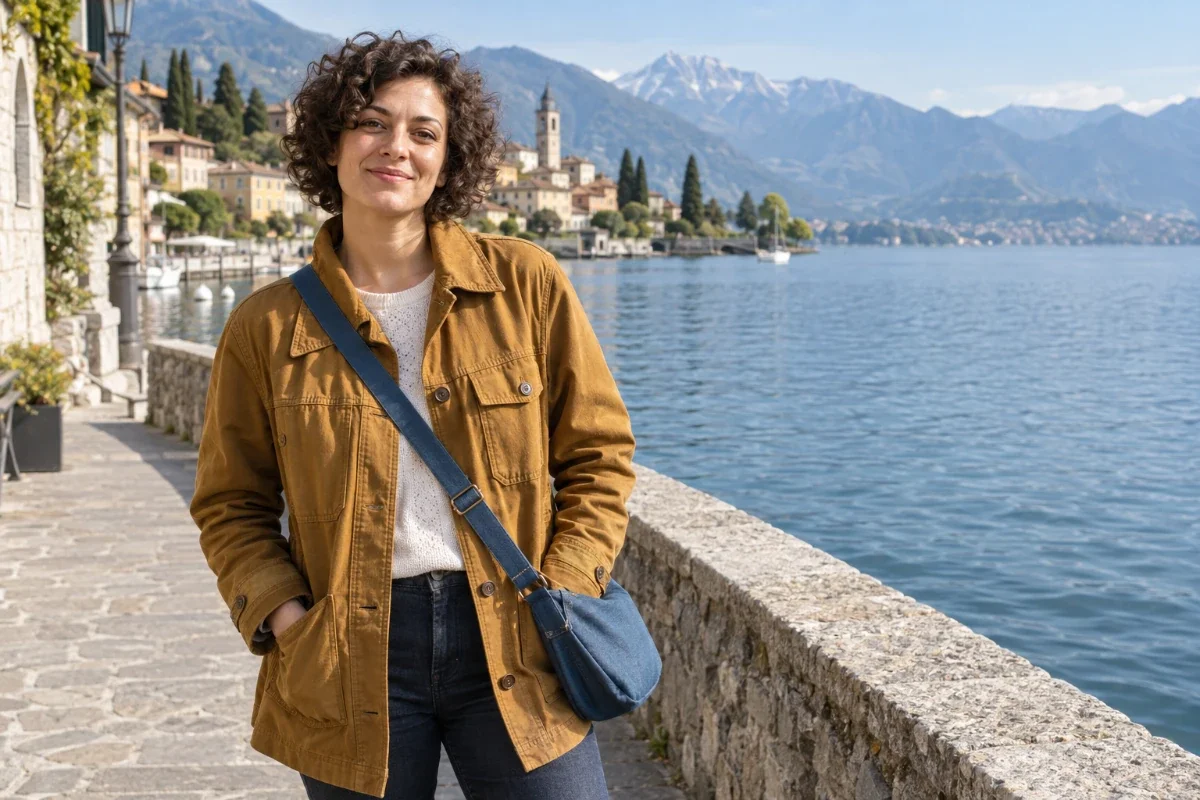
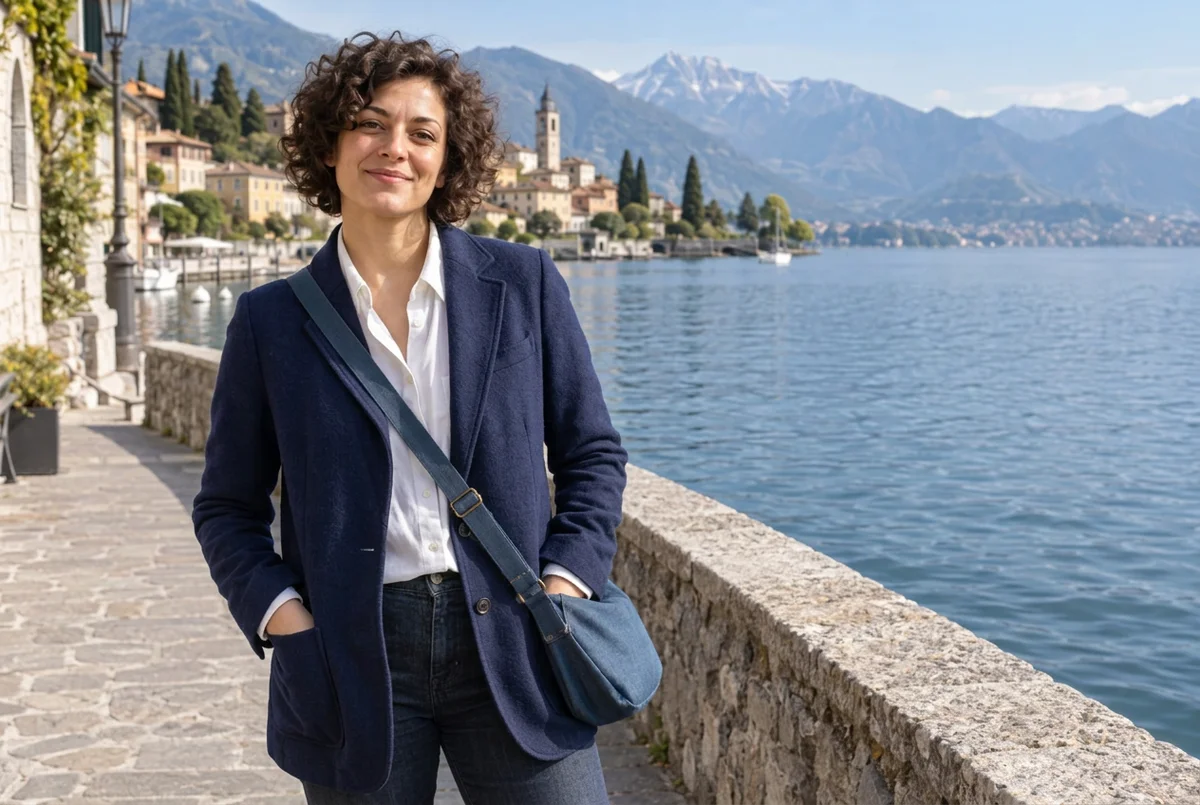
a navy blue wool blazer with a white shirt under it
Upload a clothing photo or describe an outfit, then compare the result with your original.
 OriginalResult
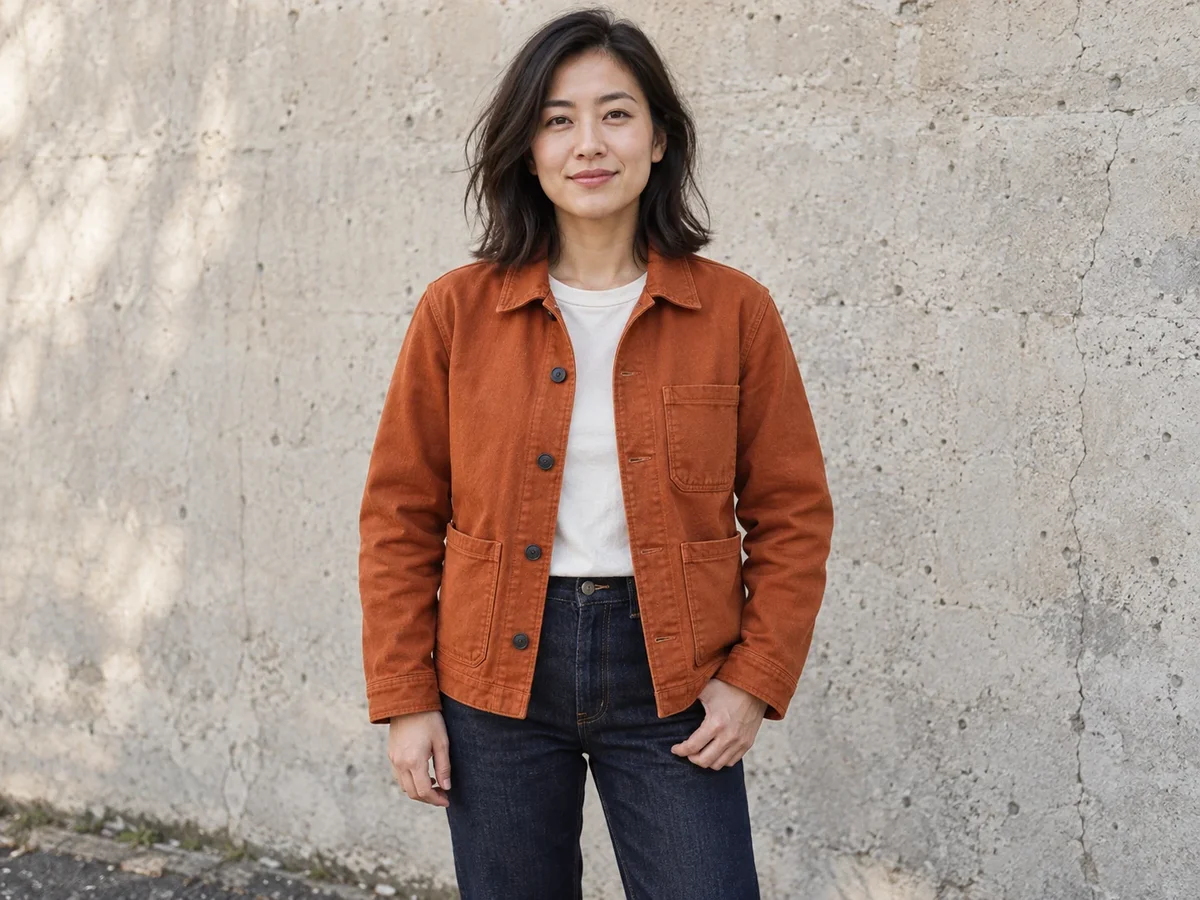
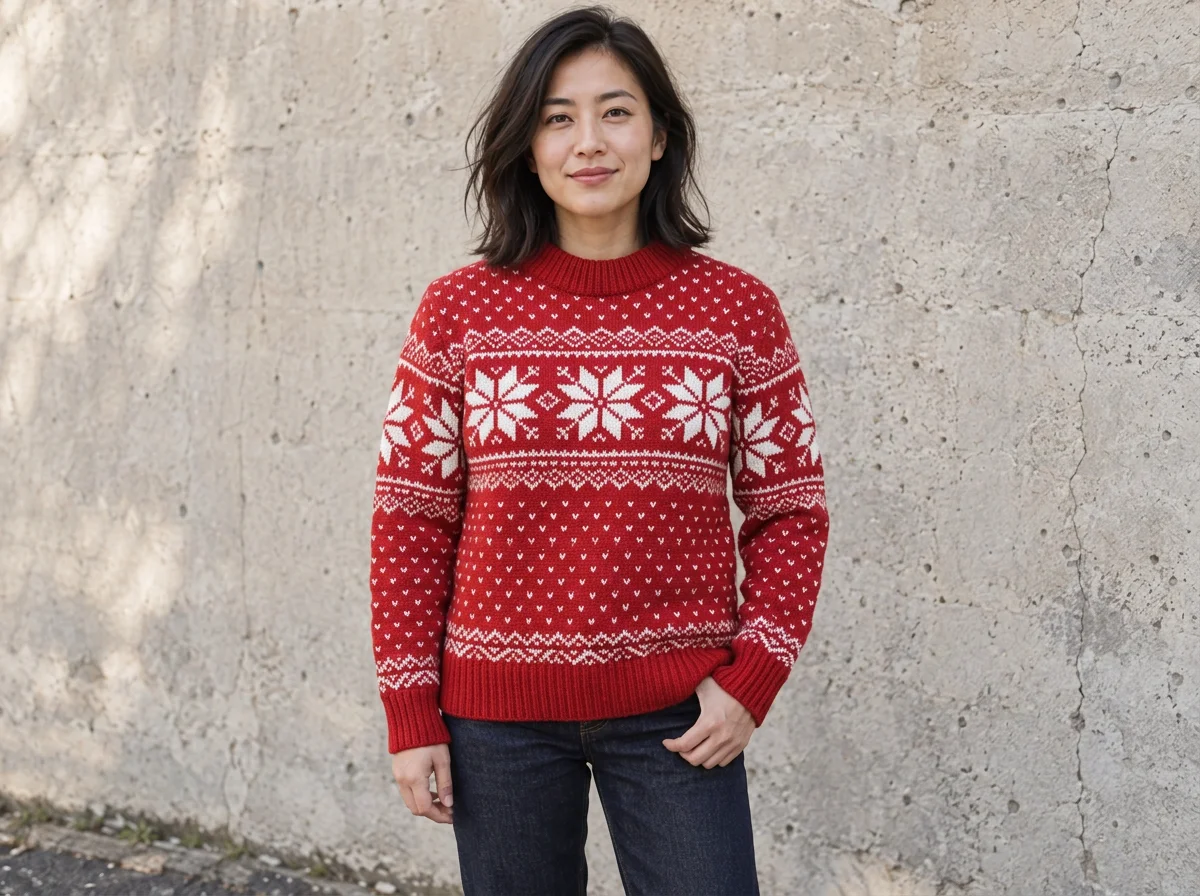
Three real edits from written descriptions: one jacket, one person in a couple and one seasonal sweater. Load any of them into the editor to see how it works.
a navy blue wool blazer with a white shirt under it
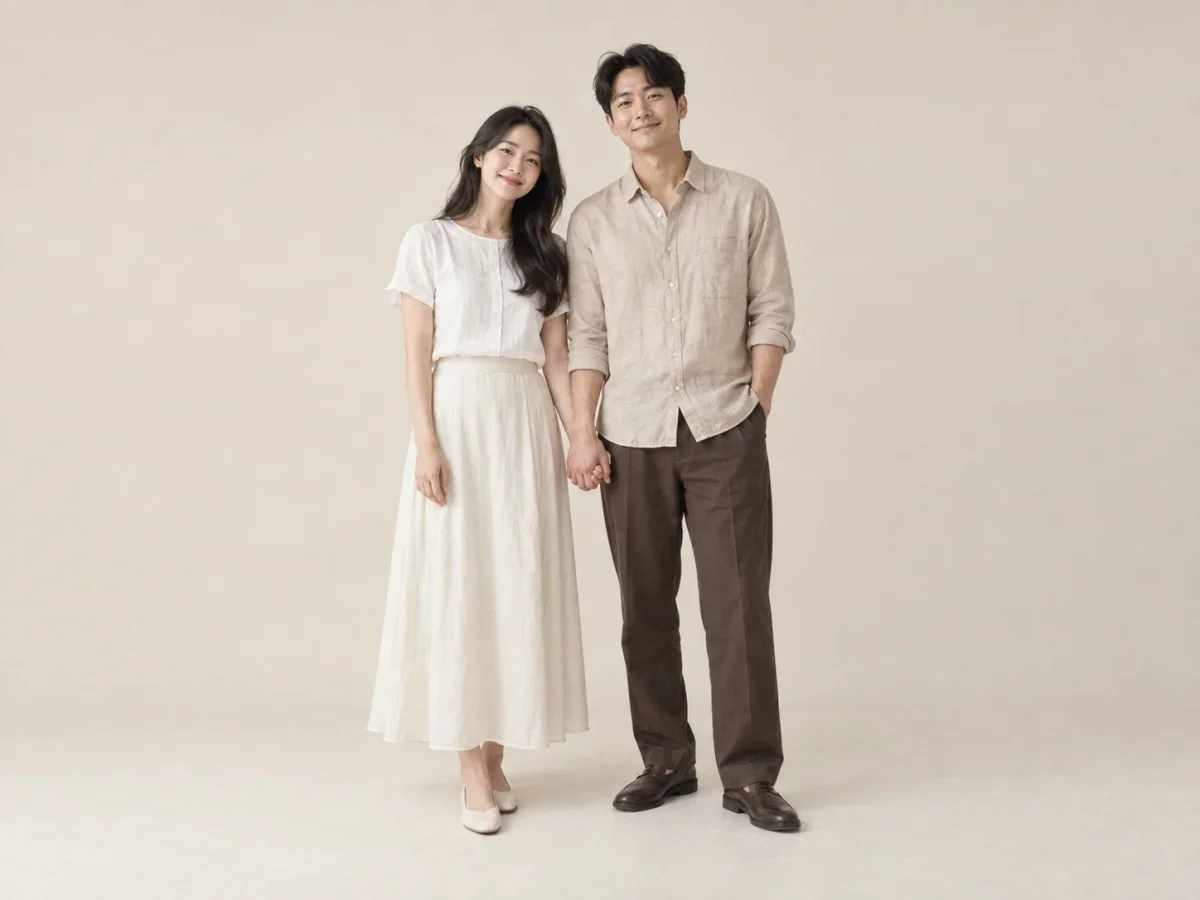
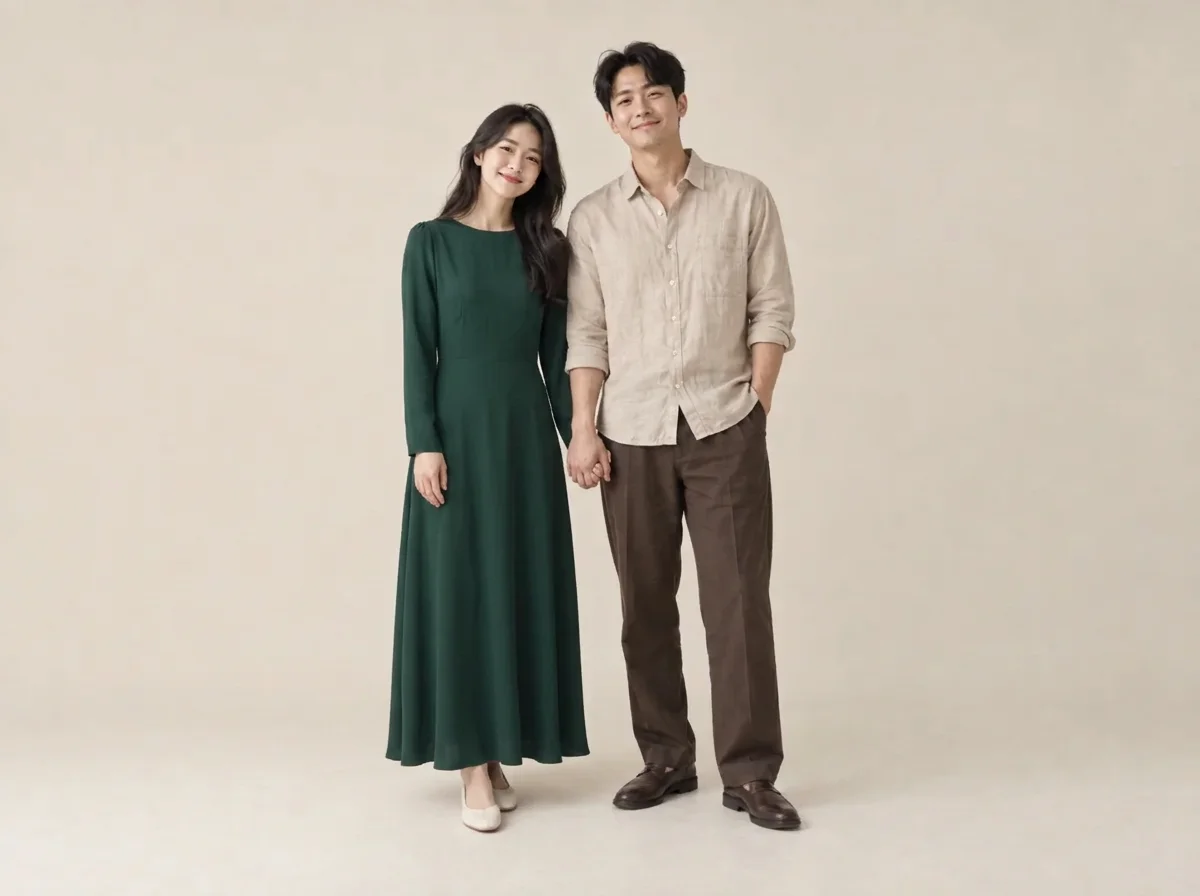
only the woman wears a dark green long-sleeve evening dress; the man stays as he is
a red knitted Christmas sweater with a white snowflake pattern
The original photos are AI-generated, so real photos may behave differently. The results are real Nano Banana 2.1 edits in PicOnTap, one run each, made on November 5, 2026. Each took 68 to 74 seconds.
You don't need a photo editor or a brush to change clothes with AI. It takes three steps, on a computer or a phone.
Each edit costs 2 credits at 1K with Nano Banana 2.1, the model this tool uses. The editor shows the cost before you submit.
Have a picture of the exact item? Upload it as a reference image and use the tool as an AI clothes swapper, which puts clothes on a photo from a second image. The model reads both pictures, takes the clothing and leaves any face or background in the clothing photo behind. A flat product shot and a photo of someone wearing the item can both work.
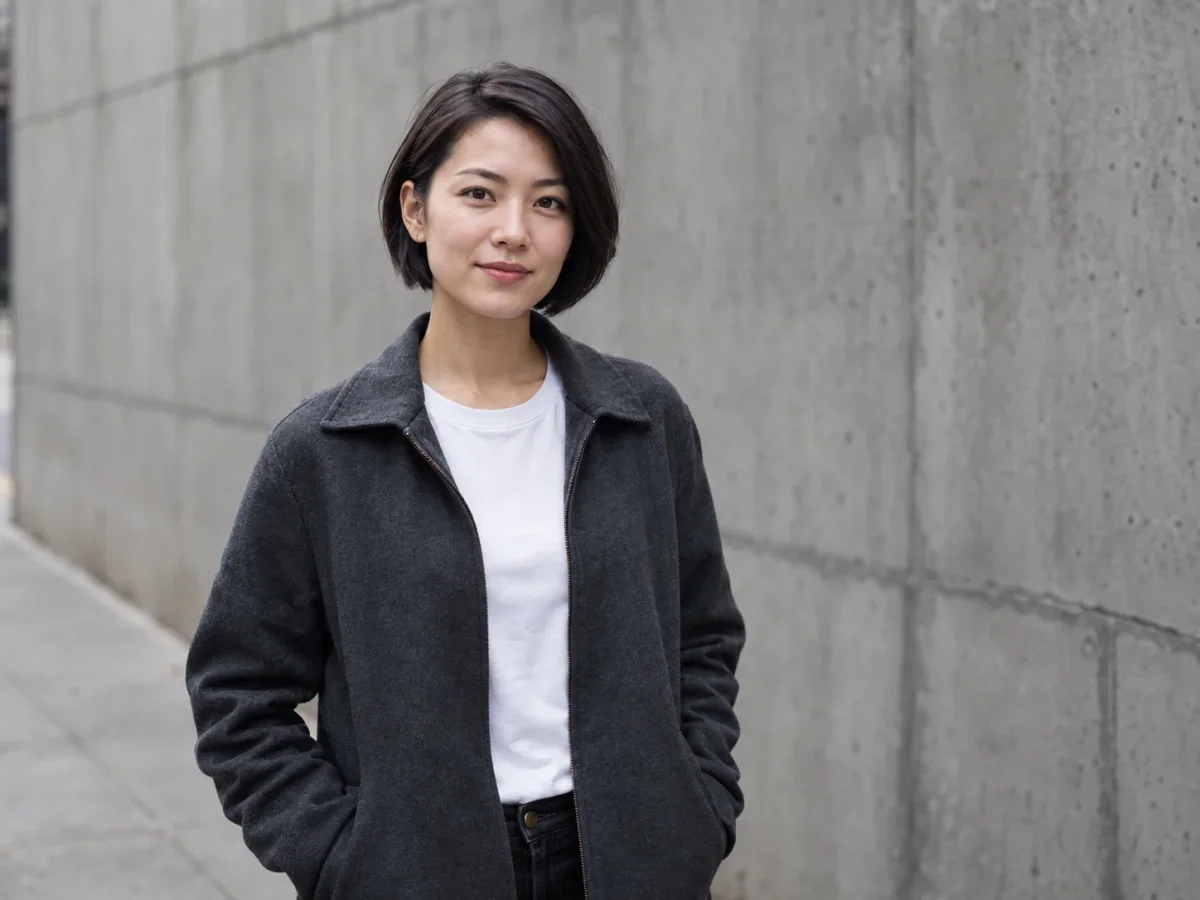
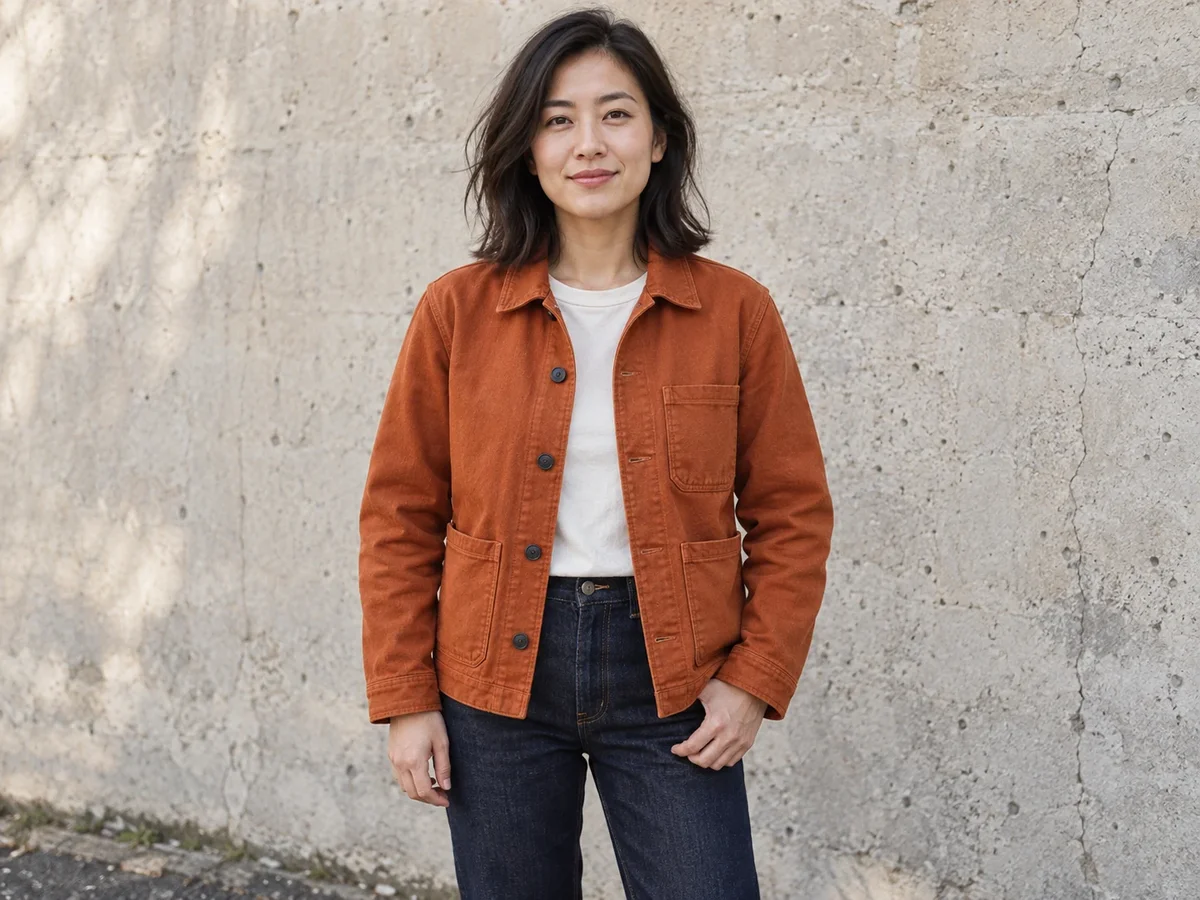
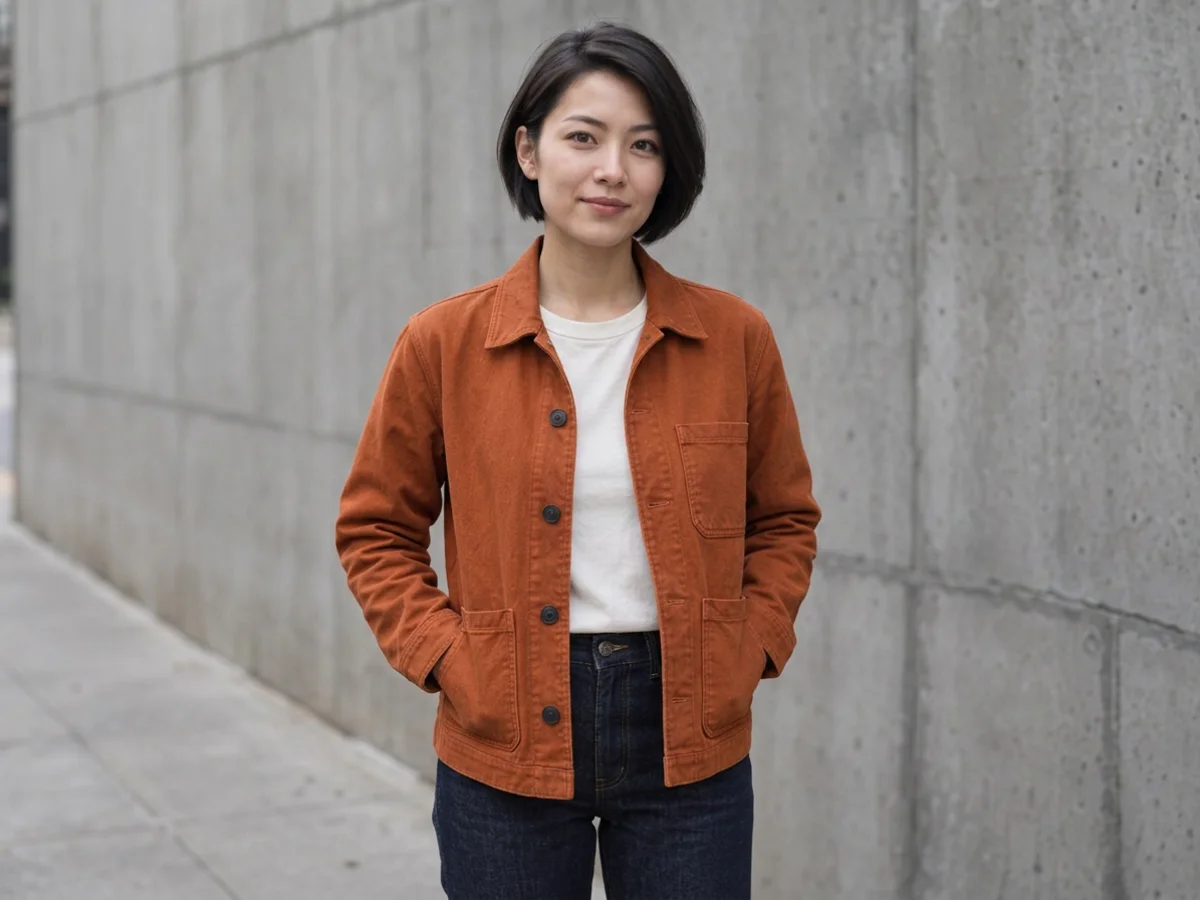
A test run with the same model and the same AI-generated images. Her face came back similar rather than identical, and her jeans and pose changed a little. In a second test with a flat apron photo, the model added a waist tie the photo did not show.
This works as a quick virtual try-on: it shows how a color, cut or style might look on the person in your photo. It does not know your measurements or the fabric, so the result is a picture of an idea, not a size guide. Use the store's size chart before you buy.
As an outfit changer, the tool takes any description of ordinary clothes. These are the requests people bring most often.
Swap a jacket, hoodie, T-shirt, jeans or shoes. Name the color and material for a closer result.
Use it as an AI dress changer for an evening dress or wedding dress, or try a business suit for a work photo. Check the result before you use it in a job application.
Try holiday sweaters, Halloween costumes or traditional dress. Describe the details you care about, because the model fills in what you leave out.
An AI clothes changer works best with specifics. Write the item, color and material, such as a navy wool blazer with a white shirt. Say what should stay, such as her jeans or the bag. In a group photo, name the person. Short, plain sentences in any language work.
The model redraws the whole photo rather than cutting and pasting, so compare the result with your original.
In our tests faces stayed recognizable but were not pixel-identical, and hands sometimes moved.
The clothes are drawn to look right on the person. That says nothing about how the real item would fit.
Expect the color and cut to carry over better than logos, text or fine patterns. Framing can also shift slightly.
It does not make clothing more revealing and does not do swimwear, underwear or undressing. Only use photos of yourself or of adults who have agreed. Our safety checks can also stop an ordinary request by mistake.
Yes, within limits. Guests can try this free AI clothes changer online within the daily allowance, with no sign up, no watermark and a full-size download. After that, edits use credits. A technical failure returns the credits for that edit.
To keep the same clothes and change only their color, use Recolor
To keep the outfit and change where the person is standing, use Replace background
Credits and free daily edits are explained on the pricing page.
Guests can try it within the free daily allowance, no sign up needed. The editor shows the credit cost before every edit.
Yes. Choose Upload clothes and add the clothing photo. If the photo shows someone wearing it, the model is asked to take only the clothing.
It tries to. Faces came back recognizable in our tests, though not identical, so compare before you download.
Yes, by saying who should change, such as only the woman on the left. In our couple test the man stayed the same, but tight groups may be harder.
No. This AI cloth changer refuses swimwear, underwear, see-through clothing and undressing, even in an ordinary beach photo.
Only if they are an adult and have agreed. Never upload photos of children or use the tool to embarrass or mislead anyone.
No app is needed. The AI clothes changer runs in your mobile browser, so you can upload from your camera roll and save the result there.